


Have you ever noticed that you prefer avoiding things that annoy you?
And that’s obvious.
Also, you’re more likely to get irritated when you get something unwanted.
The same thing applies in professional life too.
If your marketing pursuits irritate or annoy your prospects or customers, they lose their impact and don’t get you returns as you envision. So, this is where you can count on Salesforce ringless voicemail marketing to market your business offerings without intrusive rings.
As voicemails are ringless, they don’t disturb your prospects and customer when you use ringless voice drops for marketing. This makes them even more powerful and effective for marketing. Let’s find some more reasons to understand what makes ringless voicemails effective for marketing.
Why You Should Consider Ringless Voicemails From Salesforce for Marketing
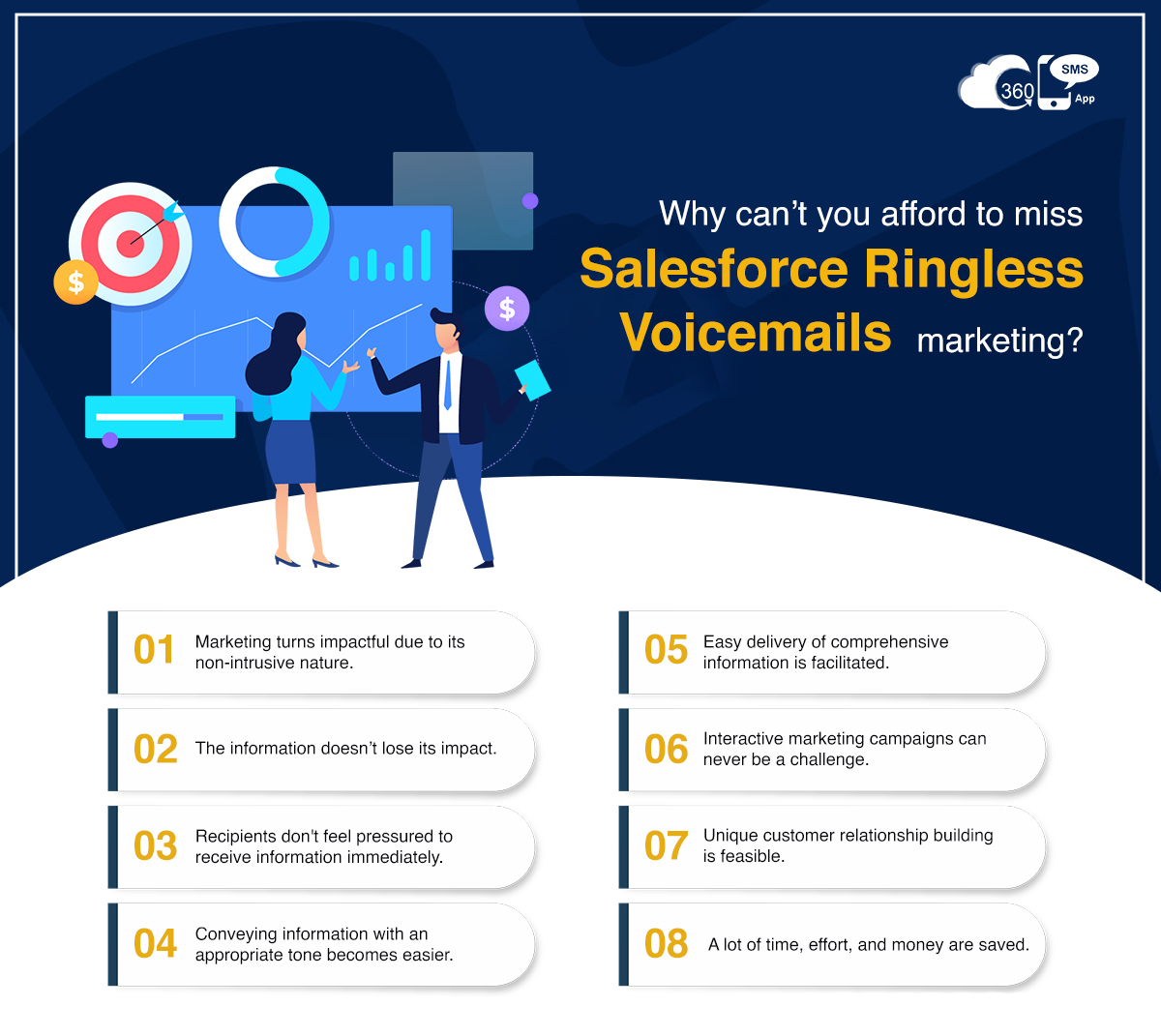
Non-intrusive nature of ringless voicemails is one of the positive factors that makes them appropriate for marketing. People are usually busy in their lives and share a hectic schedule.
So, the delivery of your marketing content can sometimes be disturbing for your prospects and customers, whether you send it through text or make calls.
When your potential customers are in a meeting or doing a high-priority task, intrusive rings can distract and annoy them. Thus, the information you want to convey loses its impact.
Salesforce ringless voicemails allow you to send your intended information silently as a missed call notification, preventing your voice messages from losing their impact.
Information Stays Intact with Salesforce Ringless Voicemail Marketing
Another factor that makes Salesforce ringless voicemails apt for marketing is that information stays intact.
As voicemails get stored in the voicemail inbox, recipients can listen to the voice messages at a time that suits them. They can even listen to voice messages later if they need more clarity.
This increases the chances of your message being retained and remembered, making it a valuable asset for marketing campaigns.
Recipients Don’t Feel Pressured on the Spot
With calls, recipients feel pressure to receive calls on the spot. Consequently, most of the calls go unanswered.
But things are different with voicemails.
Salesforce ringless voicemails simply slide into the voicemail inbox. Therefore, recipients can listen to voice notes at will.
The best part is, as they are ringless, voicemails don’t annoy customers.
Makes Easier to Convey Information with an Appropriate Tone and Emotions
Firms consider calls the only way to communicate with audiences using the appropriate tone and emotions. But the Salesforce Ringless voicemail app is even better.
It’s because you need to depend on the other end recipient to receive calls in case of calls. And if a person is busy, the chances are high that they may not receive your calls.
This limits your reach and hampers your marketing pursuits too. With ringless voicemails, humanized conversations are not dependent on the other end recipient. You can converse in your own voice without waiting for the other end recipient to receive your Salesforce voicemails.
Easy Delivery of Comprehensive Information
Different channels have unique strengths and limitations.
Businesses can overcome these limitations and deliver a comprehensive message by utilizing voicemails alongside other channels. Voicemails can convey tone, emotion, and storytelling that may be challenging to communicate through text-based channels alone.
This holistic approach ensures that the intended message is effectively communicated, maximizing the impact of the marketing campaign.
More Interactive Marketing Campaigns
Including voicemails as part of multi-channel marketing campaigns allows for greater reach and engagement.
By combining voicemails with email, SMS, social media, and other channels, marketers can create a cohesive and integrated campaign that reaches the target audience through various touchpoints.
This multi-channel approach increases the chances of capturing attention and driving desired actions.
Unique Customer Relationship Building
Sending Ringless Voicemails from Salesforce, you can get a unique opportunity to build and nurture customer relationships.
Marketers can send Ringless Voicemails from Salesforce to shoot personalized voice messages on special occasions and life events, provide exclusive offers, or offer post-purchase support and assistance.
By proactively reaching out to customers through ringless voicemails, businesses can foster a sense of care, loyalty, and personalized attention, leading to stronger and unique customer relationship building and increased customer satisfaction. You can expect better responses from recipients.
According to a Sales Hacker, the chances increase by 10% with every voicemail you leave.
Saves Time, Effort, and Money
With ringless voicemails, you can speed up your marketing tasks and cut back on efforts and marketing costs.
You can eliminate the need for typing and dialing numbers and communicate with audiences by recording or using voice templates, saving time and effort. Besides, you can considerably reduce your marketing cost and improve returns.
Make a Bigger Impact with Salesforce Ringless Voicemail Marketing
Salesforce ringless voicemails are the best means to convey business information or marketing content at scale without disturbing your potential customers. This prevents your messages from getting ignored. People have the freedom to listen to your marketing messages at their will. Thus, people are more likely to engage and respond, improving your marketing pursuits’ impact. More importantly, marketers do not have to wait for recipients to receive calls and can save much of their time.
To know more about how you can incorporate voicemails into your marketing strategies, turn to our experts at care@360smsapp.com or click here to contact us.