
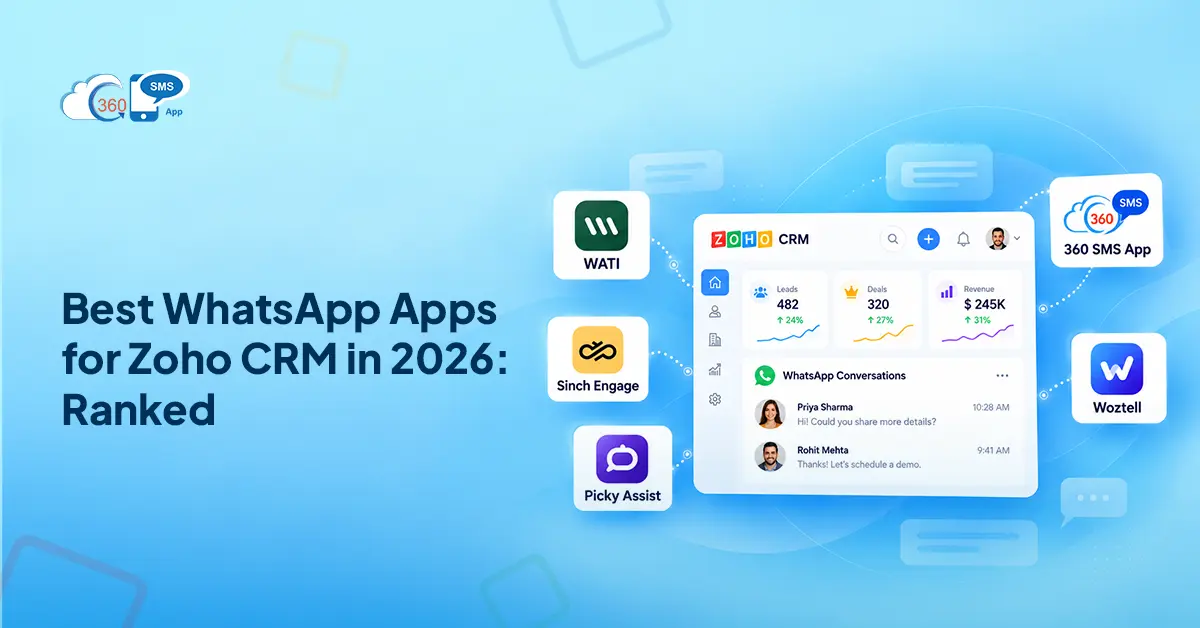

Most comparison articles list features. None of them tell you the thing that actually matters: whether the app runs inside Zoho CRM or just redirects your team to a completely separate platform once they click send.
That’s the thing. That one distinction decides whether your reps gain efficiency or just swap one browser tab for another. This guide covers the best WhatsApp app for Zoho CRM options in 2026, what they cost, where conversations actually live, and what no other comparison bothers to say upfront.
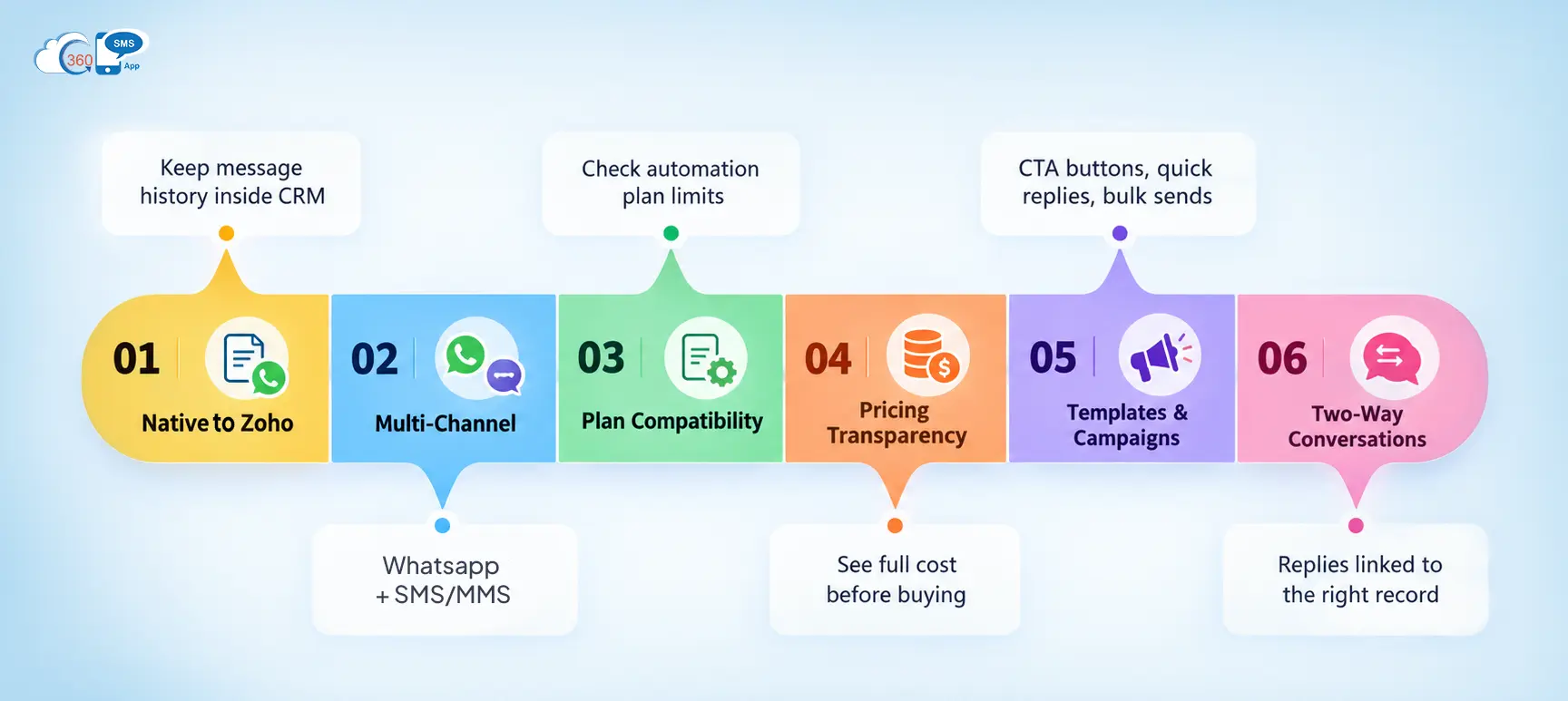
What to Look for in a WhatsApp App for Zoho CRM

The evaluation criteria matter here. Set the wrong framework, and you end up optimizing for the wrong things.
Truly native vs. external dashboard
Some apps embed inside Zoho CRM records. Others route your conversations through their own platform. Your message history either lives in the CRM where your team works or it lives somewhere else entirely. That affects context, handoffs, and what happens when a rep opens a contact record and needs full history fast.
Multi-channel coverage
Several apps in this space handle WhatsApp only. No SMS. No MMS. If you need those channels alongside WhatsApp, that’s a second tool and a second subscription. Worth checking this before setup, not after.
Zoho plan compatibility
This one gets buried. Some WhatsApp apps only activate workflow automation on Zoho Professional plan or higher. Teams on lower plans run the automation check after purchase and hit a wall. Check the plan requirement before you commit.
Pricing transparency
Many apps quote entry-level prices that don’t include WhatsApp functionality, or require a separate platform subscription on top of the Marketplace fee. Real pricing takes ten minutes to find. It’s worth the ten minutes.
Template and campaign support
Can the app send Meta-approved WhatsApp templates with CTA buttons, quick replies, and Template support matters more than most app listings make it sound. Can the app send Meta-approved WhatsApp templates with CTA buttons, quick replies, and list menus? Can it run bulk campaigns directly from Zoho List View without exporting contacts first? Because without both of those, WhatsApp is just a chat window with a business logo on it.
Two-way conversations inside Zoho
Inbound WhatsApp replies need to come back into Zoho, linked to the right record, visible to the right rep. Not all apps handle this inside Zoho CRM.
Top WhatsApp Apps for Zoho CRM in 2026
1. 360 SMS App
Channels: SMS, MMS, WhatsApp
360 SMS is the only Zoho app where reps send, receive, and view the full conversation directly on the CRM record. No portal redirect. No separate platform. The rep opens the contact, the conversation is there, and they reply from the same screen.
That’s not a minor UX detail. It means message history stays inside Zoho, linked to the record, visible to anyone with access. No switching windows. No copy-pasting conversation threads from an external dashboard.
In practice, 360 SMS also solves the multi-channel problem most apps skip. SMS, MMS, and WhatsApp all run from a single app. So teams running multi-channel outreach don’t need to stack tools or manage two different conversation views.
Meta-approved WhatsApp templates are supported with CTA buttons, quick reply buttons, and list menus. Bulk campaigns run directly from Zoho List View using merge fields that pull from CRM records, so every message in a large send still reads like a personal outreach. Delivery tracking and read receipts are included.
On the AI side: the AI ChatAgent handles inbound queries across SMS and WhatsApp autonomously, synced to the CRM record. AI Auto-Reply Suggestions surface inside Conversation View to speed up rep responses. AI Template Generation cuts the time from “we need a template” to “submitted for Meta approval” significantly. These aren’t add-ons. They’re built in.
Worth saying: automation plugs into Zoho Workflow Rules and works across all Zoho CRM plans. A lot of competing apps gate automation at Professional plan or higher. 360 SMS doesn’t have that restriction.
Pricing starts at $90/org/year for 2 users and 2 phone numbers. No separate platform subscription.
Best for: Teams who need SMS, MMS, and WhatsApp managed in one place inside Zoho CRM.

2. Wati
Channels: Only WhatsApp
Wati connects to Zoho CRM through a Marketplace extension, but the conversations themselves happen inside the Wati platform. Your reps handle WhatsApp replies in Wati’s external dashboard. Message history lives on Wati’s servers, not inside your Zoho records.
There’s also no SMS or MMS support. If your team needs those channels alongside WhatsApp, Wati isn’t a complete solution without adding a second tool.
To be fair, Wati is purpose-built for WhatsApp and does it reasonably well for teams comfortable working outside Zoho. But the workflow automation integration with Zoho requires the Professional plan or higher. Teams on lower plans won’t get automated triggers.
Pricing requires a separate Wati subscription on top of the Marketplace fee. Check Wati’s site for current tiers.
Best for: Teams who need WhatsApp specifically and are fine managing conversations in Wati’s external platform.
Limitation: No SMS or MMS. Automation requires Zoho Professional plan. Conversations live outside Zoho.
3. Sinch Engage
Channels: SMS, MMS, WhatsApp
One of the few multi-channel options in the Zoho Marketplace. Sinch Engage integrates with Zoho but routes a portion of conversations and campaign management through the Sinch platform rather than operating fully inside CRM records.
AI capability exists, though it runs at the Sinch platform level rather than sitting inside the Zoho CRM record itself.
Pricing starts at $49/month (roughly $588/year), compared to $90/year for 360 SMS. Toll-free numbers and carrier fees are typically separate.
Best for: Teams already using Sinch for other communication channels who want Zoho CRM connected.
Limitation: Conversations partially managed outside Zoho. Significantly higher price floor than 360 SMS.
4. Picky Assist
Channels: WhatsApp primarily
Picky Assist has a Zoho Marketplace extension, but conversations are managed inside the Picky Assist platform rather than natively on the CRM record. For teams who need advanced WhatsApp automation from Zoho workflows, it covers that use case.
Best for: Teams who want advanced WhatsApp automation and are comfortable working across two platforms.
Limitation: Conversations managed outside Zoho CRM records. Less embedded than a fully native app.
5. Woztell
Channels: Only WhatsApp
Woztell connects WhatsApp Business to Zoho CRM with a Marketplace integration, but conversations are managed inside the Woztell platform. It supports WhatsApp Business verification and basic CRM data sync.
A separate Woztell subscription is required on top of the Marketplace app. Message history doesn’t live natively in your Zoho records.
Best for: Teams who want WhatsApp Business verification features and are fine using an external conversation platform.
Limitation: WhatsApp only. External platform required. Separate subscription cost.
Head-to-Head Comparison
| 360 SMS | Wati | Sinch Engage | Picky Assist | Woztell | |
| Native Zoho Experience | Yes, fully in-record | No, external dashboard | Partial | No, API connector | No, external dashboard |
| SMS Support | Yes | No | Yes | Yes | No |
| MMS Support | Yes | No | Yes | No | No |
| Yes | Yes | Yes | Yes | Yes | |
| Bulk Campaigns from List View | Yes | Via Wati platform | Yes | Limited | Limited |
| AI Features | AI ChatAgent + Auto-Reply Suggestions | Limited | Platform-level | Basic | Basic |
| Requires Separate Subscription | No | Yes | Yes | Yes | Yes |
| Zoho Plan for Automation | No | Professional or higher required | Check with vendor | Free edition unsupported | Check with vendor |
The One Question That Narrows Your Choice
Do you only need WhatsApp, or do you also need SMS and MMS?
WhatsApp-only and comfortable in an external platform: Wati or Woztell cover that. Technical team, advanced automation, happy to build the setup yourself: Picky Assist. SMS, MMS, and WhatsApp in one native Zoho app with no separate subscription: 360 SMS is the only app in this list that handles all three.
That’s the decision tree. It’s simpler than most comparisons make it look.
Wrapping Up
The best WhatsApp app for Zoho CRM in 2026 is less about features and more about one architectural question: where do conversations actually live?
Apps that route through an external dashboard serve specific teams with specific needs. That’s fine. But if you want WhatsApp replies landing inside Zoho records, linked to the right contact, with SMS and MMS running alongside it in the same app, the list gets short fast.
360 SMS handles that entire setup natively. It starts at $90/year for 2 users, works with Zoho Workflow Rules on any Zoho plan, and the onboarding takes around 10 to 15 minutes. No Zoho partner required, no mandatory managed services. The AI ChatAgent, Auto-Reply Suggestions, and AI Template Generation are built in, not upsells.
Worth knowing that before shortlisting something with a $588/year price floor and a separate platform subscription sitting on top of it.