

Six months in, most Salesforce teams running SMS surveys discover the same thing about the tool they picked. Not the tool. The integration. Sync breaks, field mappings shift after an update, data goes stale, and response rates were low before any of that happened. Some teams rebuild the mapping. Some switch tools entirely. Neither fixes the actual problem, because the survey platform still lives outside Salesforce, and every response still has to travel back in on a schedule.
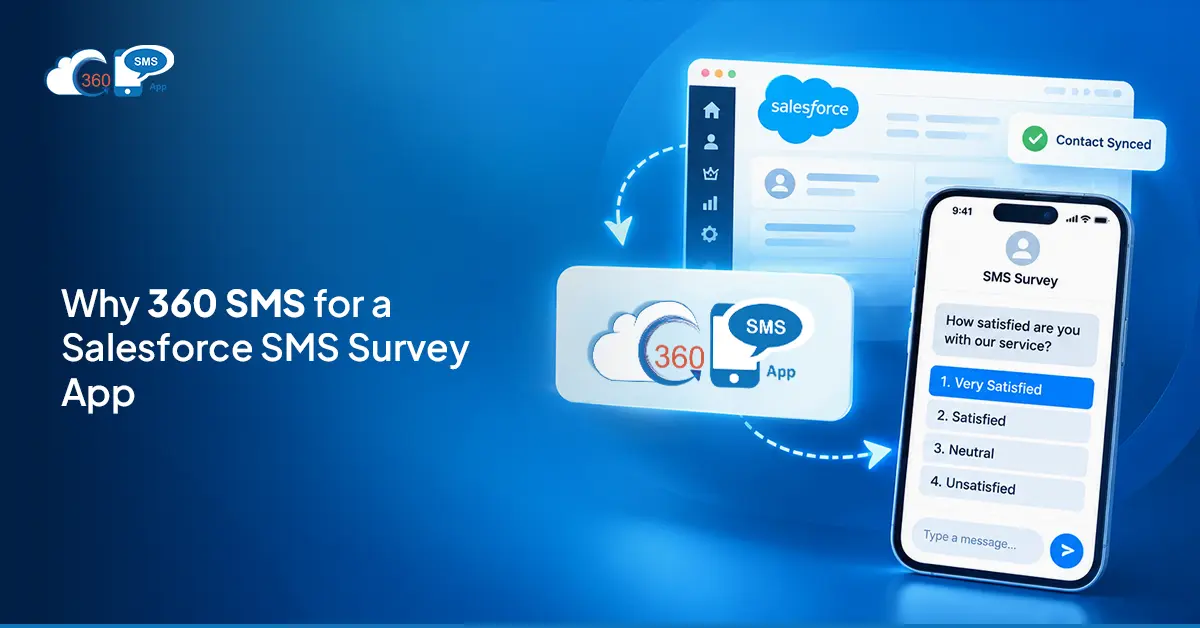
360 SMS iText changes that. It’s built as a Salesforce SMS survey app, not a platform that connects to Salesforce from outside. Every SMS message survey in Salesforce goes directly on the right CRM record the moment the reply arrives.
What Is a Salesforce Survey App and Why SMS Surveys Are Different?
Think about the last survey you received on your phone. A link. A browser load. A form you probably closed before finishing.
Response rates for web-based B2C surveys sit around 5 to 10%, and they’ve been falling for years. That’s not a UX problem. That’s the wrong channel.
Thirty seconds. Start to finish. Text arrives, customer replies, done before they’ve thought about closing it. No browser, no loading screen. Benchmarks put response rates at 45 to 50% for SMS (verify source before publishing). Email gets under 10%. Two different environments, not two versions of the same thing.
Of course, channel matters. But where the response lands matters just as much. Fill out a form on a third-party platform, and the data has to travel back into Salesforce on a sync schedule. Lag is built in. A Salesforce SMS survey app puts the response on the record the moment the customer replies.
Not a synced copy. The actual record.
What Actually Separates a Purpose-Built SMS Survey Tool from a Generic Form in Salesforce?
Here’s what admins say when they first set up iText: they expected it to take longer. 360 SMS is 100% native to Salesforce. That means no external editor, nothing to log into separately, and no API connection that breaks every time something updates.
Zero-code. You configure branching questions and answer paths inside Salesforce. Keyword triggers fire surveys automatically when a contact texts a specific word. FEEDBACK launches a post-service questionnaire. JOIN starts an intake flow. Response-triggered Flow actions handle the rest: field updates, campaign enrollment, task assignments, whatever the workflow calls for.
Worth saying: most admins get a working branching survey live in minutes on their first session. For a tool with this kind of automation depth, that’s unusual.
Runs on Leads, Contacts, Cases, Opportunities, and any custom object your org uses. Whatever record type your team works from.


Six things separate a real SMS survey tool from a form builder with a Salesforce connector attached.
| Feature | 360 SMS iText |
| Branching logic | Yes: dynamic paths based on replies |
| Keyword triggers | Yes |
| Automated CRM object creation | Yes |
| No-code builder | Yes |
| WhatsApp surveys | Yes |
| HIPAA compliant | Yes |
Plenty of tools check two or three of those. What separates iText is that all six run through Flow, natively inside Salesforce, without a third-party workflow engine involved. Security model, permission sets, object relationships: iText gets all of that by running directly inside Salesforce. No second system to audit when something breaks.
Where Salesforce SMS Surveys Deliver the Highest ROI
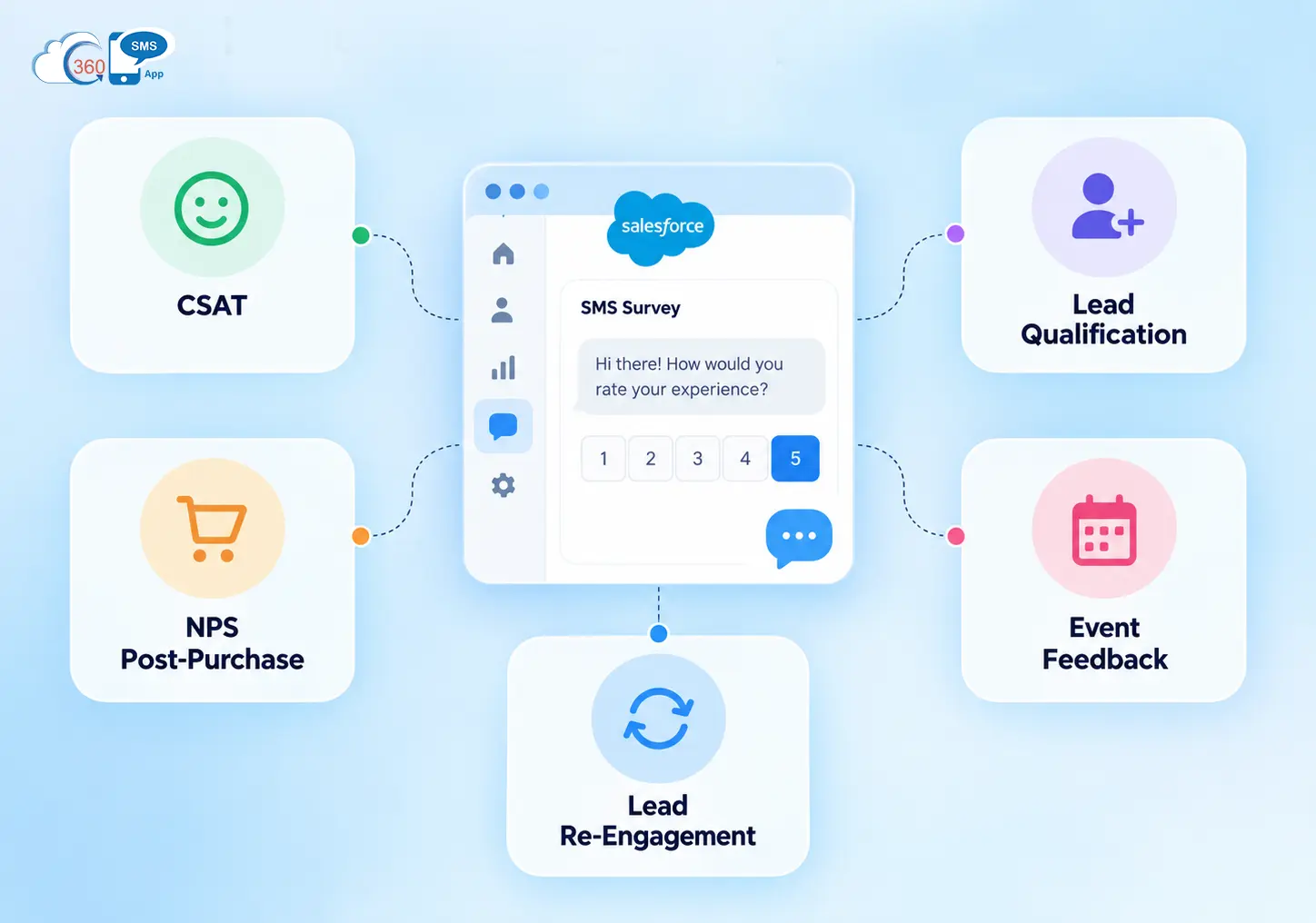

CSAT after case closure. Case closes, Flow fires the survey, response lands on the case record in minutes. Nothing manual.
Lead qualification is more interesting. A contact texts a keyword, iText picks up the answers, qualification fields update on their own, and the right campaign enrollment fires. Qualification happens inside the conversation itself. No rep involved.
Three more:
- NPS post-purchase: trigger from opportunity stage change; response writes directly to the contact record
- Event feedback: surveys sent within two hours of close see roughly 32% more completions than next-day sends (verify source)
- Cold lead re-engagement
That last one is simple math. SMS gets opened. Web forms get ignored. That’s the thing about re-engagement specifically: the channel does most of the work before the content even matters.
If the current setup means exporting contacts to a survey platform and syncing results back in, there’s a simpler version of this with the 360 SMS app.
Salesforce SMS Survey Tools Compared: What Each One Actually Delivers
Several tools compete in this space, and they’re not all trying to solve the same problem.
| Tool | Native to Salesforce | SMS / WhatsApp | No-Code | Branching | Response-Triggered Actions | HIPAA |
| 360 SMS iText | Yes | Yes | Yes | Yes | Yes | Yes |
| SurveyVista | Yes | Yes (via link delivery) | Yes | Yes | Yes | Yes |
| Zonka Feedback | No (syncs) | Yes — SMS + WhatsApp | Yes | Yes | Yes | Partial |
| Mogli SMS | Yes | Yes — SMS + WhatsApp | Yes | Yes | Yes | Partial |
| SurveyMonkey for Salesforce | No (syncs) | Limited — SMS Enterprise add-on only | Yes | Yes | Yes | Partial |
SurveyVista and SurveyMonkey deliver surveys via SMS (a link by text). Mogli and 360 SMS iText run the survey as the SMS conversation itself — the customer replies by text, not by clicking through to a browser. That distinction is what the SMS/WhatsApp column is measuring in the context of this blog.
Pre-publish: Verify all competitor entries against current product pages and AppExchange listings before publishing.
To be fair, Zonka Feedback and SurveyVista handle complex branching well. Gap isn’t on question design. Where it shows up: how deep the native Salesforce integration goes, channel coverage, and what the tool actually does the instant a response comes in. Mogli SMS is closer on the native side, but the automation depth and branching logic don’t match iText for teams building Flow-integrated survey workflows.

45 to 50% for SMS. Under 10% for email. (Industry benchmarks, verify source before publishing.)
A lot of teams attribute that gap to audience quality or brand strength. It isn’t either. 90% of SMS messages are read within three minutes of delivery. Email competes with everything else in the same inbox at the same moment. Those are structurally different environments, not a marginal edge.
Pull just one of the three performance levers, which is what most campaigns do, and you’re leaving results on the table.
Channel handles the baseline. But timing is where teams leave the most performance: surveys sent within two hours of a triggering event see roughly 32% more completions than those going out the following day (verify source), and most batch sends miss that window entirely. Merge fields are the third lever. A survey that opens with someone’s name and references their actual situation reads like a direct follow-up, not a blast, and that shift moves the needle more than any visual redesign would.
That’s the thing about SMS survey performance: all three levers compound. Most campaigns only ever pull one.
Final Thoughts
Right now, if your survey responses live on an external platform and sync back into Salesforce later, you’re working from a delayed copy. Responses exist somewhere. The record catches up when it catches up.
In practice, iText closes that gap. Responses write back the moment they arrive, Flow handles the automations, and there’s no third-party platform to babysit between updates.
For teams running Salesforce as the system of record, getting the Salesforce SMS survey setup right isn’t a preference. It’s about whether your team is acting on live CRM data or a version that was current an hour ago.
Explore the iText SMS survey tool for Salesforce or Contact Our Experts to see how it maps to your specific use case.