
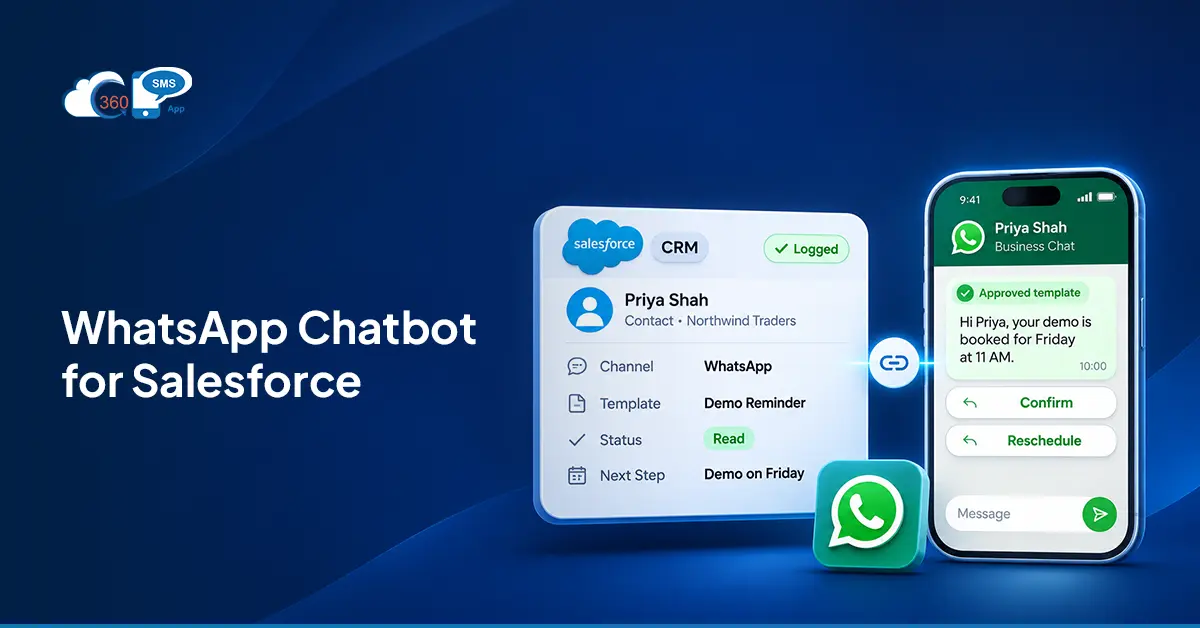

This comparison is for CRM leaders, Salesforce administrators and service managers who are shortlisting WhatsApp automation. Rather than ranking vendors, it sets out the criteria that matter, compares rule-based and AI-powered designs, and ends with a pilot plan.

What should a WhatsApp chatbot for Salesforce actually do?
A chatbot earns its place by finishing small, repetitive jobs that would otherwise wait in a queue. Typical jobs include qualifying new leads, answering order or appointment questions, booking visits, collecting customer details and feedback. Each job only pays off if the answers land on a Salesforce record, because a bot that stores data elsewhere creates another system to check.
It also helps to separate the two broad kinds of bot before you compare products. Guided bots follow defined questions, answer options, and decision trees that you design in advance. AI-powered bots interpret free-text messages and generate contextual replies, making them more flexible but requiring appropriate controls and monitoring. The WhatsApp integration with Salesforce from 360 SMS App includes no-code survey and chatbot creation for efficient business workflows.
Which criteria separate the best WhatsApp chatbots for Salesforce?
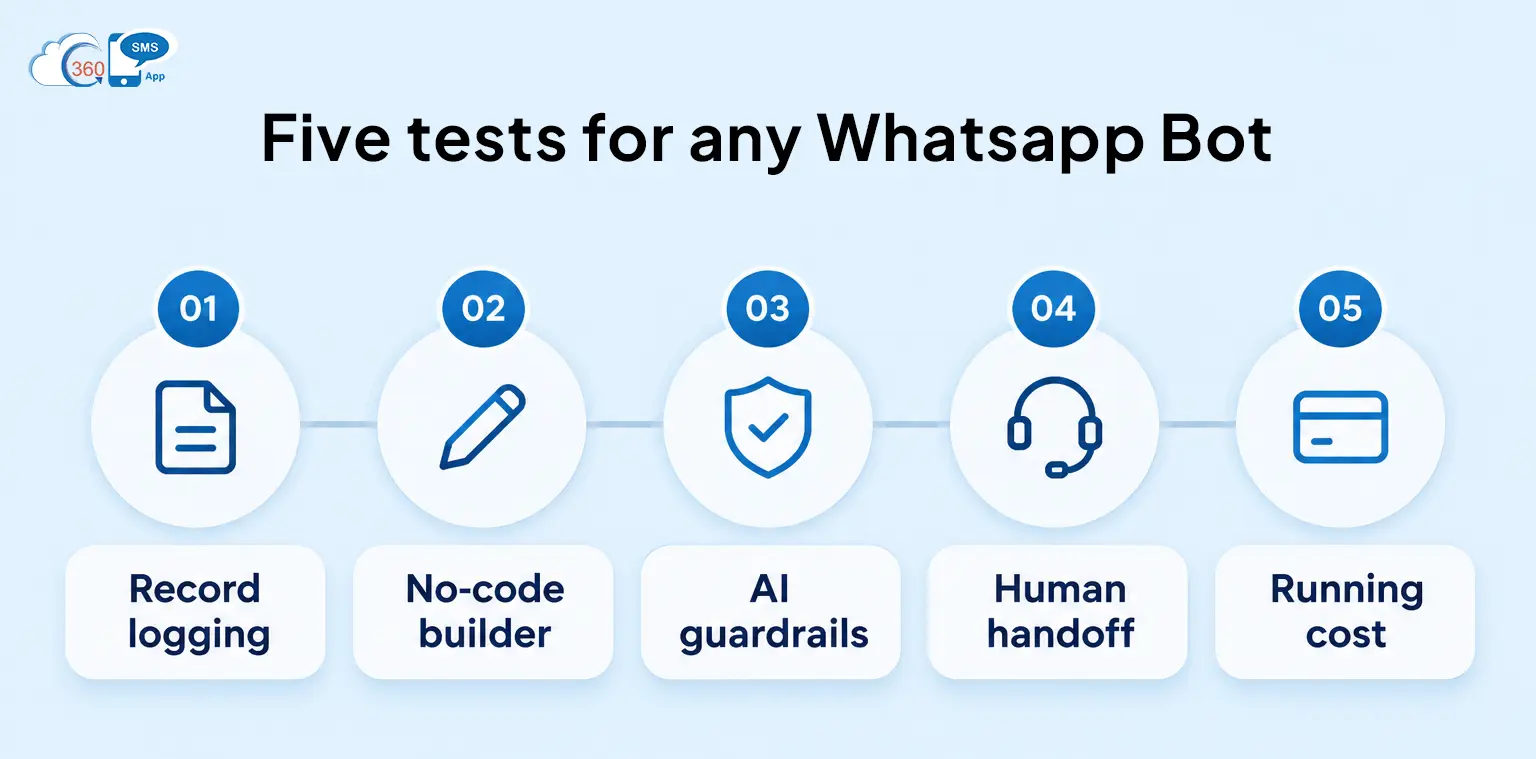
Use the table below as a scorecard during demos, and ask every vendor to show each point working in a live org.

| Criterion | Why it matters | What to ask in a demo |
| Record logging | Agents and reports need the full chat on the Contact, Lead or Case | Show a finished conversation on the record timeline |
| No-code builder | Admins must be able to change questions and branches quickly | Edit a branch live and publish the change |
| Human handoff | Customers get stuck when a bot cannot let go of the chat | Trigger a handoff and show who receives the conversation |
| AI guardrails | Generated answers must stay accurate and on brand | Show the sources the bot may use and how to restrict them |
| Template compliance | Business-initiated messages need approved WhatsApp templates | Send an approved template and show its status |
| Automation hooks | The bot should start from and update Salesforce processes | Start the bot from a Flow and update a field from an answer |
| Cost model | Licences, conversation fees and add-ons all add up | Price a realistic monthly volume from end to end |
Weight the criteria to suit your main use case, since a sales team and a support desk value them differently. A service desk will care most about handoff and case creation, while a sales team often values lead qualification and speed of change. Ignore any feature that cannot be shown against your own objects, because the gap between a slide and a working bot is where projects stall.
How do rule-based and AI-powered WhatsApp bots compare?
Rule-based bots are predictable, easy to audit and quick to approve, which suits regulated industries and tasks such as appointment booking. Their weakness is rigidity, because customers who type something unexpected can end up in a loop. A clear way to reach a person at every step is the usual fix for that problem.
AI-powered bots handle free text far better, but they need guardrails, approved sources and regular review of what they actually said. Connecting Salesforce with WhatsApp through the app makes AI-enabled two-way conversation a main way to improve customer interactions. Many teams combine both designs, using guided menus for structured tasks and AI for open questions.
Where does a native messaging app fit on the shortlist?
A native app keeps the bot, conversation history, and follow-up automation on the same platform as your customer data—eliminating the sync jobs and duplicate records that external bot platforms often create. With 360 SMS App, every WhatsApp message is visible in Salesforce, giving you a full history of the communication. That history lets an agent pick up a chat without asking the customer to repeat themselves.
Personalization and automation are the next two tests to apply to any native option on your list. The app lets you send personal WhatsApp messages that draw on the customer information already held in Salesforce. It can also send WhatsApp messages through workflows, lead updates, service cases or campaigns. If you are comparing broader messaging tools as well, the guide to choosing the best SMS app for Salesforce applies similar tests to texting.
Compliance is the final check, because policy breaches can cost you the WhatsApp channel itself. The app’s WhatsApp integration with Salesforce makes it easier to message audiences compliantly and avoid financial penalties. Ask how opt-outs, template approvals and data retention are handled before any bot goes live.
How to pilot a WhatsApp chatbot before you buy
A short, focused pilot tells you more than any number of demos, so agree the scope and success measure first.
- Pick one use case: Choose a single, high-volume task such as appointment booking and write down the outcome that counts as success.
- Map the conversation: Draw every branch and mark the points where a person should take over, then share the map with its owners.
- Connect it to records: Make sure each answer updates a field, creates a case or logs to the record timeline.
- Set the handoff rules: Decide which keywords or failed answers should route the chat to an agent, and test that routing with real users.
- Review and refine: Read a sample of finished conversations each week and fix the branches where customers drop out.
Teams new to WhatsApp should also read about sending WhatsApp messages from Salesforce effectively, since the bot relies on the same templates and numbers. The overview of what a complete Salesforce WhatsApp integration needs puts the bot in a wider context.
Conclusion
The best WhatsApp chatbot for Salesforce is the one your team can run, change and trust on its own records. Three points usually decide the choice once the demos are over. Every conversation must land on the right Salesforce record, so agents and reports see the full picture. The bot must hand over to a person cleanly, with the chat history attached. Admins must be able to change branches and templates without waiting for a developer. The sensible next step is to score two or three shortlisted options against the criteria table and pilot the strongest on one use case.