


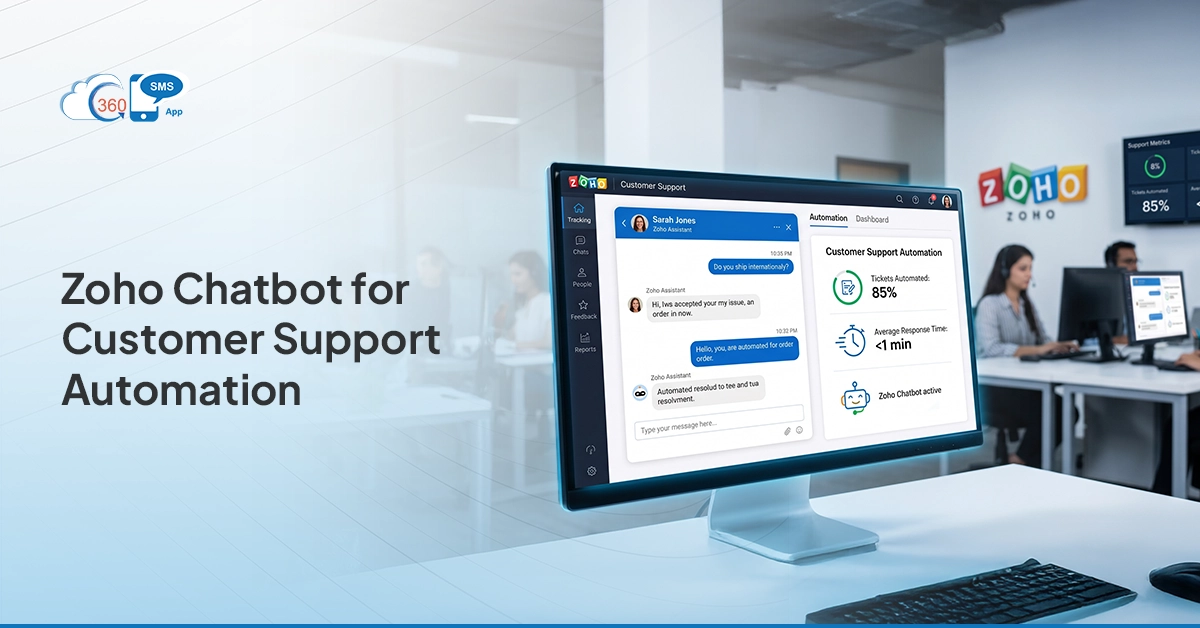

Most business owners we talk to aren’t looking for more software. They’re looking for fewer dropped customer messages, shorter response times, and a support process that doesn’t fall apart the moment their team gets busy. That’s the actual problem — and it’s what the 360 SMS App AI chatbot for Zoho CRM is built to fix.
Rather than rerouting your customers through chatbots on your website or asking them to open a support portal, 360 SMS App meets them where they already are — SMS and WhatsApp. From inside Zoho CRM, it handles inbound queries automatically, follows up on open cases, and keeps your team focused on the conversations that actually need a human. No bolt-on tools, no separate platforms. Just your existing Zoho setup is doing a lot more work.
How Zoho Chatbots Are Transforming Customer Support Automation
There’s a version of chatbot automation that most businesses have tried and abandoned — canned responses that frustrate customers, bots that can’t find account information, dead ends that push people back to email. That reputation is fair, but it’s also outdated.
What’s different with the 360 SMS App is that the chatbot isn’t operating blind. It pulls directly from your Zoho CRM — so when a customer texts in asking about their order, their renewal date, or why they got charged twice, the bot already has their record open. It responds with actual information. Not a holding message. Not a ticket number. An answer.
That shift — from generic automation to CRM-connected, context-aware responses — is what makes Zoho chatbot support automation genuinely useful rather than just a way to delay talking to someone.
Turning Zoho into an AI-Powered Customer Support Hub
Zoho CRM already holds most of what you need to run good customer support — contact history, deal records, past conversations, and account status. The problem is that information mostly sits there until an agent manually pulls it up. 360 SMS App changes that by making Zoho an active participant in customer conversations, not just a place to store data after the fact.
Once 360 SMS is set up, your team manages every inbound and outbound SMS and WhatsApp message from within Zoho — with the customer’s record right there alongside. The chatbot handles the routine stuff automatically. Anything more complex lands in a shared inbox, already tagged and ready for someone to pick up.
The 360 SMS App works entirely inside Zoho CRM. No Zoho Desk, no SalesIQ — just your CRM doing more than it did before.
Zoho Chatbot vs Live Chat: Choosing the Right Support Strategy
The honest answer is that you probably need both, but not in equal measure. The 360 SMS chatbot handles the volume — the questions your team answers fifteen times a day, the status checks, the confirmations, the reminders. Live agents handle the edge cases, the complaints, the situations where someone actually needs to feel heard.
What that looks like in practice:
| Criteria | 360 SMS AI Chatbot | Live Agent |
| Hours | Responds at 2 am on a Sunday | Available during business hours |
| Response time | Seconds | Minutes to hours |
| Handles volume | Unlimited conversations at once | Capped by headcount |
| Knows the customer | Reads Zoho CRM automatically | Has to look it up manually |
| Cost at scale | Fixed, predictable | Grows with every new hire |
| Best used for | Routine, repeated, time-sensitive | Complex, sensitive, high-value |
When a conversation needs a human, the chatbot hands it off — with the full message thread attached. Your agent steps in already knowing what the customer asked and what was said. No re-explaining required.

How AI Chatbot Zoho System Improves Response Time and Efficiency
The highest hidden cost in customer support isn’t agent salaries — it’s the time wasted on questions that shouldn’t need a human in the first place. Account lookups, appointment confirmations, payment reminders, and status updates. These interactions are simple, repetitive, and they eat hours every week.
360 SMS App takes all of that off the table. The chatbot handles it in seconds, any time of day, across as many conversations as are happening simultaneously. When something more involved comes through, the agent who picks it up gets the full context — they’re not starting from scratch. That alone cuts average handle time considerably, without any process changes on your team’s side.
Key Zoho Chatbot Use Cases for Smarter Customer Support
Here’s where businesses actually get the value — not in the theory, but in the specific things the chatbot handles every day:
- Answering common inbound questions: pricing, account details, service status — pulled straight from Zoho CRM without agent involvement.
- Qualifying new leads over SMS: the bot asks the right questions, scores the lead, and drops the result into Zoho CRM before anyone on your team even knows the message came in.
- Appointment and renewal reminders: sent automatically based on dates in CRM; customers reply to confirm or reschedule, and the record updates on its own.
- Proactive outreach before problems escalate: late delivery, expiring subscription, missed onboarding step — the chatbot reaches out first, based on CRM triggers.
- Re-engaging customers who’ve gone quiet: identify lapsed contacts in Zoho, send a targeted SMS, and let the bot manage the follow-up conversation.
None of these requires building anything custom. They run on standard Zoho CRM data and 360 SMS workflow rules.
Integrating Chatbot Ticketing Systems with Zoho Chat Tools
One thing that breaks a lot of support automations is the handoff. The bot does its job, but then the conversation gets lost in a queue, the agent has no context, and the customer ends up explaining themselves all over again. That’s not automation — that’s just slower manual support.
With the 360 SMS App, the handoff lives inside Zoho CRM. When the chatbot flags something as needing follow-up, it creates a case record with the message history attached, categorizes it by issue type, and routes it to the right person based on your existing workflow rules. The customer gets an SMS update as the case moves through stages. When it closes, a short satisfaction check goes out automatically. The agent never has to chase the thread; it’s all in one place.
Building a Scalable Zoho Chatbot AI Support System
One concern we hear often from business owners is: “This works now, but will it hold up when we grow?” It’s a fair question — a lot of automation tools get brittle at scale.
The 360 SMS App is set up so that scale doesn’t introduce new problems. Each chatbot flow is independent, so updating how you handle billing questions doesn’t touch your appointment reminder logic. Personalization is powered by CRM data, so it scales as your contact base grows — no manual updates required. And because the whole thing runs inside Zoho, your team isn’t learning a new system every time volume increases. Compliance is also handled out of the box — opt-outs, consent records, audit logs — so growing your messaging volume doesn’t create regulatory risk.
Why Choose the 360 SMS App for Zoho Chatbot Support Automation
The short version: 360 SMS App was built for Zoho, not adapted for it. That distinction matters more than it might sound. A lot of SMS and chatbot tools are general-purpose platforms with a Zoho connector added later — which means syncing delays, limited data access, and features that don’t quite work the way Zoho users expect.
360 SMS App is a native Zoho application. It lives inside your CRM, uses your CRM data, and shows up in your Zoho interface the same way any other module does. SMS, WhatsApp, chatbot flows, automation triggers, a shared inbox — all of it in one place, without subscriptions to additional platforms or manual exports to keep things in sync.
It’s also the only tool of its kind that works purely within Zoho CRM — no Zoho Desk required, no SalesIQ dependency. If you have Zoho CRM, you have everything you need to get started.
The Future of AI-Powered Customer Support in the Zoho Ecosystem
Where this is all heading is fairly clear — support that gets in front of problems rather than responding to them. Chatbots that pick up on frustration in a reply and escalate before the customer asks. Outreach that fires based on behavioral signals rather than a scheduled date. More of the decision-making is happening automatically, based on what’s already in the CRM.
360 SMS App is built with that direction in mind. Richer WhatsApp automation, smarter conversation routing, and deeper use of Zoho CRM data are all in development. Businesses using 360 SMS App now aren’t just solving today’s support backlog — they’re getting ahead of where customer expectations are going.
Wrapping Up
Running customer support manually at any real volume is expensive, slow, and inconsistent. The businesses that have figured this out aren’t necessarily bigger or better resourced; they’ve just stopped treating every inbound message as something a person needs to personally handle.
360 SMS App gives Zoho CRM users a practical way to automate the support interactions that don’t need a human, while making sure the ones that do get handled properly. It’s not a chatbot bolted onto your CRM; it’s your CRM finally doing the communication work it always had the data to do.
If your team is spending real time on messages they shouldn’t have to answer manually, that’s worth fixing. 360 SMS App is a reasonable place to start.
Ready to put your Zoho CRM to work?
Install the 360 SMS App from the Zoho Marketplace or book a demo to see it running first.