




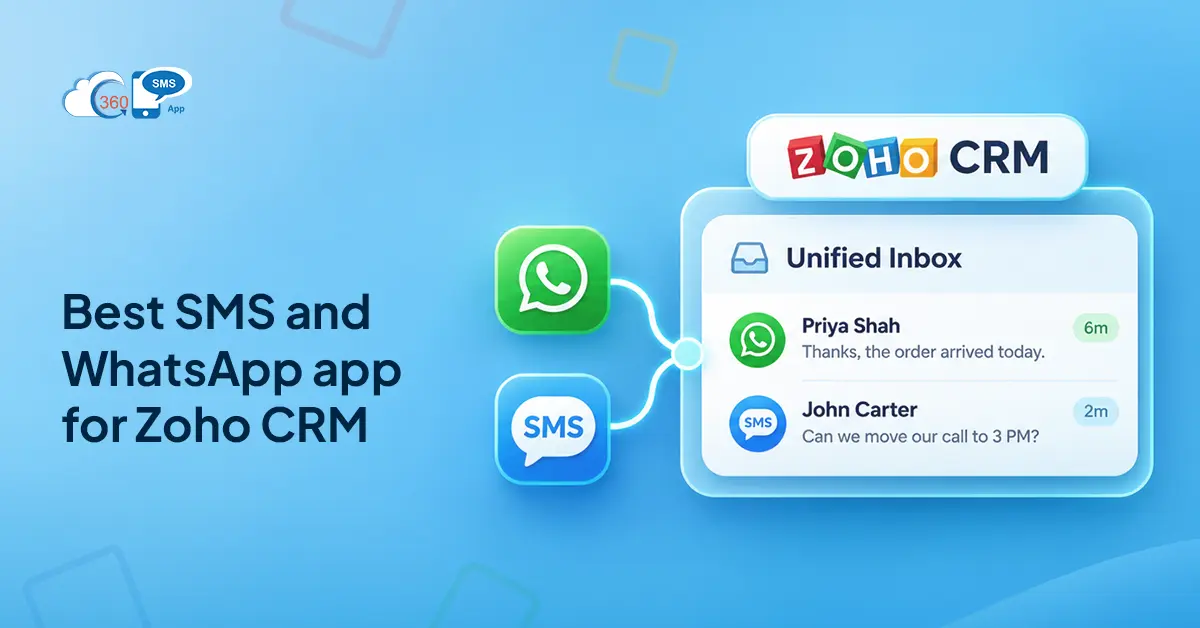
 The best SMS and WhatsApp app for Zoho CRM runs natively inside Zoho and logs every message to the right Contact, Lead or Deal. It also lets reps work both channels from one inbox instead of switching to a separate portal. 360 SMS App for Zoho CRM is a Zoho Marketplace listed 3-in-1 app for SMS, MMS and WhatsApp, that installs in just a few steps do not external login. Whichever app you shortlist, judge it on the criteria below and confirm each one in a trial.
The best SMS and WhatsApp app for Zoho CRM runs natively and logs conversations to the relevant Contact, Lead or Deal. It also lets reps manage both channels from one inbox instead of switching to a separate portal. 360 SMS App for Zoho CRM is a Zoho Marketplace-listed app that supports SMS, MMS and WhatsApp, with a simple installation and no external portal for everyday messaging. Whichever app you shortlist, judge it on the criteria below and confirm each one in a trial.
What should an SMS and WhatsApp app for Zoho CRM do?
Many Zoho teams look for a messaging app because reps text from personal phones, and those conversations never reach the CRM. A good app fixes that problem first, then adds the controls a manager needs once many people message customers daily. Score every candidate against the criteria below, rather than against its own feature list.
- Native placement: Reps should send and read messages on the Zoho record itself, without a second login or an extra browser tab.
- Record logging: Every message on both channels should be stored against the matching Contact, Lead or Deal, so the history outlives staff changes.
- One shared inbox: SMS and WhatsApp replies should arrive in one view with owners and statuses, so nobody has to check two queues.
- Bulk sends from CRM views: Campaigns should run from the filtered lists your team already keeps in Zoho, with merge fields taken from the record.
- Consent and opt-out handling: Opt-outs should be recognized and managed across messaging channels, helping prevent unwanted messages and maintain customer consent. Check how the app records opt-out status and handles future messaging.
- AI-powered compliance: Look for solutions that can recognize opt-out intent expressed in natural language, not just standard keywords such as STOP. This helps businesses identify when customers want to stop receiving messages, even when they phrase their requests differently.
- Automation hooks: Texts should go out from Zoho workflow rules when a lead arrives, a deal changes stage or a booking is made.
- 10DLC-compliant number assignment: US businesses using application-to-person messaging should check how their provider handles 10DLC requirements and number assignment. A compliant messaging number is important for business texting in the United States.
Bulk messaging deserves its own test, and this guide to bulk SMS and WhatsApp campaigns from Zoho CRM shows what a well-run send looks like. Use it to decide which campaign checks belong in your own scorecard.
How do native apps, connectors and separate portals compare?
Messaging tools reach Zoho CRM in three broad ways, and the approach decides where reps work and where your data ends up. The table shows what each approach usually means and what to verify before you trust a vendor’s claims.
| Approach | Where reps work | Where data lives | What to verify |
| A Zoho-native app | Inside Zoho CRM. | In Zoho, linked to CRM records. | Supported modules and shared SMS/WhatsApp inbox. |
| A connector or sync tool | Across Zoho CRM and the vendor’s console. | May be synced between both platforms. | Sync delays, field mapping, and failed-sync alerts. |
| A separate messaging portal | In the vendor’s platform, often using a separate login. | Mainly on the vendor’s platform. | What syncs to Zoho and what requires the external portal. |
No approach is wrong for every team, but a native app suits sales and service teams that live in Zoho all day. It removes the double handling that makes reps stop logging conversations in the first place. Connectors can suit firms that run one messaging platform for several systems, as long as sync failures are visible to an admin.
How does WhatsApp change the evaluation for Zoho teams?
WhatsApp adds rules that plain SMS does not have, so an app that texts well can still fall short on WhatsApp. Business messages run through Meta’s WhatsApp Business Platform, which needs a verified business profile and a registered number. You also need templates approved by Meta before you can start a conversation with a customer. Once a customer writes to you, a service window opens and your team can reply freely until it closes.
When you compare apps, check how WhatsApp templates are managed and whether their approval status is visible to your team. Campaign builders should also be able to use Zoho CRM record fields for personalization. Check how media, quick-reply buttons and customer responses are handled and logged against CRM records. Finally, understand how WhatsApp opt-outs are recorded and managed alongside SMS consent. For practical examples, the post on Zoho CRM WhatsApp use cases shows how sales and support teams use the channel.
How do you run a fair trial of Zoho messaging apps?
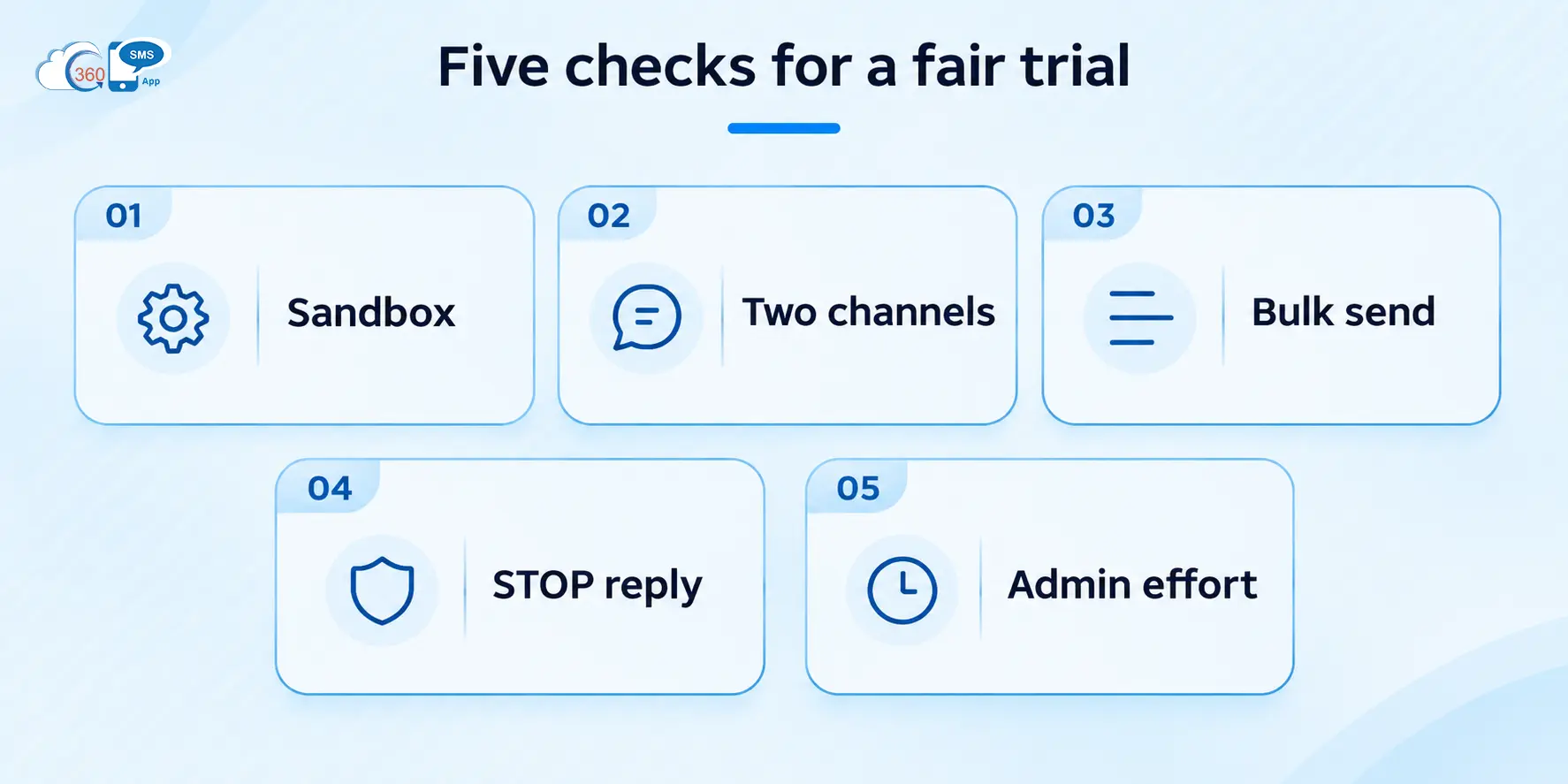
A short, structured trial beats a long feature checklist, because it shows how each app behaves with your own data. Give every shortlisted app the same script, so the results can be compared side by side.
- Install in a sandbox: Start in a Zoho sandbox, so you can check permissions, modules and page placement without touching live records.
- Send on both channels: Text and WhatsApp test contacts from a Lead, a Contact and a Deal, then confirm each reply lands correctly.
- Run a small bulk send: Message a filtered view, then check delivery reports, merge fields and how quickly replies reach the inbox.
- Test an opt-out: Reply STOP from one phone and confirm that the record updates and the next bulk send skips that contact.
- Measure the admin effort: Note how long setup took, which steps needed vendor help and whether your admin could repeat them alone.
How does a Zoho-native option measure against these criteria?
It helps to see the criteria applied to a real product, so here is how our own Zoho app lines up against them. It is a fully Zoho-native app with more than 500 active users and 99.99% platform uptime. It supports SMS, MMS, and WhatsApp messaging, with conversations linked to relevant Zoho CRM records. Use those points as a reference when you score the other apps on your list.
Beyond its core messaging capabilities, 360 SMS includes AI-powered template creation, suggested replies, automated replies, and AI chatbots. These features help teams create messages, respond to customers, and automate repetitive interactions directly within their Zoho CRM communication workflow.
Teams can also use Zoho CRM workflows to trigger messages based on business events, automate follow-ups, and keep customer communication timely without relying on manual processes.
The Zoho CRM product page lists the channels and features if you want to check them against your scorecard.
Conclusion
The best SMS and WhatsApp app for Zoho CRM is one your reps can use without leaving the record. It should log both channels to Contacts, Leads and Deals and treat WhatsApp templates and opt-outs as carefully as texts. Three points usually decide the choice: true native placement, one shared inbox with one consent record, and low admin effort. Shortlist two or three apps against those points and give each the same sandbox trial with your own records. Then choose the one that passes every step with the least manual work.


