Every incoming message is vital to business as it could be a new lead or opportunity to grow business and revenue. So, every incoming text needs to be addressed on a priority basis to avoid the loss of new business and revenue. And 360 SMS incoming sidebar can help agents easily do that by triaging incoming SMS alerts.
Delay in response to any incoming text is also an important reason why prospects switch to other competitors. The organization that responds instantly or faster easily captures the immediate attention of the prospective customers and maximizes conversions.
Thus, 360 SMS equips its users to prioritize alerts with the help of incoming sidebar and respond to important messages first.
Table of Contents
What is the Incoming Sidebar or Utility Bar?
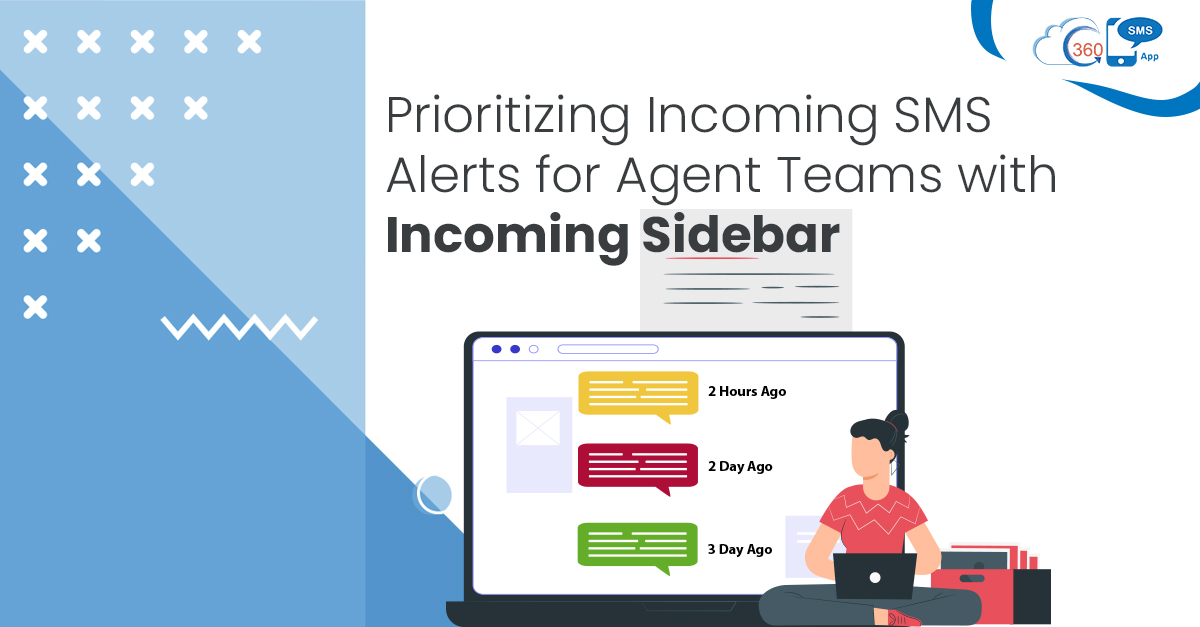
360 SMS is a Salesforce native app that provides an incoming sidebar or Utility bar accessible right from the home page, and agents can prioritize unread messages based on how long ago they were received. More importantly, they can define color codes between green, red, and yellow, deciding offset by minutes, hours, and days. This way, agents can identify between older and newer messages in just one glance. Also, they can take necessary actions like unsubscribe, reply, or mark messages read right from the Utility bar.
How does the Incoming Sidebar help businesses
Elicit Faster Response
The older an incoming text gets, the more it loses its impact. Thus, delay in response can cost loss of opportunities. The utility bar helps agents to prioritize unread messages and respond to the older messages first. This is how agents can improve their customer experiences and seize more opportunities by addressing their queries immediately or as soon as possible.
Save Agents Time and Effort
Without an incoming sidebar, it could be cumbersome for agents to check the time of every inbound message and respond. This could drain a lot of time of agents. But with the help of user-defined color codes in the Utility bar, agents do have to invest time and effort to identify newer and older messages. They can simply focus on responding to prospects and customers and resolving their queries if there are any. This helps to improve the agent’s productivity and avoid delays in responses.
Improves Conversions
The purpose of texting for every prospect or customer is different. A prospective customer may text a business with a query or show interest in buying a product or service. So, if a text is left unattended for many days, a prospect may think of switching to other competitors. This would severely impact the conversion rate. But Utility bar helps agents to prioritize alerts and respond timely, which helps to improve conversions.
Prioritize Alerts and Respond to Important Messages First
Color-coded unread messages help agents to triage alerts based on the time of the incoming message. Thus, agents can handle each inbound message without any delay. Simply, by looking at the colors of unread messages, agents can find out how old a text message is. Thus, they can prioritize text messages received a while ago and respond to them before it’s too late. This helps to take necessary actions on time, improve customer experience and increase conversions.
Like Utility Bar, 360 SMS provides many other advanced capabilities that can help to accelerate the texting process and manage conversations faster at scale. So, to know more about these capabilities, get in touch without our experts at sales@360smsapp.com or contact us here.