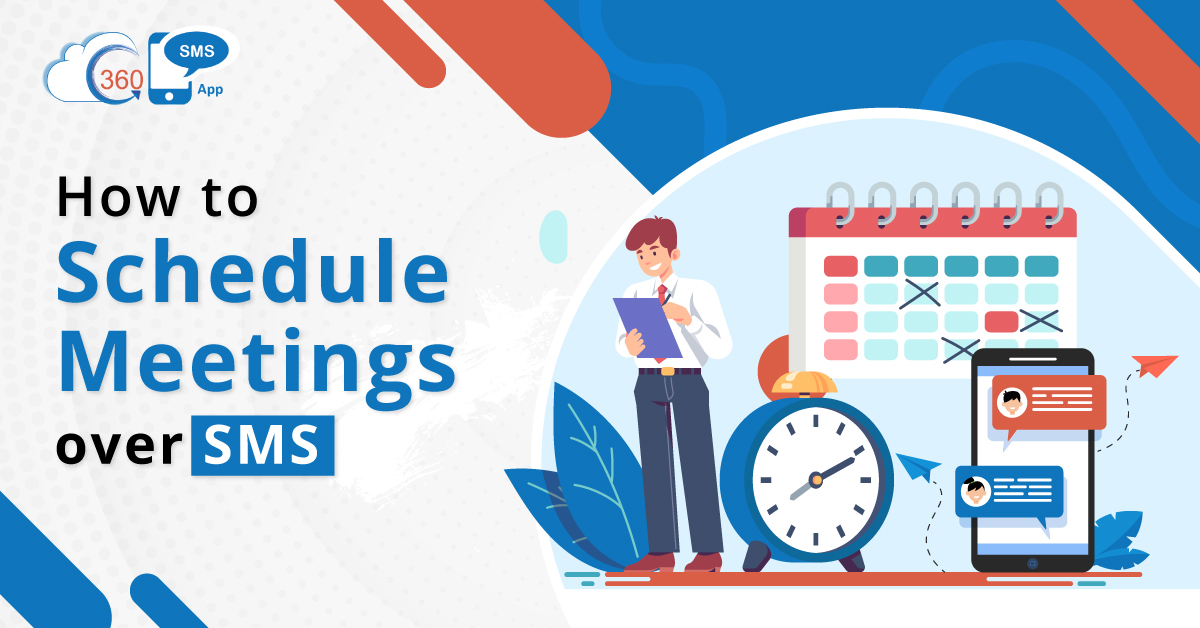
Every business venture works with the motive of driving conversions and maximizing profits. And one of the vital steps to drive conversions is meeting with clients in person before finalizing a deal. But, scheduling meetings and reminding customers has always been a challenging part for businesses of all sizes. This drains a lot of time for employees if they count on call interactions. Thus, organizations can use SMS for meetings and accelerate the meeting scheduling process.
Table of Contents
Why Use SMS over Calls to Schedule Meetings
- One of the main reasons to choose SMS over calls is the response rate. The average response time of text messages is 60X times faster than emails. So, with texts, not only can you be sure that your messages will be seen, but you can schedule meetings faster.
- Another reason to opt for SMS is scalability. With the help of bulk messaging, you can schedule meetings with numerous customers at once. But this is not feasible with calls as agents have to call customers one after the other.
- Also, when you make calls to customers, they may or may not pick up the call. Thus, you have to make repeated calls to convey your intent and schedule a call. But with SMS, you can send your message through a one-time effort, and you do not have to make a repeated effort as text messages get stored in customer inbox, and they can read them anytime.
How to Schedule Meetings Over SMS
SMS provides the most convenient and fastest means to schedule meetings with customers. Whether you belong to real estate, mortgage, education, or any other industry, client meetings have always been a vital business activity for closing any deal. So here’s how you can use Salesforce SMS to schedule meetings.
Sample Text 1
Hi Alex,
Thanks for sharing your loan requirements! Our loan officer is available from Monday to Friday between 10:00 A.M. to 5:00 P.M. Kindly text your preferred date and time at 23234 to schedule a meeting.
Sample Text 2
Hey Liam,
Highrise would love to meet you for a detailed discussion. We have slots available from Monday to Thursday between 10:00 A.M. to 5:00 P.M. When works best for you?
Sample Text 3
Hey Alex,
We hope you liked the virtual tour of the Palk Street property. To proceed further, kindly book a meeting here http://calendly.com/gkiyueioie.
Send Confirmation Text
Once a client responds to the text with a preferred date and time or books a meeting using the calendar link, you can immediately trigger a confirmation text using automation.
Sample Text 4
Hi Alex,
Your meeting is scheduled with us on 20-11-21 at 11:00 A.M.
See you soon at Skyrise office premises.
Reminder Text
Once you have any meeting scheduled with a client, you can also use SMS to send a meeting reminder and avoid a no-show. Also, not only just meeting reminders, there are many versatile ways to use text and voice messages for reminders.
Sample Text 5
A Gentle Reminder!
We have a meeting scheduled for 20-11-21 at 11:00 A.M. at Skyrise office premises. If, want to reschedule, text RES at 23234.
Send Text for Rescheduling
If any customer replies with RES to reschedule, you can send another text with a URL to reschedule.
Sample Text 6
Hi Alex,
We received your meeting rescheduling request. Kindly book your preferred slot here http://calendly.com/gkbkjdhyu.
Accelerate and Streamline the Process of Meeting Scheduling
Scheduling meetings through emails and calls can eat up a lot of time for employees. Also, employees can expect a delayed response in the case of emails and no response in the case of calls. But as text messages have a 98% open rate and average response time of 90 seconds, employees can expect quick replies from customers. This would help to accelerate the process of scheduling meetings. Also, agents can cut back on manual intervention by automating confirmation and reminder texts.
To know more about how you can use text messages for different use cases of your business vertical, get in touch with our experts at sales@360smsapp.com or contact us here.