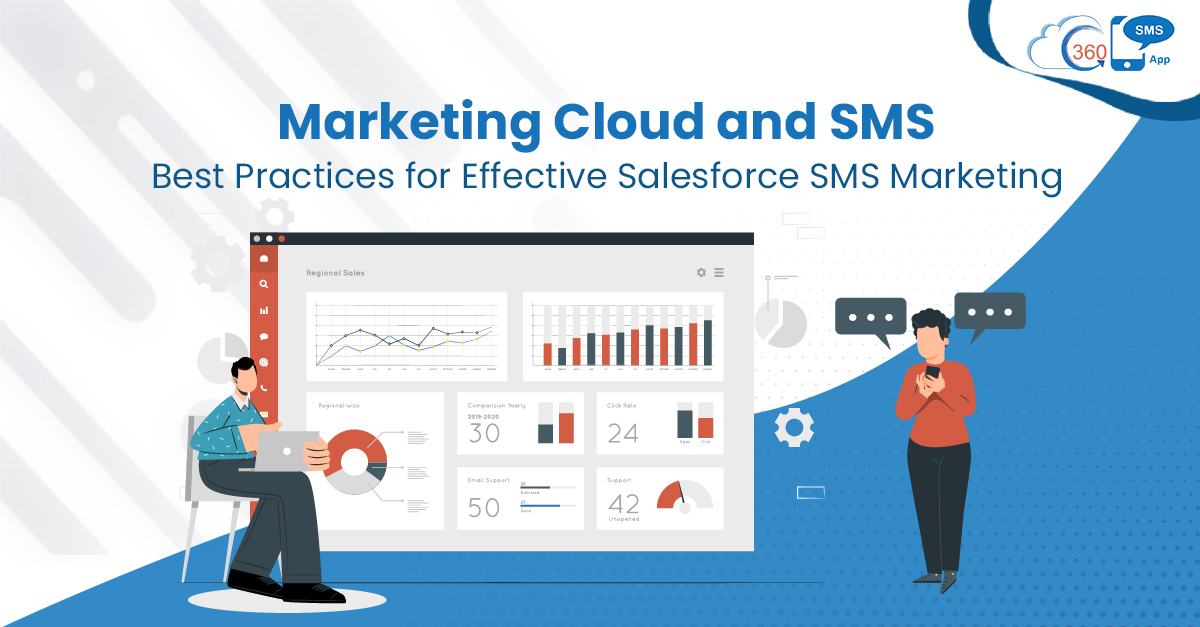
Text messages have become the first choice of marketers to catch audiences on their hand-held devices. No matter whether they are on the move or sitting and chatting with friends, SMSes have made it feasible to connect with prospects and customers anytime, anywhere. But marketing cloud text messaging can help you tap into more productive messaging with analytics.
With a Salesforce-powered native app, 360 SMS, marketers can easily boost their Salesforce SMS marketing returns. But the integration of the 360 SMS app and marketing cloud lets you tap into the world of constructive Salesforce marketing cloud text messaging.
This opens up many more ways to target, serve, and market more effectively. Here are some best practices to follow that could help you to improve engagement and maximize returns.
Understand your Customers for Effective Targeting
As your Salesforce marketing cloud SMS setup gets integrated with 360 SMS, you are equipped to perform much more beyond texting.
A shot in the dark doesn’t bring desired results. Instead, it needs more focused and accurate targeting to extract the desired outcome. The marketing cloud provides a 360-degree view of every customer and unified data across every interaction channel.
As a result, you could track the customer’s behavior and understand their tastes, choices, and preferences.
With a better understanding of customers, you can automate interactions at scale, deliver a personalized journey, and target more effectively with the help of 360 SMS.
Use Real-time Insights to Interact with the Right Message at the Right Time
Marketing Cloud provides real-time insights which you can use to personalize messages and connect with audiences at the right time.
360 SMS eliminates the need for a separate Salesforce marketing cloud SMS shortcode for marketing cloud text messaging. You to bring your own number to send texts and connect with customers.
Tap into 1-on-1 Conversations for Better Customer Handling
With 360 SMS and marketing cloud integration, you can track and interact right away using the text messaging Marketing Cloud. 360 SMS allows you to interact 1-on-1 with customers and resolve their inquiries immediately.
The faster you resolve inquiries, the better it is from a business perspective. It helps to build lasting relationships with customers and improve their experiences with your brand.
Connect with Customers over Their Preferred Channel
Multi-channel support has become a vital aspect of businesses to increase returns from every channel. With a marketing cloud, you can easily interact with audiences through text. But with 360 SMS, you can provide multi-channel support as you get eleven pre-integrated channels. This includes SMS, MMS, WhatsApp, Voicemail, CTI, WeChat, Viber, Line, Instagram, Kakao, and FB Messenger.
With Journey Builder, you can deliver a personalized experience at every step connecting with audiences over their channel of choice. Also, you can collect data at scale through self-designed surveys with the help of 360 SMS without worrying about Salesforce marketing cloud SMS pricing.
Better Together: Marketing Cloud & 360 SMS
With unified data across multiple channels, powerful analytics, and real-time data, it becomes much easier to serve, market, and sell. Through marketing cloud and 360 SMS integration, apart from marketing cloud capabilities, you get 360 SMS advanced texting capabilities that help you perform text operations faster and conveniently. Besides, it gets you DIY automation capabilities along with the feasibility to perform scalable texting in minutes.
Further, 360 SMS helps you with the automatic lead assignment. This prevents higher authorities from assigning leads manually and saves much of their time.
To know more about how the potential of the marketing cloud and 360 SMS app- together, reach out to us at info@360smsapp.com or contact us here.