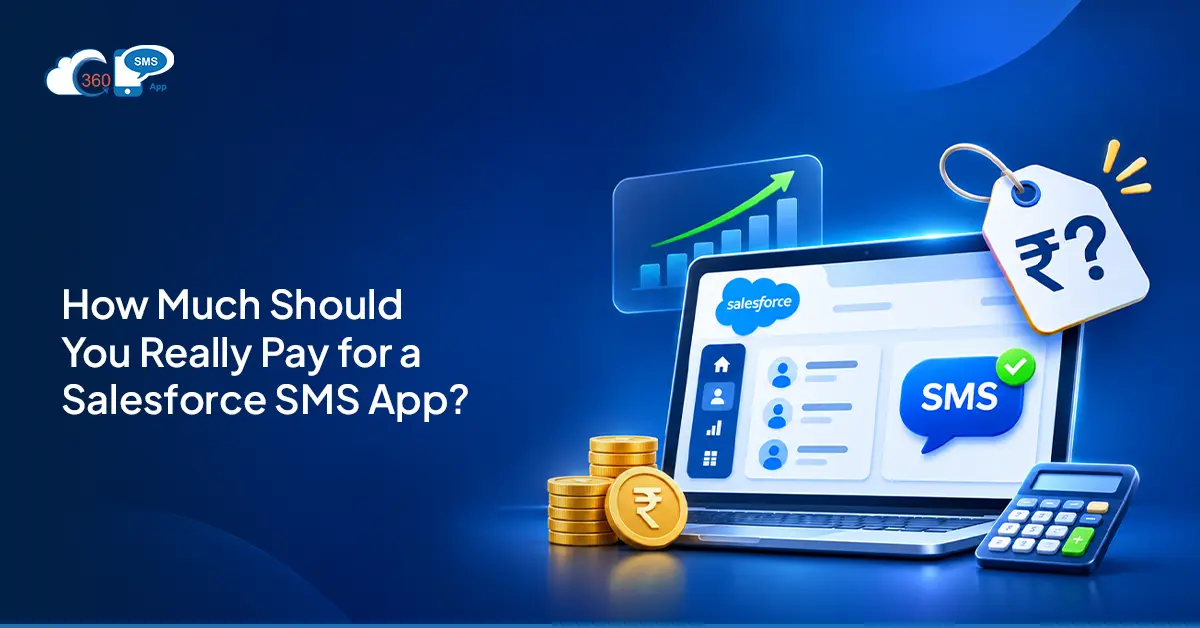
 Most vendors will show you one number. A per-user rate, monthly, usually on annual billing. Looks clean. It isn’t the full picture.
A Salesforce SMS app cost actually has four parts: the license, carrier fees per message, phone number rental, and add-ons. The license is almost always the smallest of those four once you’re sending at real volume. Carrier charges and number costs are where most budgets get surprised, and usually after the contract is already signed.
This guide breaks down each component and the questions worth asking before you commit.
Table of Contents
What Drives Salesforce SMS App Cost
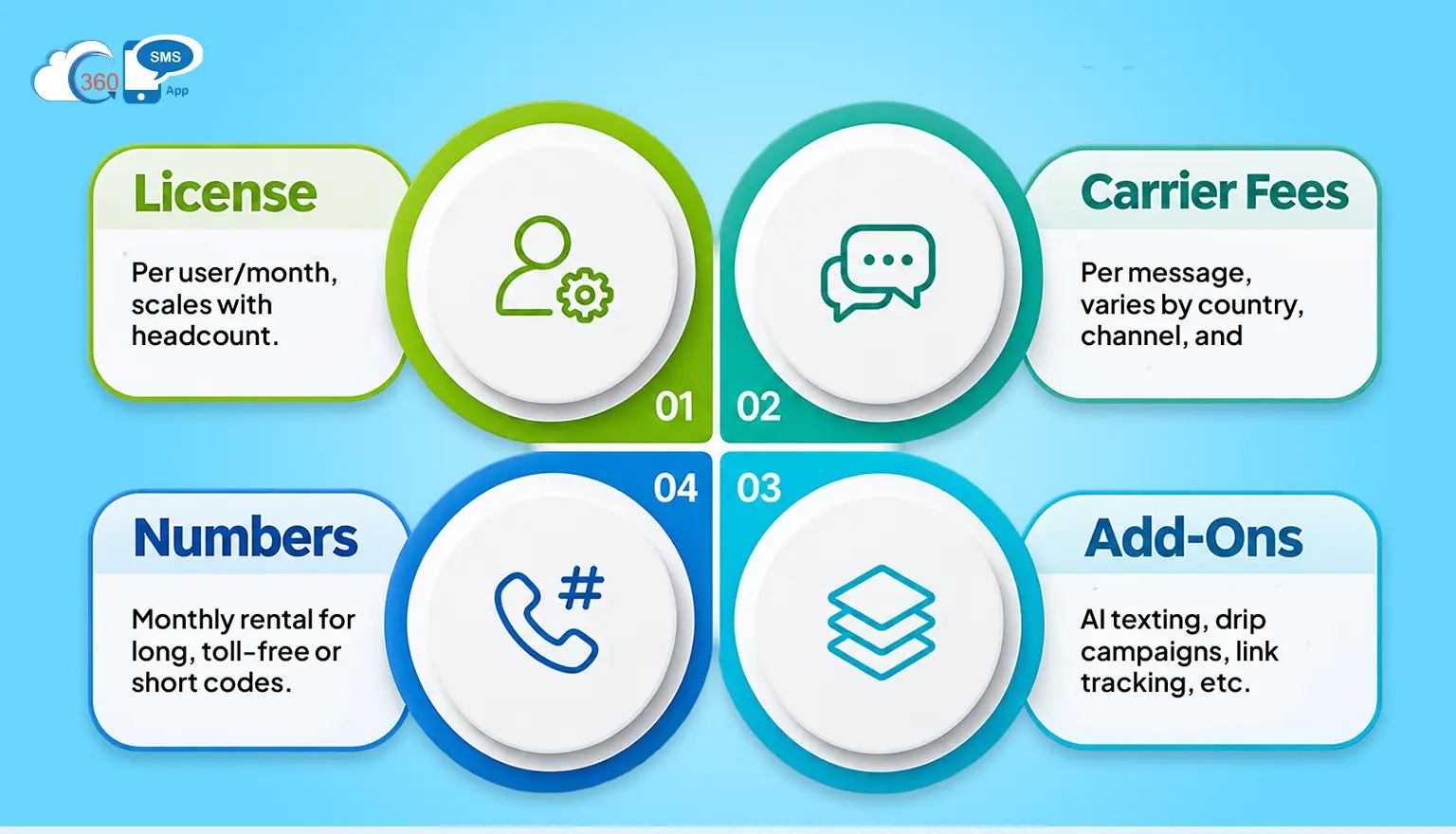
Factors Driving Salesforce SMS App Costs
Four lines. Most buyers only ask about one.
- License: Priced per user per month, scales with headcount rather than sending volume. The line vendors lead with in every comparison.
- Carrier fees: Charged per message segment sent and received. Varies by country, channel, and carrier. At scale, often the largest line on the bill.
- Numbers: Monthly rental for each long code, toll-free number, or dedicated short code you text from. Plus registration costs in the US.
- Add-ons: AI texting, drip campaigns, link tracking, voice drops. Sometimes included. Often not. Almost always worth confirming before you compare tiers.
In practice, Salesforce SMS app cost doesn’t have a clean one-line answer. It depends on seat count, monthly volume, which countries you’re sending into, and what’s baked into the plan versus priced separately.
How Per-User Licence Pricing Works
Per-user pricing suits CRM texting well. The people sending texts are already Salesforce users. Seat counts don’t swing around the way message volume does. Easy to forecast. Easy to audit at renewal.
| Did You Know? Setting up the 360 SMS App takes just a few minutes. The real value comes from managing conversations effectively, planning strategic messages, and building stronger relationships with prospects and customers through meaningful communication. |
360 SMS App starts at $7 per user per month and offers 15+ channels including SMS, RCS, WhatsApp, ringless voicemail, and more.
That’s the thing. The headline rate alone doesn’t tell you the real cost. Before you finalize a seat count, ask:
- Do read-only users require a paid seat?
- How are automation-only sends licensed?
- What happens at renewal if headcount grows mid-year?
Those three answers shift the effective per-seat number more than the published rate ever will. Worth settling upfront, before the quote comes through.
What Messages, Numbers and Short Codes Add to the Bill
Carrier fees are where most texting budgets get underestimated. A few specifics to lock down before signing anything:
- Per-segment rate for each country you text into
- Inbound reply rate (not every vendor charges this, but some do)
- MMS rate, separately from SMS
- WhatsApp conversation fees — billed per conversation by Meta, not per segment by a carrier, so model it as its own line
On numbers: you don’t always need to buy new ones. Texting from your existing company landline, RingCentral number, or VoIP-hosted number is an option. If that works for your setup, it removes the rental cost entirely.
High-volume programs sometimes justify a dedicated short code. These are 5-6 digit numbers, pre-approved and reserved for your brand. They send at 200 messages per second, which is over 17 million a day. Fast, recognizable, and built for real scale. Short codes do carry a monthly rental and an approval lead time though, so both need to go into the budget from the start if you’re heading that direction.
To be fair, most teams don’t need one. A long code or toll-free number handles the majority of use cases at lower cost and with faster setup. A short code earns its price only when delivery speed and brand recognition genuinely matter at enterprise volume.
Which Features Are Included and Which Are Add-Ons
The most expensive surprise in texting isn’t the license. It’s a compliance feature you discover is sold separately six weeks after go-live. That question belongs on every quote request, before anything gets signed.
With 360 SMS App, compliance is included across every plan:
- TCPA and GDPR opt-out handling
- Consent tracking and dark-hours restrictions
- AI-based opt-out intent recognition (not just keyword matching)
- Real-time compliance monitoring that flags risks as they happen
No compliance tier. No compliance add-on.
AI is the other line worth checking. Some vendors tie AI features to a platform license you may not own. 360 SMS App’s AI is built on Agentforce and runs natively inside Salesforce as messaging, voice, or automation agents — no middleware, no separate Agentforce license needed to get started. Works with one or without one.
Global coverage and 24/5 technical support are included too. Post-go-live support gaps tend to surface at the worst times. Ask every vendor for their full add-on price list, because a base-tier comparison rarely reflects the configuration you’ll actually run.

How to Build a Salesforce SMS Budget in Four Steps
Step 1 — Count the real users
Include reps, service agents, schedulers, and admins who will read or send texts. Then ask the vendor how automation-only sends are licensed. That one question changes the seat count more often than expected.
Step 2 — Estimate monthly volume
Multiply expected messages per record by the number of records touched each month, then add estimated replies. Split the total by country and by channel. Rough numbers are fine at this stage — the trial is where you tighten them with real send data.
Step 3 — Choose your number types
Decide between keeping existing numbers, adding long codes, adding toll-free numbers, or registering a short code. Each option has a different cost and a different setup timeline. Short codes take longer to approve, so flag that early if your launch date is fixed.
Step 4 — Trial before signing
360 SMS App’s 7-day free trial covers the full feature set. Real sends from a sandbox. What you test is what you’re buying. Most teams complete configuration and build out their first automations during the trial, so the go-live after signing is faster.
Conclusion
Salesforce SMS app cost has four components, not one. License, carrier fees, number rental, and add-ons. At real sending volume, the license is usually the smallest of those lines. What drives the actual total is seat count, monthly segments by country, and whether compliance and AI features come included or get priced on top. Build the four-line budget, ask each vendor for an itemized quote, and test your volume assumptions during a trial before the contract is signed.
Want to get more value from your Salesforce messaging app investment?