Your support team is in Salesforce. Your Facebook leads are in Business Suite. And every time someone messages your page, those two things stay exactly as far apart as they were before the message came in.
That’s what makes Facebook lead management genuinely frustrating — not the volume, not the ads. It’s that Salesforce Facebook Messenger integration is the missing piece between a conversation and a CRM record. One billion people message a business through Facebook every single week. Most of those conversations never reach the rep who needs to act on them. 360 SMS App is the SMS and messaging app for Salesforce that changes that, natively, without building anything custom.
Table of Contents
What Is Salesforce Messenger Integration?
Not a connector that syncs once an hour. Not a Zap that sometimes fires.
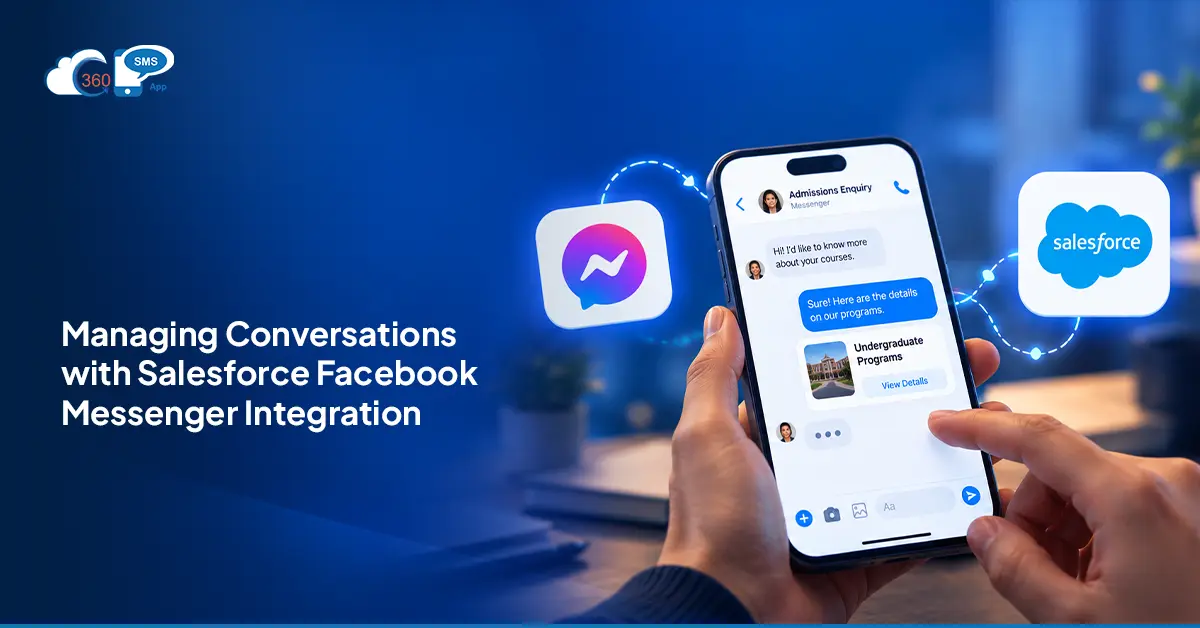
Salesforce Messenger integration allows you to connect Facebook Messenger with your CRM. When new leads are created for new incoming messages, replies are linked to the right record, so you can get the full conversation history in one place and can reply right from Salesforce.
No switching to Business Suite. No copy-pasting thread history into notes.
Beyond logging, Messenger events trigger Salesforce Flows. A new message can assign a rep, create a task, fire a follow-up. Existing automations that already work for email and SMS apply to Messenger conversations without rebuilding anything.
Why Businesses Need Facebook Messenger Inside Salesforce
3.07 billion monthly Facebook users. The question isn’t whether your audience is there — it’s whether your team can see what they’re saying.
Right now, Facebook Messenger on Salesforce is probably an afterthought for most teams. Someone on the social team monitors the page, responds when they remember to, and the conversation never reaches the rep who has the account. The rep calls the prospect cold. The prospect already explained what they need three days ago. That’s not a Facebook problem. It’s a gap between two systems that don’t talk to each other.
Salesforce Facebook Messenger integration closes it. Messenger conversations log automatically to the right record. Lead capture runs off incoming messages. Replies trigger follow-ups without anyone manually checking a thread.
How Salesforce Facebook Messenger Integration Works: Step-by-Step Setup Guide
Six steps. No developer needed.
Step 1: Install 360 SMS from Salesforce AppExchange
Install directly from AppExchange. Natively inside Salesforce from the first login.
Step 2: Connect your Facebook Business Page inside Salesforce
Authenticate and connect your Facebook Business Page inside 360 SMS settings. This is where the Messenger API connection gets established.
Step 3: Configure which Salesforce object maps to Messenger conversations
Set up the mapping logic — whether incoming messages create new Leads, match existing Contacts, or route based on conversation source. This step takes the most thought. Everything else in the setup follows from what you decide here.
Step 4: Set up auto-assignment
Enable the checkbox to auto-assign leads to the record owner in case of incoming replies.
Step 5: Create outbound Messenger message templates
Create message templates with AI inside Salesforce as per your unique use cases. No need to write messages from scratch.
Step 6: Manage all conversations from the unified inbox inside Salesforce
Bring all conversations from different channels, including Facebook Messenger, in one place and manage them well with complete conversation history.
Facebook Messenger on Salesforce: 5 Key Use Cases
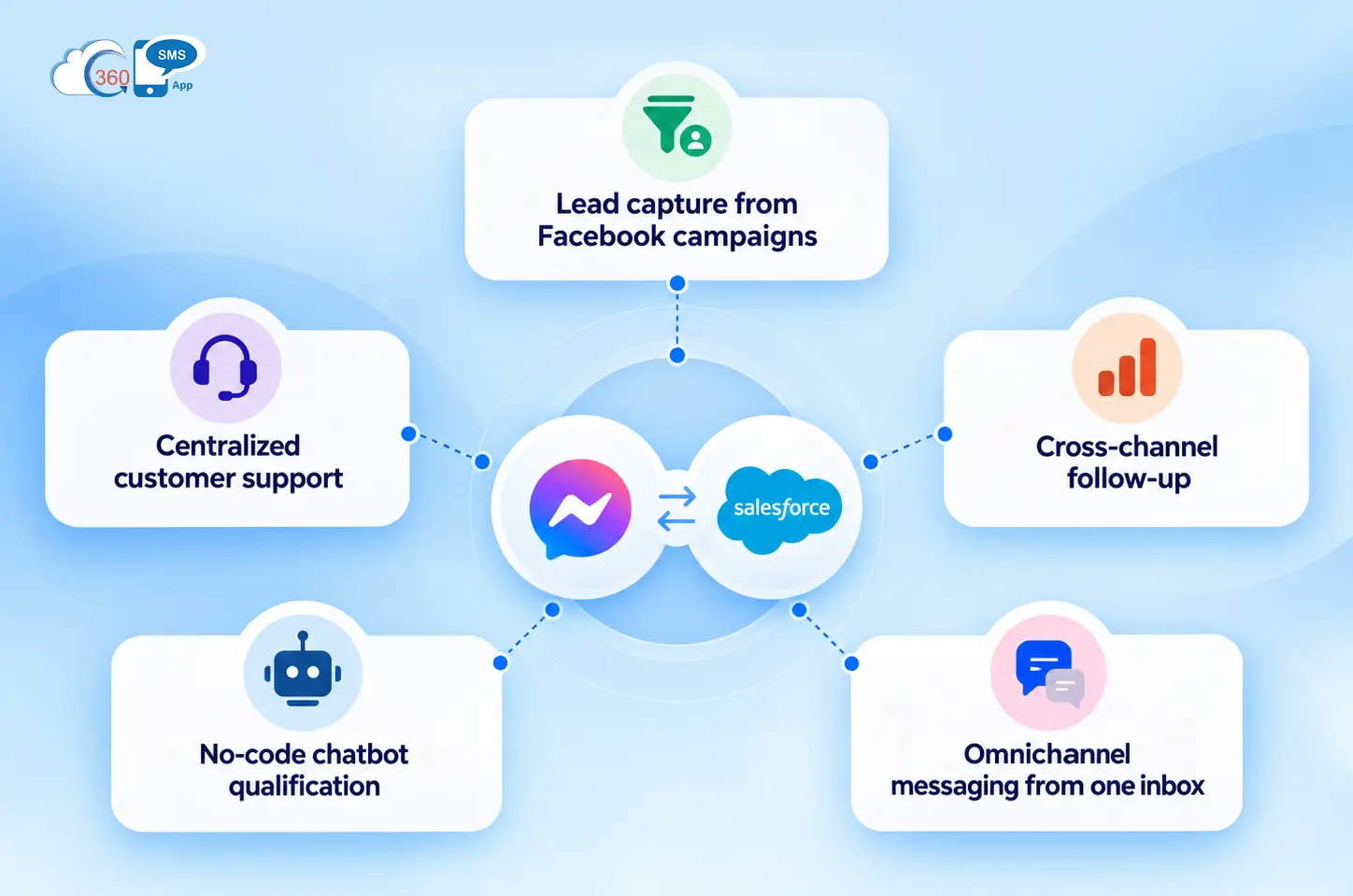
- Lead capture from Facebook campaigns
When someone clicks a Facebook Lead Ad or a click-to-Messenger campaign and messages your Business Page, 360 SMS captures contact details through the Messenger API and feeds them into Salesforce. Lead creation runs on whatever mapping rules you’ve configured — no one moves data manually. - Centralized customer support
Incoming Messenger conversations are handled from inside Salesforce. Full thread on the record before the agent types a word. - Cross-channel follow-up
A Messenger conversation that stalls can trigger an SMS or WhatsApp follow-up via Salesforce Flow. The channel changes. The contact record doesn’t. - No-code chatbot qualification
First-touch Messenger inquiries handled by a chatbot built inside 360 SMS — no code, no developer. FAQs answered, interest captured, lead qualified before it reaches a rep. - Omnichannel messaging from one inbox
Facebook Messenger, SMS, WhatsApp, Instagram — one Salesforce view. Reps aren’t switching between platforms to cover their channels.
Running Facebook Messenger Campaigns from Salesforce
Users can run bulk Messenger messages from a Salesforce List View or Report with Merge Fields populated from CRM record fields such as name, company, deal stage, and last contact date. Delivery rate, open rate, and response tracking are logged directly in Salesforce dashboards without requiring additional analytics software.
Initial campaign logic for most admins is basic automation: if there’s no response within a specified window, send one automated Messenger message, and create one Sales Rep Task to follow up. The campaign runs, the record updates. That setup covers most use cases — there’s no need to build something complicated before you’ve seen how the first batch performs.

One Inbox for Every Channel: Facebook Messenger, SMS, WhatsApp, and Instagram Inside Salesforce
SMS unified inbox brings Facebook Messenger alongside 14 other messaging channels like SMS, RCS, WhatsApp, Instagram, and more to manage from one Salesforce interface. One view, not separate tabs per channel.
The no-code chatbot covers Messenger the same way it covers other channels. Configure question logic and answer paths inside 360 SMS, deploy against incoming conversations, and let it run first-touch qualification while reps focus on conversations that actually need them.
Opt-out handling is automatic. When a contact opts out — whether through a keyword or a natural language reply that 360 SMS AI reads as opt-out intent — it logs to the Salesforce record and the contact drops from future outbound sends. Nobody updates a field manually, and there’s no risk of a rep sending to someone who already said stop.
Final Thoughts
Salesforce Facebook Messenger integration isn’t a significant lift when the tool is already native to Salesforce. What changes for the team is simpler than it sounds: Messenger conversations show up in the CRM, get assigned as other leads do, and feed into whatever automation is already running. If Facebook Messenger conversations are currently outside your CRM, 360 SMS App is how you bring them in, manage them well and leverage the #1 social media platform at best.
Ready to build your sales pipeline faster using Facebook Messenger?