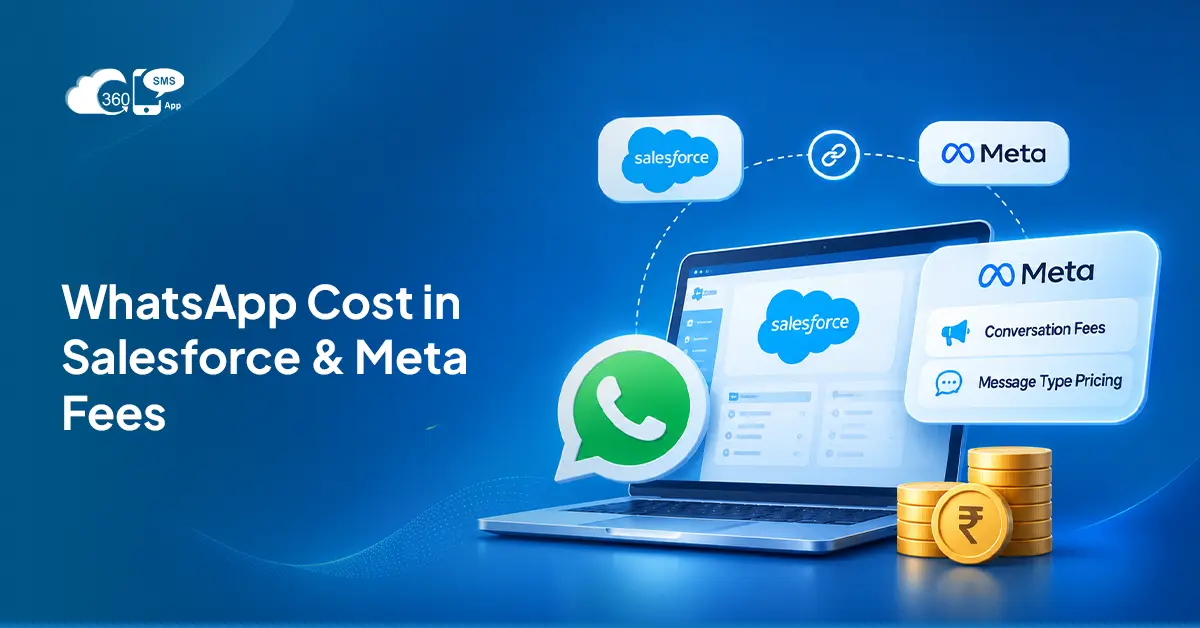
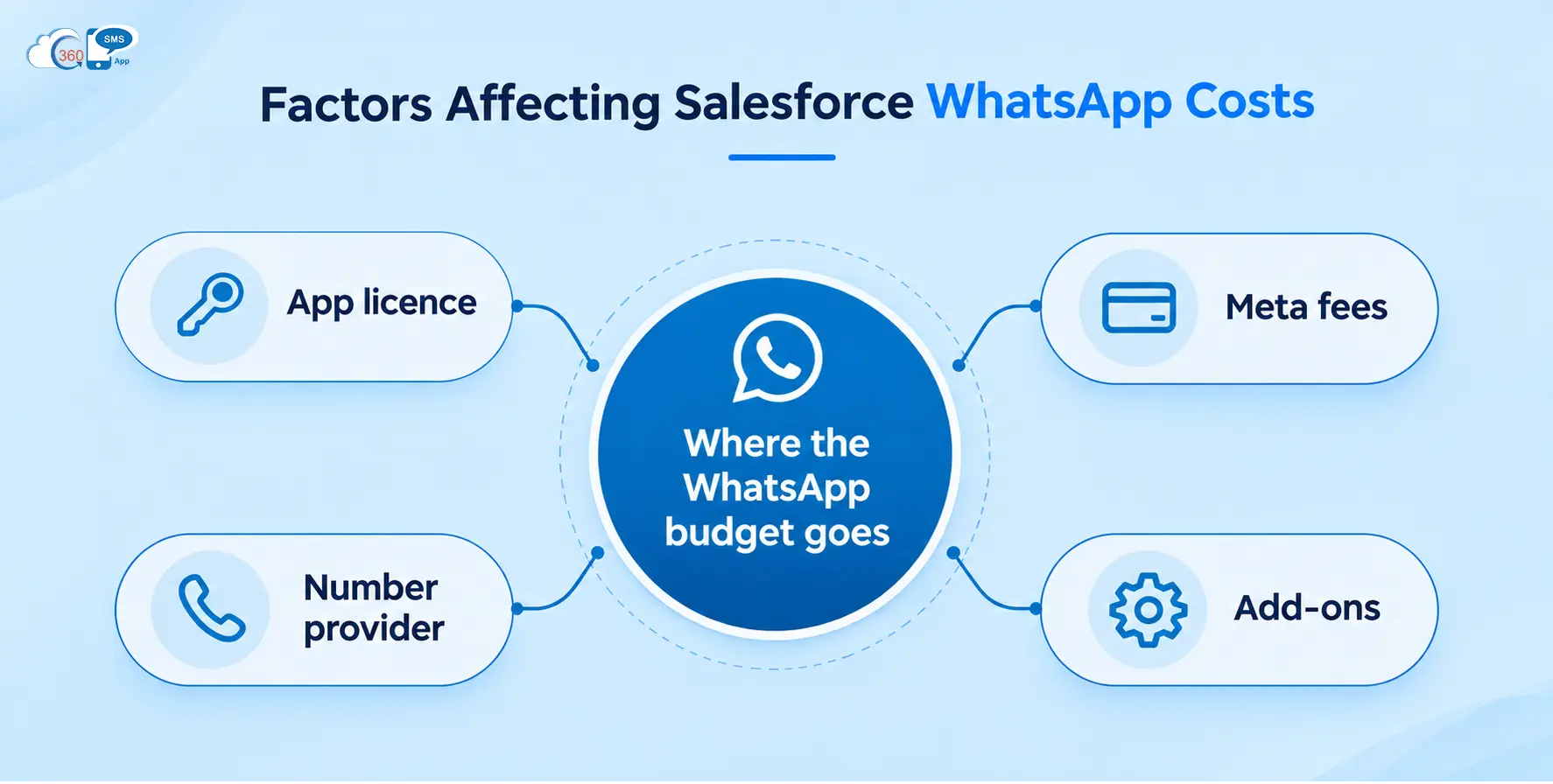
 The WhatsApp cost in Salesforce can include four potential components: the license for the messaging app, Meta’s per-message fees for WhatsApp Business Platform traffic, the number or business solution provider that connects you, and any add-ons such as AI or drip campaigns. The app license is usually quoted per user per month, while Meta fees depend on the category and volume of messages delivered and the recipient’s country. Budgeting accurately means estimating each part for your own volumes rather than trusting one headline price.
Table of Contents
What are the four cost components of WhatsApp in Salesforce?
Buyers often compare only the app license, which is the most visible line but rarely the largest at scale. The full picture includes the items below, and the mix shifts as your message volume grows.
- The messaging app licence, charged per Salesforce user, which pays for the integration, the conversation view on the record, templates, automation and support.
- Meta’s platform charges, based on delivered business messages and their categories, including marketing, utility and authentication. Customer service messages have a separate pricing treatment, including a monthly free allowance subject to Meta’s conditions.
- The number and connectivity layer, either through a business solution provider bundled by the app vendor or through your own provider if the app supports bringing your own number.
- Optional add-ons such as AI assistants, drip campaigns, link tracking or voice drops, which some vendors include and others price separately.
Also distinguish between AI features provided by your Salesforce messaging app and Meta Business Agent, which has a separate token-based pricing model.
360 SMS App pricing starts from USD 7 per user per month, with one license covering multiple channels, transparent per-user pricing, no hidden fees, a seven-day free trial and modular add-ons such as AI texting, drip campaigns, link tracking and voice drops. That structure illustrates the first and fourth components: a per-user license, with optional modules you switch on only when a team needs them.
How does Meta’s per-message pricing work?
Meta charges businesses based on delivered messages on the WhatsApp Business Platform, rather than conversation windows. Marketing, utility and authentication template messages are charged according to their category and the recipient’s country. Service messages, which are non-template replies sent within the 24-hour customer service window, have a separate pricing treatment. From October 1, 2026, the first 1,000 service messages per business phone number each month are free, with charges applying thereafter. Utility templates sent within the 24-hour window are also chargeable.
The rate depends on the recipient’s country, so a global sales team should model its expected message volumes across its major markets separately. It is also important to classify templates correctly because marketing, utility and authentication messages have different rates. The message types that teams actually use are described in our guide to Salesforce and WhatsApp marketing and support use cases.
The 24-hour window still determines when businesses can send non-template replies, but it is no longer the basic unit of Meta billing. The October 2026 changes also mean that the previous free treatment for service messages and utility templates within that window should not be described as current.

How do you estimate the WhatsApp cost in Salesforce for your team?
A reliable estimate takes an hour with a spreadsheet and the vendor’s quote, and it protects you from surprises at the first invoice.
- Count the users: List every Salesforce user who will send or read WhatsApp conversations, including service agents and managers who only monitor the inbox.
- Forecast messages by category: Estimate monthly delivered business messages for marketing, utility and authentication templates, as well as service messages. Break down expected volumes by recipient country and account for the first 1,000 free service messages per business phone number each month.
- Price the connectivity: Ask the vendor whether the number and business solution provider fees are bundled, passed through at cost or marked up.
- Add the modules you need: Include only the add-ons your use cases require in year one, and note the price of the ones you expect to switch on later.
- Compare total monthly cost: Put the four components together for a low and a high volume scenario, and compare vendors on that total rather than on seat price.
Automation changes the forecast more than anything else, because triggered messages run at a scale that manual texting never reaches. The app can send WhatsApp messages through workflows, lead updates, service cases or campaigns, so include those automated volumes in the forecast rather than only the messages reps send by hand.
If you also send bulk WhatsApp campaigns to Salesforce audiences, include those campaign volumes in your estimate. 360 SMS lets teams send bulk messages through Salesforce Campaigns, List Views and filtered Reports, making it easier to manage audience-based outreach from Salesforce.
Which costs are easy to miss when planning WhatsApp in Salesforce?
The expensive surprises are rarely on the price list. Developer time for a middleware integration, a second console that needs its own user administration, and template rejections that delay a campaign all have a cost even when no invoice arrives. For teams that want a scalable, no-code WhatsApp integration with Salesforce, 360 SMS App delivers exactly that, which keeps implementation effort out of the budget line.
Compliance tooling is another item to check, because consent tracking and opt-out handling are sometimes sold as an extra module. TCPA and GDPR compliance tools, opt-out handling, consent tracking and dark-hours restrictions are part of every plan at no extra charge. Our comparison of Salesforce WhatsApp integrations lists the questions to ask a vendor before signing, and the article on elevating customer experiences with WhatsApp in Salesforce shows what the channel looks like once it is running.
Conclusion
WhatsApp cost in Salesforce is never a single number, because the app license, Meta’s per-message charges, the connectivity layer and optional add-ons each move independently. Two points decide the budget: how many messages your automation will send each month, and how Meta categorizes those messages by recipient country and message type. A third point, the implementation effort a no-code integration saves, often outweighs small differences in seat price. The sensible next step is to build the four-component estimate for a low and a high volume scenario, request written quotes on that template, and run a short trial to validate your message forecast before committing.
Make every WhatsApp conversation more meaningful and effective with 360 SMS.