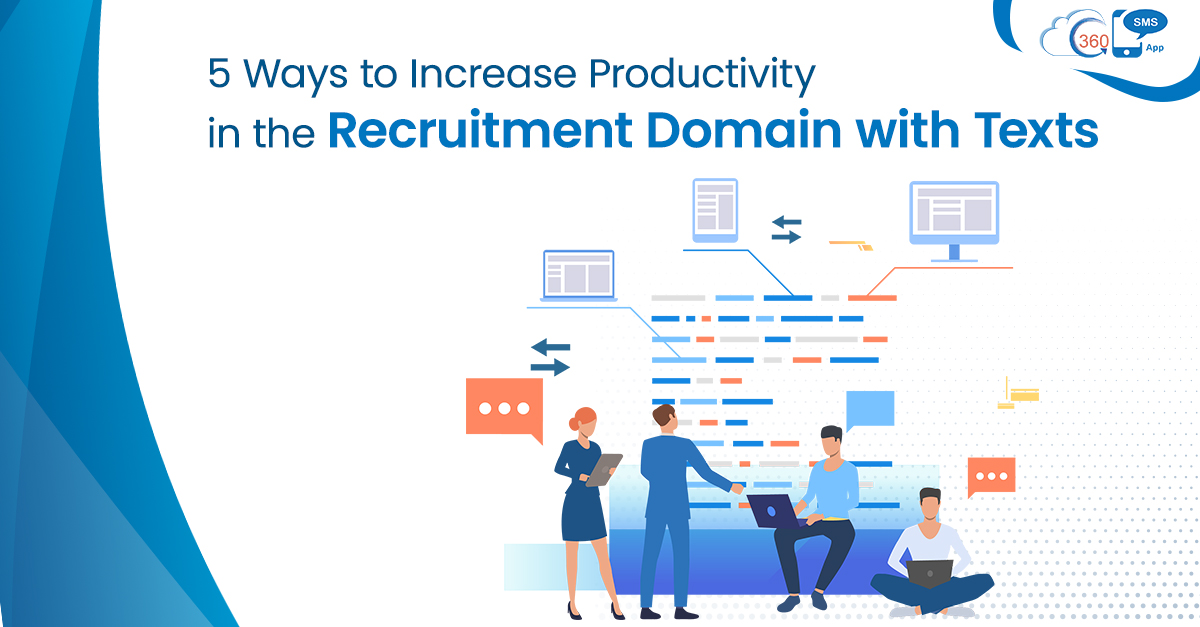
Recruitment is one of those industries that always keep recruiters packed with loads of work. From shortlisting resumes to onboarding students, at every turn, they need to connect and engage with candidates. This is where one can opt for texts for recruitment. Texts messages can help them to communicate and close job openings faster.
Table of Contents
1. Probe about Candidate-job Status and Profile
Rather than connecting with candidates over a phone call to check their job status, recruiters can easily connect with them over their hand-held devices and probe about whether they are looking for a job or job change along with their job profile. This way, not only they could steer clear of unanswered calls but cut back on calling charges through mass texting.
2. Promote Job-Openings en-masse
Once you have the database of candidates interested in the job. You can use batch texting to send relevant job openings to the candidates and ask them to reply with the desired keyword to take the process further.
3. Schedule and manage Interviews
In the next step, you can send the venue and timings of the interview to the candidates who find the job openings relevant. Also, you can send links embedded in a text to schedule interviews. This way, recruiters could save much of their time and schedule interviews with many candidates in one go.
4. Follow-up and Confirm Appointments
Once the interviews are scheduled, there are many ways that recruiters can use SMS to reduce the overall timeframe of the recruitment process. They can use texts to confirm interviews. Also, they can use SMS to follow-up with candidates and confirm their presence to reduce-show in interviews.
5. Keep Candidates Updated
Too many calls from candidates to know the result of interviews could eat up a lot of the recruiter’s time. But with the help of SMS, recruiters can keep candidates updated at every step. From screening to onboarding, you can send SMSes and keep them posted about their selection process.
You could also use Salesforce Auto-numbers to keep track of Candidate records interviewing for a particular profile, role, on a specific date. It helps pull batches and List Views of candidates easily to set-up follow-up interviews in chronological order.
Conclusion
Employment agencies and recruiters are often loaded with numerous tasks. This hampers the recruiter’s productivity in some or another way. Automated texts make it feasible for recruiters to trigger text messages at a preferred time without manual intervention. They can close job openings faster and shrink the timeframe of the recruitment process. This is how recruiters can perform more efficiently by using texts for recruitment.