 You probably know this feeling. A lead comes in, you think, “I’ll reply in a bit,” and then…you don’t. Not because you don’t care. Just because your day gets busy.
By the time you remember, it’s late. The lead’s gone cold. Or worse, they’ve already moved on.
Without automation, follow-ups depend too much on memory. And let’s be honest—memory isn’t reliable when you’ve got 20 things going on.
That’s exactly where Zoho WhatsApp automation starts making a difference. It quietly handles the timing, so you don’t have to.
Table of Contents
How Zoho WhatsApp Automation Transforms Business Communication
Most businesses don’t have a messaging problem. They have a consistency problem.
Some leads get instant replies. Others wait hours. A few never hear back at all. This is where businesses start losing leads when prospects don’t hear from you or hear from you late.
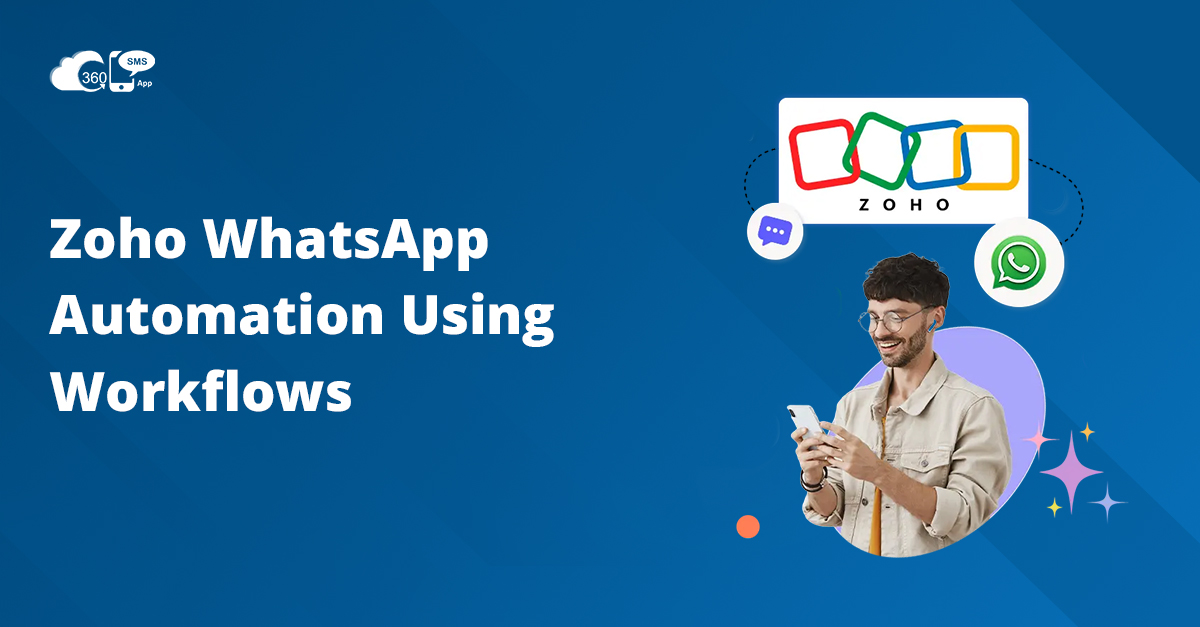
Zoho WhatsApp automation emerge as a powerful solution here. You can automate and send responses timely.
A new lead comes in? They hear from you instantly.
Someone stops replying? They get a follow-up.
A deal moves forward? They get an update.
You’re not scrambling anymore. The system’s doing the heavy lifting.
And weirdly, that consistency makes you look more professional than anything else.
Powering Customer Engagement with Zoho WhatsApp Integration
Here’s something that caught my attention. Generic messages don’t work anymore. People can tell when they’re just another contact in a list.
That’s where Zoho WhatsApp integration actually helps more than you’d expect.
Because your CRM already knows things. Names, last interactions, maybe even what the person was interested in.
So instead of:
“Hi, how can we help?”
You say:
“Hey John, just checking if you had any questions about the demo you requested yesterday.”
That small shift changes the tone completely. The conversation becomes more relevant and personal.
Replies come quicker. Conversations become meaningful. People just engage more when it feels personal.
Triggering Automated WhatsApp Messages with Zoho Workflows
This is where things go from “nice” to actually useful.
Workflows let you decide when messages should go out. Not randomly. Not manually. But based on real actions.
Some common ones you’ll probably use:
- When a new lead is created
- When a deal stage changes
- When someone hasn’t replied in a while
- When a meeting is booked
These WhatsApp triggers Zoho workflows that basically act like reminders—but smarter.
Let me give you a simple scenario.
Someone fills out a form on your website at 10 PM. Normally, they’d wait till morning. Maybe lose interest.
But with automation?
They instantly get a message:
“Hey, thanks for reaching out. When would you like to connect?”
That moment matters more than you think.
 How WhatsApp Triggers in Zoho Accelerate Sales and Customer Support
 How WhatsApp Triggers in Zoho Accelerate Sales and Customer Support
Speed is important, sure. But timing is what really moves things forward.
With WhatsApp triggers Zoho, you’re not just replying faster—you’re replying when it actually makes sense.
For sales, this could look like:
- A message right after a demo request
- A reminder before a scheduled call
- A follow-up after sending a proposal
For support, it’s slightly different:
- Instant acknowledgment of a query
- Updates while the issue is being resolved
- A quick “is everything okay now?” message afterward
I remember a team I worked with that relied fully on emails for support. They were good, just slow.
When they added WhatsApp triggers, customers stopped asking, “Did you get my request?” That question just disappeared.
Which, honestly, says a lot.
Building a Zoho WhatsApp Chatbot for Automated Conversations
Now here’s where things get interesting.
Automation sends messages. A chatbot continues conversations.
A Zoho WhatsApp chatbot can handle those small, repetitive interactions that usually take up your team’s time.
Things like:
- Answering basic questions
- Sharing pricing info
- Collecting contact details
Let’s say someone messages at midnight:
“Do you offer this service in Delhi?”
Instead of waiting till morning, the chatbot replies instantly. Maybe even asks a follow-up question.
By the time you wake up, the conversation is already halfway done.
A good Zoho WhatsApp chatbot doesn’t try to sound too smart. It just needs to be helpful and quick.
That’s enough.
Scaling Campaigns with Zoho WhatsApp Marketing Automation
At some point, manual messaging just stops working.
You can’t realistically send 500 personalized messages one by one. You’ll either burn out or give up.
That’s where Zoho WhatsApp marketing automation comes in.
But here’s the catch. Bulk messaging only works if it still feels personal.
Otherwise, people ignore it. Or worse, block you.
Instead of sending:
“Big sale today. Check it out.”
Try something like:
“Hey Neha, we’ve got something new that might interest you based on your last purchase.”
It’s not perfect. But it feels more thoughtful.
And with Zoho WhatsApp marketing automation, you can do this without manually typing each message.
What Makes the 360 SMS App a Powerful Solution for Zoho WhatsApp Automation
One thing that often gets overlooked is where all these conversations live.
If your messages, workflows, and customer data are scattered, things get messy fast.
With solutions like 360 SMS and proper Zoho WhatsApp integration, everything stays connected.
Your messages link back to CRM records.
Your workflows trigger automatically.
Your team sees the full conversation history.
No switching tabs. No guessing what happened last.
And honestly, that simplicity matters more than fancy features.
A good Zoho WhatsApp automation setup shouldn’t feel complicated. It should just work.
Summary
 Summary
If you’re handling conversations manually, things will eventually slip. It’s just how it goes. Messages get delayed, follow-ups get missed, and customers lose interest quietly.
With Zoho WhatsApp automation, you’re not working harder-you’re just setting things up better. Integration of WhatsApp with Zoho helps you send more relevant messages, while WhatsApp triggers Zoho workflows to make sure those messages go out at the right time. Add a Zoho WhatsApp chatbot, and even your late-night conversations don’t go unanswered. And with Zoho WhatsApp marketing automation, you can scale without losing that personal touch.
At the end of the day, it’s not about sending more messages. It’s about showing up at the right moment.