


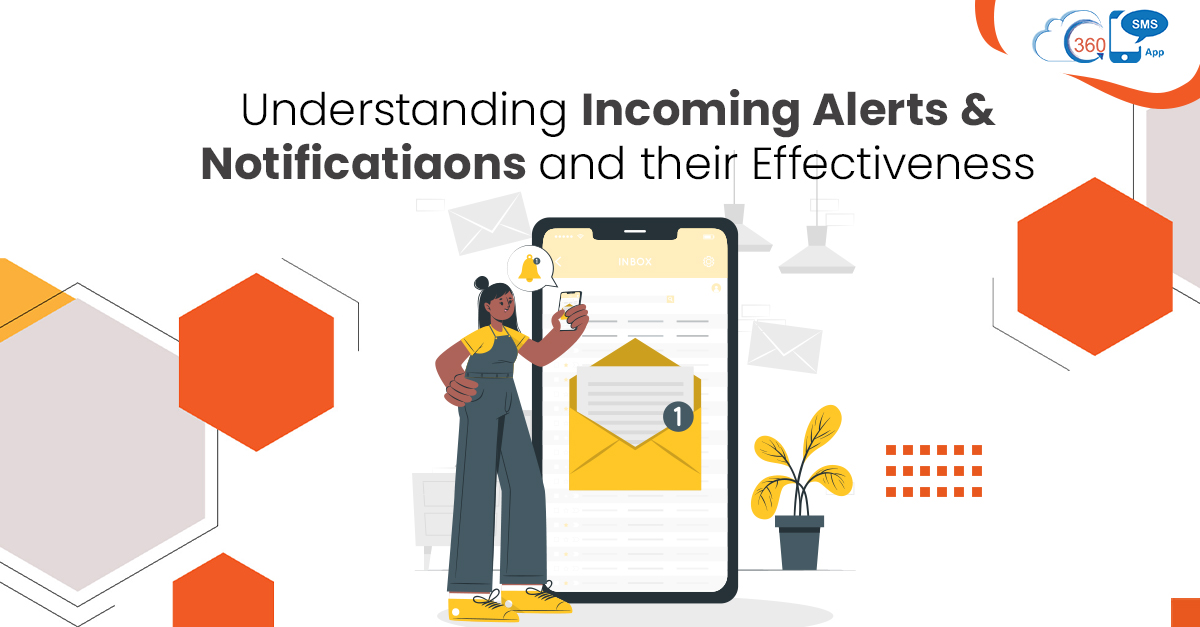
Whether it’s an agent or a customer, every information sent and received through text is vital for them. On the one hand, delay in responding to incoming text messages can cost business firms a loss of opportunities. On the other hand, delay in reading incoming text can lead to consequences for customers. For instance, if a recipient misses reading a payment reminder, it could lead to late payment charges and cause inconvenience to recipients. This is where alerts and notifications come to the rescue. Alerts and Notifications prevent agents and customers from opening an app or inbox to check messages, irrespective of devices.
Table of Contents
Types of Alerts & Notifications
Business ventures can count on notifications to notify about incoming information. Also, by prioritizing SMS alerts, agents can prioritize responses. There could be several types of SMS notifications and alerts that users can send.
Transaction Alerts
Financial organizations can send real-time money transfer alerts like deposits and withdrawals. Also, finance professionals can send alerts about any suspicious activity like fraud attempts. Recipients usually appreciate suck kind of alert as it helps to keep them posted every time.
ETA and Order Arrival Alerts
User experience and satisfaction play a vital role in every e-commerce business. Thus, e-commerce ventures can send notifications at various turns to improve customer experience. They can send Salesforce SMS notifications when an order is placed or confirmed. Further, they can send arrival and ETA alerts to notify customers that the order is arriving along with the ETA.
Order Status Alerts
Through notifications, firms can share important updates like updates while processing the order. Also, they can send payment updates, delivery updates, delays in delivery updates, and many more. This would help to keep customers calm and composed by updating them at every stage.
Safety alerts
Users can also send safety alerts to inform people about the weather, possible safety threats, etc. Also, SMS alerts can help warn and suggest precautionary measures to people if they are stepping out of their homes.
Besides, users can warn people of the newest and most prevalent fraudulent practices to prevent them from falling for them.
How do Recipients Experience Alerts & Notifications
Push Notifications
Push notifications can be received by users on their desktop or mobile. When a customer installs an app and opt-in to receive messages, notifications pop up on the mobile device. These notifications can appear in three locations on a mobile device, i.e., lock screen, notification center, and banners with a sound or vibration. More importantly, users can also control the app notifications through their mobile settings. Once push notifications are viewed, users can’t go back to them for reference.
SMS Notifications
SMS notifications also appear on the lock screen and in the notification center with a ring. It notifies recipients about the new SMS received, and users do not have to download any app to access these messages. This is because every mobile phone can receive text messages. When used wisely, SMS alerts can help agents to improve conversions and acquire new customers.
What Makes Alerts and Notifications Effective
- Alerts and notifications serve as an effective means for businesses to send information right in front of the eyes of recipients and capture their immediate attention. This helps users to take necessary actions on time.
- Also, vendors can keep engaging their clients with the product with the help of notifications.SMS notifications allow users to disseminate time-sensitive information succinctly and ensure sure-shot viewing of messages.
- The best part of SMS notifications and alerts is they create a sense of urgency, due to which recipients are more likely to read messages and take desired actions.
- Reduced navigation is another major advantage of alerts and notifications. Recipients can have a gist of the information right on their lock screen. Thus, recipients can access the information even while driving or busy doing important tasks without unlocking their phones.
Receive Notification in the 360 SMS app and Prioritize your Business Responses
360 SMS is a Salesforce native texting app that offers an innovative way to identify newer and older messages and prioritize responses. With incoming sidebar alerts, users can receive text messages and also assign color codes defining offset by no. of hours or days to identify newer and older texts in just one glance.
The best part is users can keep multiple chat windows open and respond to multiple customers simultaneously. So, in the event of an incoming message, users are notified with a ring and highlights on the incoming sidebar irrespective of the page a user is on.
To know more about how the advanced capabilities of 360 SMS help to manage conversations effectively, get in touch with our experts at sales@360smsapp.com or contact us here.