


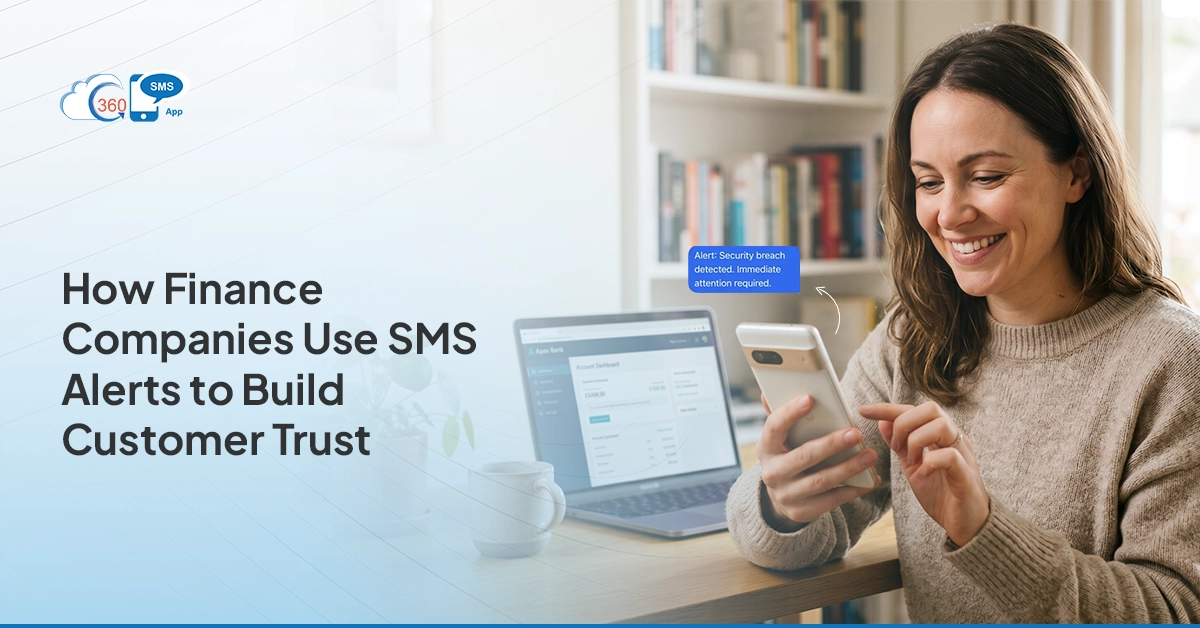
 In financial services, trust isn’t built in one conversation. It accumulates across dozens of small interactions — a timely alert, a proactive update, a message that arrives before the customer even knew they needed it. And it erodes just as quietly. A missed payment reminder. A statement that never arrived. A policy change communicated through a letter nobody opened for two weeks.
SMS alerts for finance companies using Zoho CRM aren’t just an operational convenience. They’re a trust mechanism. When customers feel informed, they feel cared for — and that changes the entire relationship.
This covers the alerts that matter most, how to build them inside Zoho CRM, and what finance teams consistently overlook.
Table of Contents
Why Communication Is a Trust Problem in Finance
Finance customers are anxious. That’s not a generalization — money is high-stakes, and most customers have had at least one experience where a missed communication caused them real problems. An EMI they forgot. A renewal they didn’t know was approaching. An interest rate change they heard about from a third party.
The companies that solve this proactively — that send the alert before the customer has to ask — build lasting relationships. The ones that don’t lose clients to the first competitor who does.
Email doesn’t solve it. Most financial service emails land in promotional folders or get lost entirely. Calls are intrusive — increasingly rejected on mobile. SMS is direct, brief, and always-on. It reaches people. And when it’s automated through Zoho CRM, it reaches every customer, every time, without depending on a relationship manager to remember.
Five SMS Alerts That Build Trust in Finance
- Transaction and account activity alerts: “Hi {{First Name}}, a payment of ₹{{Amount}} has been processed on your account on {{Date}}. If this wasn’t you, contact us immediately at {{Number}}.” Proactive transaction alerts make customers feel secure. They don’t need to log in and check — the system tells them. For fraud scenarios, instant alerts give customers the ability to act before damage compounds. That’s the kind of protection that earns loyalty.
- Policy and document status updates: When a loan application is received, reviewed, approved, or requires additional documents, — each stage is an opportunity for a timely SMS. Customers who feel informed don’t call the helpline asking for status. Inbound support volume drops. Satisfaction climbs. Both outcomes matter to the bottom line.
- Renewal and maturity alerts: Insurance policies, fixed deposits, recurring deposits, and investment mandates all have expiry dates — dates most customers don’t track until it’s too late. A date-triggered workflow in Zoho CRM fires reminders at 30 days, 7 days, and 1 day before expiry. The customer has time to renew without a last-minute scramble. That’s a professional experience. Most competitors don’t deliver it.
- Welcome and onboarding messages: When a new customer opens an account, takes a policy, or activates a service, an automated welcome text sets the tone immediately. “Welcome to {{Company Name}}, {{First Name}}. Your relationship manager is {{Rep Name}} — reach them at {{Contact}}.” Simple. Personal. And it makes a new customer feel like they matter, which they do.
- Compliance and regulatory notices: Rate changes, policy term updates, and regulatory requirements need to reach customers promptly — not through a letter they might open in two weeks. A bulk SMS campaign through Zoho CRM’s segmented contact lists ensures full coverage without manual effort, and delivers a timestamp-logged record that the communication was sent.
Setting Up SMS Alerts in Zoho CRM for Finance Teams
The logic for most finance alerts follows one of two patterns:
Event-based triggers — something changes in the CRM record (application status updated, payment processed, document uploaded) → SMS fires immediately.
Date-based triggers — a stored date field (renewal date, maturity date, due date) approaches → SMS fires at defined intervals before or after that date.
For a renewal alert sequence, the setup looks like this:
- Store the policy or renewal date as a custom date field on the customer record
- Create three Workflow Rules: 30 days before, 7 days before, 1 day before
- Each rule fires a personalized SMS template — customer name, policy number, renewal amount, payment link
- When renewal is completed and the status field updates, the remaining reminders stop automatically
For transaction alerts, a webhook integration typically connects the billing or core banking system to Zoho CRM. When a payment is processed in the external system, it updates the CRM record, which triggers the SMS workflow via the 360 SMS App. Real-time. No lag. No manual input.
The Two-Way Dimension Most Finance Teams Miss
Most SMS alert setups are one-way: — the company sends, the customer receives, that’s it. But customers have questions. They get an EMI reminder and want to know if there’s a grace period. They receive a renewal alert and want to discuss options.
If there’s no reply channel, they call the helpline — and wait times go up.
Two-way SMS through Zoho CRM fixes this. When a customer replies to an alert, — “Can I pay next week?” or “Please call me about renewal”, — the reply logs automatically on their CRM record. A relationship manager sees it in Zoho and responds directly. No context lost. No customer falling through a gap.
So for common queries — “What’s my outstanding balance?” or “How do I pay online?” — 360 SMS App’s AI chatbot handles the initial reply automatically, without human involvement. Straightforward cases resolve without touching the queue.

What 360 SMS App Adds for Finance Teams in Zoho CRM
Beyond the core SMS automation engine:
- WhatsApp integration — for customers who prefer WhatsApp, the same alert logic runs on that channel, with a single additional setup.
- Webhook support — real-time triggers from core banking, insurance management, or payment gateway systems
- AI-powered template creation helps teams quickly draft compliant, well-structured messages without starting from scratch.
- Built-in AI compliance can detect opt-out intent even when customers don’t explicitly use keywords like “STOP.”
- Schedule time-sensitive messages related to payments and EMIs, and boost customer satisfaction by reducing late fees and missed EMIs
Best Practices for Finance SMS Alerts
Match the tone to the message. Transaction confirmations should be factual and brief. Renewal reminders should feel advisory, not alarming. Overdue alerts should be professional — never threatening.
Always include a direct action. Every alert should end with one clear next step: a payment link, a number to call, or a portal link to check status. Remove friction at the moment of intent.
Segment your list before bulk sends. Compliance notices about a specific product shouldn’t go to customers who don’t hold that product. Zoho CRM’s filtering makes segmentation straightforward.
Time your sends strategically. Financial alerts perform best in the morning window (8–10 am) when customers are checking their phones before the workday. Avoid evenings for overdue alerts.
Test templates before DLT submission. Submitting and revising templates through the DLT portal takes time. Get the content right before submission to avoid delays.