


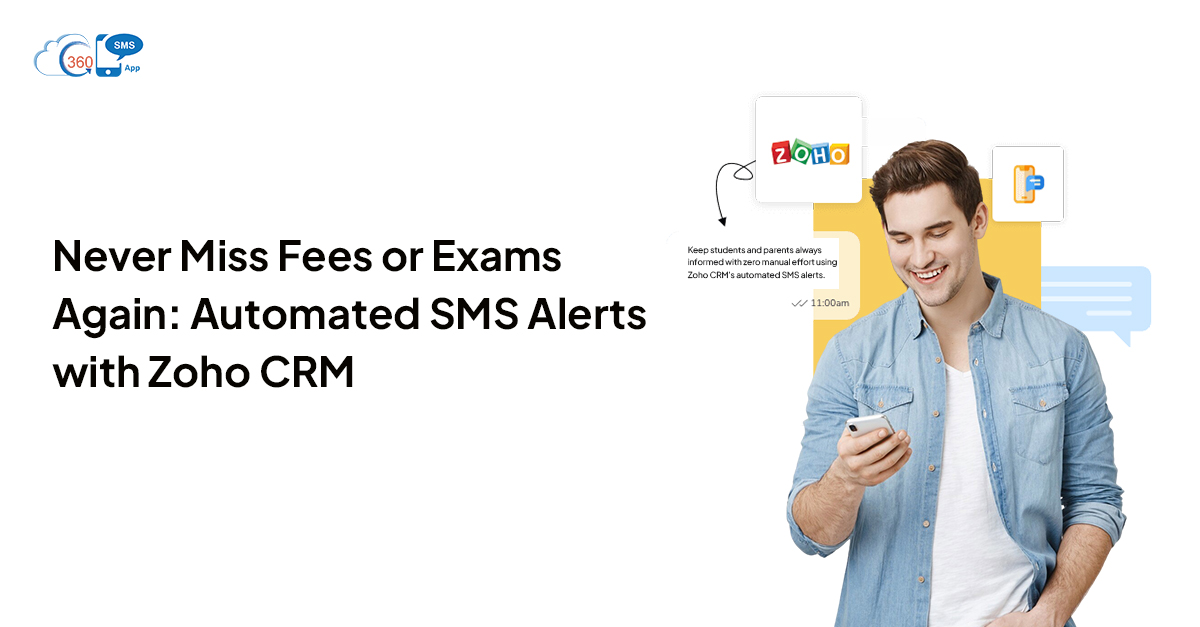
 Fee collection shouldn’t be a chase. But for most school administrators, that’s exactly what it is — individual follow-up calls, WhatsApp messages sent from personal phones, and the awkward conversation when a parent insists they “never got the reminder.” Same story with exam schedules, result announcements, and event registrations. The information goes out. Whether it lands is another question entirely.
Automated SMS alerts through Zoho CRM fix that systematically — for every student, every parent, every due date — without anyone on your admin team remembering to hit send.
Here’s how it works and why it holds up in practice.
Table of Contents
The Real Cost of Manual Fee Follow-Up
Put a number on it. If an institute has 500 students and 10% pay late each term, that’s 50 manual follow-up interactions per cycle — calls, texts from personal phones, physical notices. Multiply across three terms and multiple departments. That’s a significant block of admin time spent on something autopilot could handle.
And that’s before the friction it creates. Parents who feel chased get defensive. The conversation turns adversarial. But a professional, timed, automated text — “Hi {{Parent Name}}, {{Student Name}}’s fee of ₹{{Amount}} is due on {{Date}}. Pay here: {{Link}}” — removes all of that. It’s information, not pressure. And when it arrives consistently, parents start expecting it. They plan for it. The dynamic shifts completely.
How Date-Based SMS Automation Works in Zoho CRM
The setup runs through Zoho CRM’s date-based workflow engine, with 360 SMS App for Zoho CRM handling delivery. You store each student’s fee due date as a custom date field on their CRM record. Then you build workflow rules triggered relative to that field — “7 days before,” “3 days before,” “on date,” “1 day after.” Each rule fires a personalized SMS template pulling merge fields from the record.
No cron jobs. No scripts. No one touching a send button. The system reads the date, finds the record, fills in the name and amount, and sends — on schedule, every time.
The payment status field does the rest. When a parent pays, the field updates to “Paid,” and all remaining scheduled reminders stop automatically. . Parents who’ve paid don’t get chased. Parents who haven’t do.
The Complete Fee Reminder Schedule
Here’s a production-ready structure most education teams use:
7 days before due date: “Hi {{Parent Name}}, a gentle reminder that {{Student Name}}’s fees of ₹{{Amount}} are due on {{Due Date}}. Pay online here: {{Link}}”
3 days before: “Hi {{Parent Name}}, {{Student Name}}’s fee payment is due in 3 days. To avoid late charges, please pay by {{Due Date}}: {{Link}}”
On due date: “Hi {{Parent Name}}, today is the last day to pay {{Student Name}}’s fees without a late charge. Pay now: {{Link}}”
Day 1 post-due (if unpaid): A flag is created in Zoho CRM for the accounts team, with an optional final SMS to the parent. At this point, manual follow-up is targeted — and the team already knows exactly who needs it and why.
Exam, Result, and Event Notifications
Fee reminders are on one side. The other — exam schedules, result announcements, event invitations, assignment deadlines — creates equal admin load and equal risk of “I didn’t know.”
Exam schedule alerts. When an exam date is entered on a student’s record, a date-based rule fires reminders at defined intervals. “Hi {{First Name}}, your {{Subject}} exam is on {{Date}} at {{Time}}, {{Venue}}. All the best!” — sent the morning of.
Result announcements. When results update in the system, an instant notification fires. “Hi {{Parent Name}}, {{Student Name}}’s result for {{Exam Name}} is now available. View here: {{Link}}” — no wait, no queue, no staff effort.
Parent-teacher meetings and events. Invitations go out as bulk SMS to filtered parent and student lists — Grade 10 parents, for instance — with a follow-up reminder 24 hours before. Attendance improves. No-shows drop.
Submission deadline alerts. For colleges and online programs, SMS deadline reminders cut late submissions and the helpdesk volume that follows.
Why SMS Beats Apps and Email for Schools
Schools have tried apps. Many still use them. The problem is adoption — parents download the app, ignore the notifications, and by term two, the communication breaks down. Email has the same ceiling. Parents don’t check it. Promotional folders eat it.
SMS doesn’t require an app. It doesn’t require checking anything. It arrives in the default messages app on any phone — and it gets read. Open rates run around 98%. No inbox algorithm. No notification permission denied.
For rural institutes, coaching centers, and any setting where smartphone ownership is inconsistent or app literacy is lower, SMS is the most reliable channel available. It works on a ₹2,000 phone. It doesn’t need internet access. Unlike push notifications, it doesn’t get buried under 40 other app badges.
And the consistency is the point. Two terms of reliable, on-time alerts — and parents stop asking for reminders. They trust the system. That’s worth more than the cost of the texts. See also: How Zoho CRM WhatsApp transforms school communication?
Managing Large-Institute Communication with 360 SMS App
For institutes managing hundreds or thousands of students, individual workflow rules aren’t always enough. Some communications need to go to everyone at once — term start, timetable release, annual day, fee hike notice.
360 SMS App’s campaign management inside Zoho CRM handles this:
- Select a contact list using CRM views or filters — “All parents of Grade 10 students,” “All students with pending fees”.
- Load a personalized template with merge fields
- Schedule the send for a specific date and time
- Track delivery status and engagement directly within Zoho CRM
A 2,000-student timetable release that would take hours to coordinate manually goes out in minutes. Every parent gets the right message. Delivery reports show exactly which numbers bounced.
Beyond campaigns, the app adds: two-way SMS (parent replies log on the CRM record automatically), WhatsApp alongside SMS in Zoho CRM for institutes where WhatsApp groups are already the norm, multi-language templates for regional language communities, and opt-out management that keeps the institute compliant without manual tracking.
 Best Practices for Education SMS Automation
 Best Practices for Education SMS Automation
Keep messages short. Parents scan, they don’t read. Name, amount, date, link — that’s the message. Everything else is noise.
Always include a payment link. Every additional step between reminder and payment costs you conversions. A link in the SMS removes friction at the moment of intent.
Use the student’s name, not just the parent’s. “{{Student Name}}’s fee” personalizes the message in a way that gets attention — it’s not generic, it’s about their child.
Time your sends. Morning (8–9am) and early evening (6–7pm) outperform midday sends for parent response. Schedule accordingly.
Separate communication types. Fee reminders and academic notifications run as separate workflows. They don’t interfere. Parents learn to distinguish them — and take each seriously.