Introduction
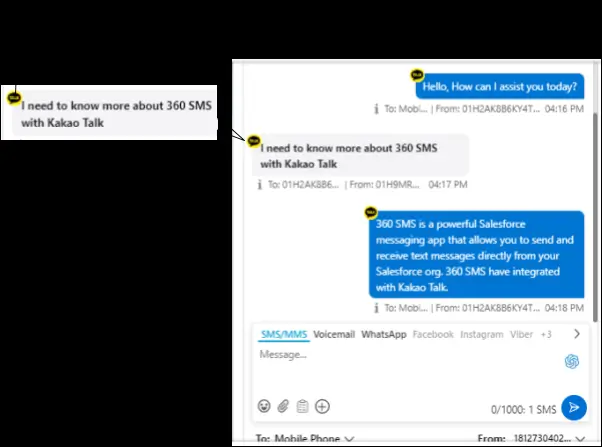
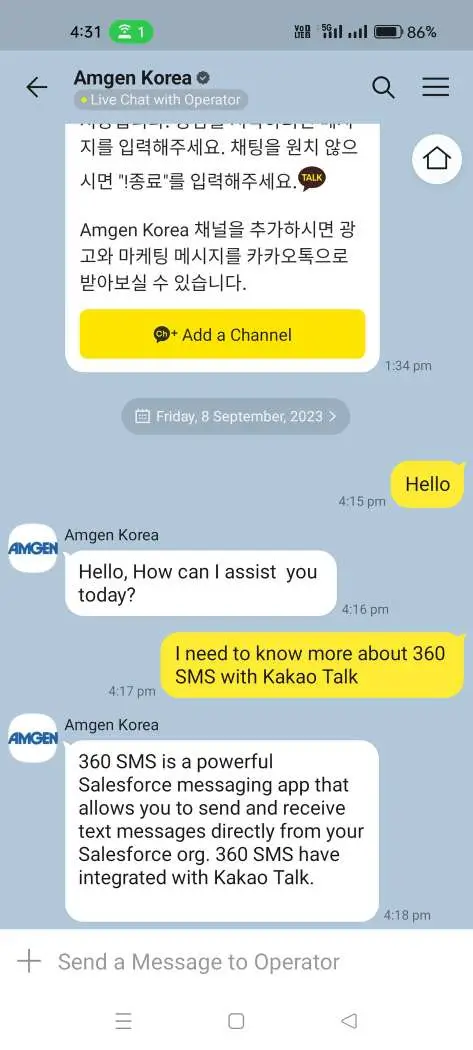
KakaoTalk is a popular South Korean messaging app. 360 SMS has now integrated with KakaoTalk, providing a channel for customers to use it for text messages and multimedia (such as Image) sharing.
Prerequisites
Client need to create one Kakao Talk Accout via their official dashboard.
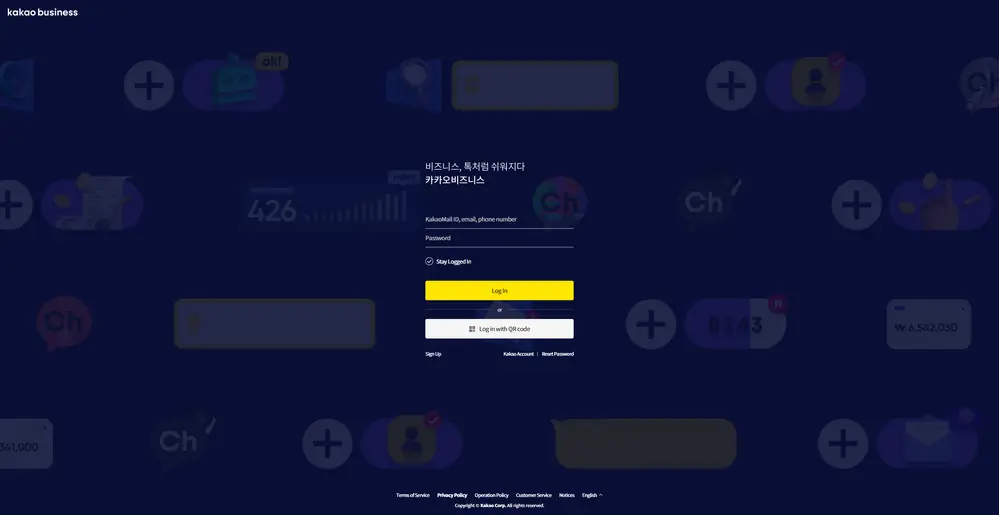
After creation of account they need to create a Channel and convert the same with Business Channel and provide the Business Channel ID to 360 support team.
After Activation of Channel, client need to download the Kakao Talk App with the link: Download Kakao Talk App
Once the app is downloaded, simply provide the necessary details. Afterward, search for the channel name using the “Global Search” within the app, and then select the respective channel to start a conversation.
To initiate a conversation through the KakaoTalk channel in the 360 SMS app, first incoming message needs to be received from the customer’s end. Once the first incoming message is received, the client will save the KakaoTalk ID and begin the conversation through the 360 SMS app using the KakaoTalk Channel.
Note – In Incoming and Outgoing case we are supporting Image file only. We can share the media file maximum of 4MB and in case of incoming we are only support Image file. If user send any other format file such as pdf, doc etc then it will not received by our SMS app.