


Introduction
- A “Viber Channel” is a popular messaging and calling app that is an integration or functionality that enables users to send and receive messages through the Viber platform using the 360 SMS application.
- Viber business accounts are used to automate customer messages or have one-on-one chats for personalized support. Viber uses offline SMS as a backup and works well on simpler phones.
How Viber Channel Works
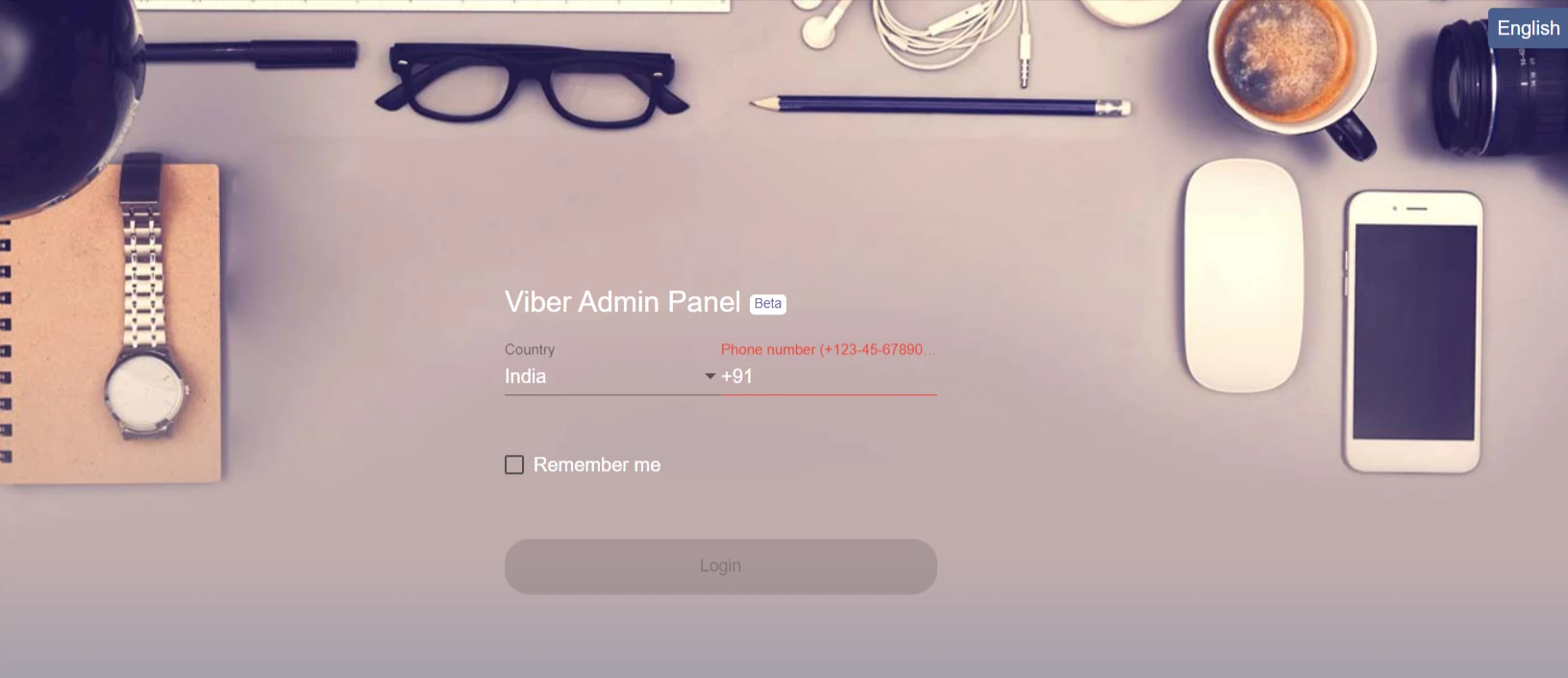
- To use Viber, the user must have an active Viber account. For that, you have to sign up using the link – https://partners.viber.com/login
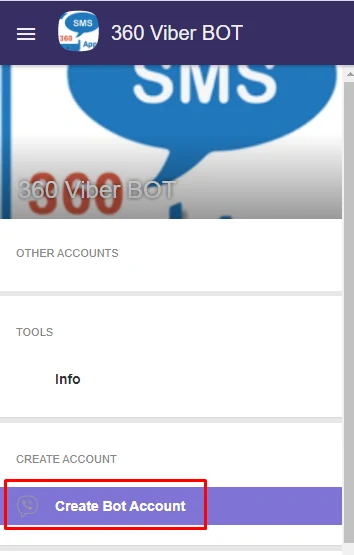
- After signing up, you’ll see an option to create a Bot Account.
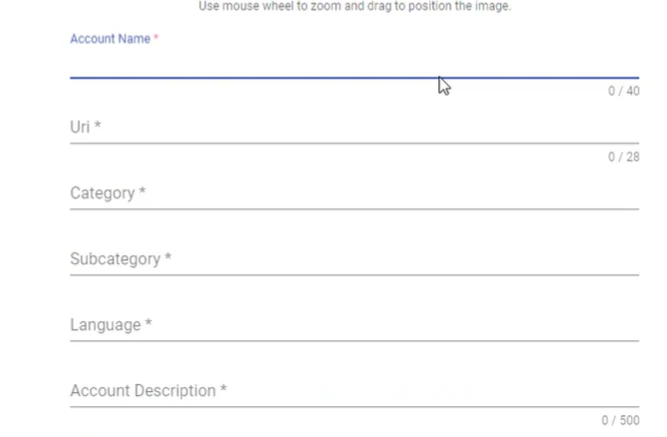
- Fill in the details as asked.
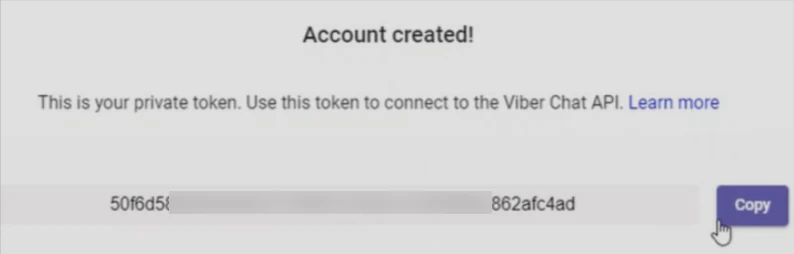
- After successfully creating a ‘Bot Account,’ a token in the form of an alphanumeric value will be generated, which the user will need to submit to the 360 SMS backend team. They will integrate the user’s Viber account with the 360 SMS App.
- After the successful integration, the user can operate their Viber account from Salesforce.
- The provider creates a particular ID which is displayed with the incoming messages.
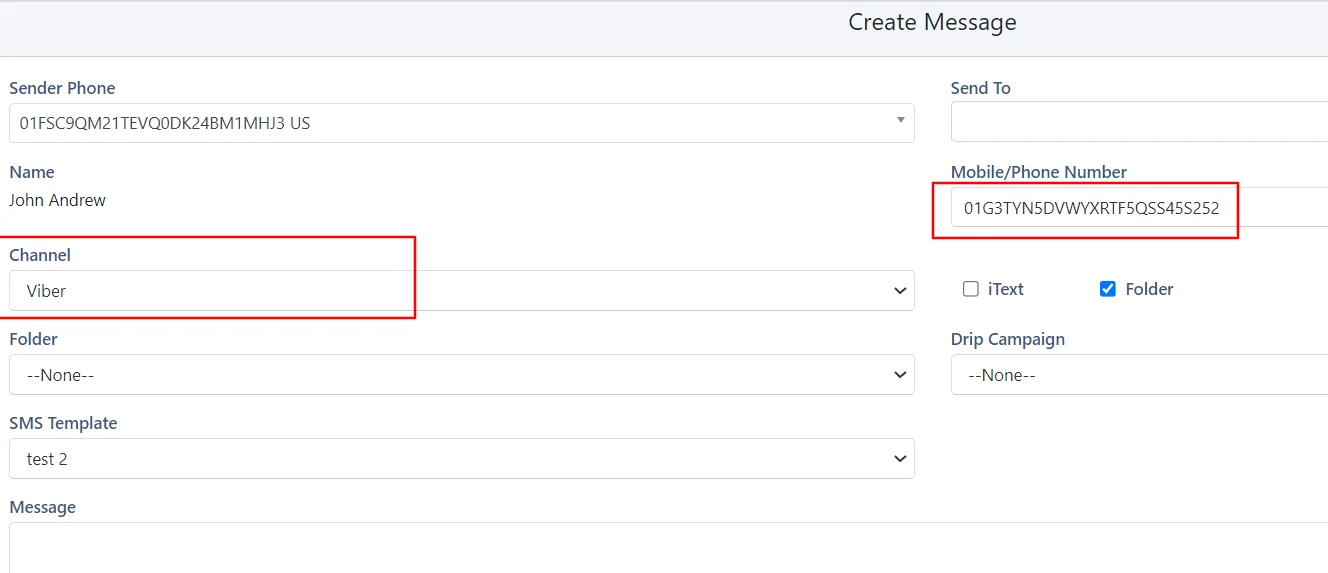
Note: Viber requires the end-user to initiate the request first, and then the user can reply to the contact.
Attachments
- Users can also send MMS or any attachment using the Viber channel.
- They can send one file at a time, and the size limit of the same file is 8 MB.
- A separate incoming message will be displayed if sending more than one attachment.
Conversation View
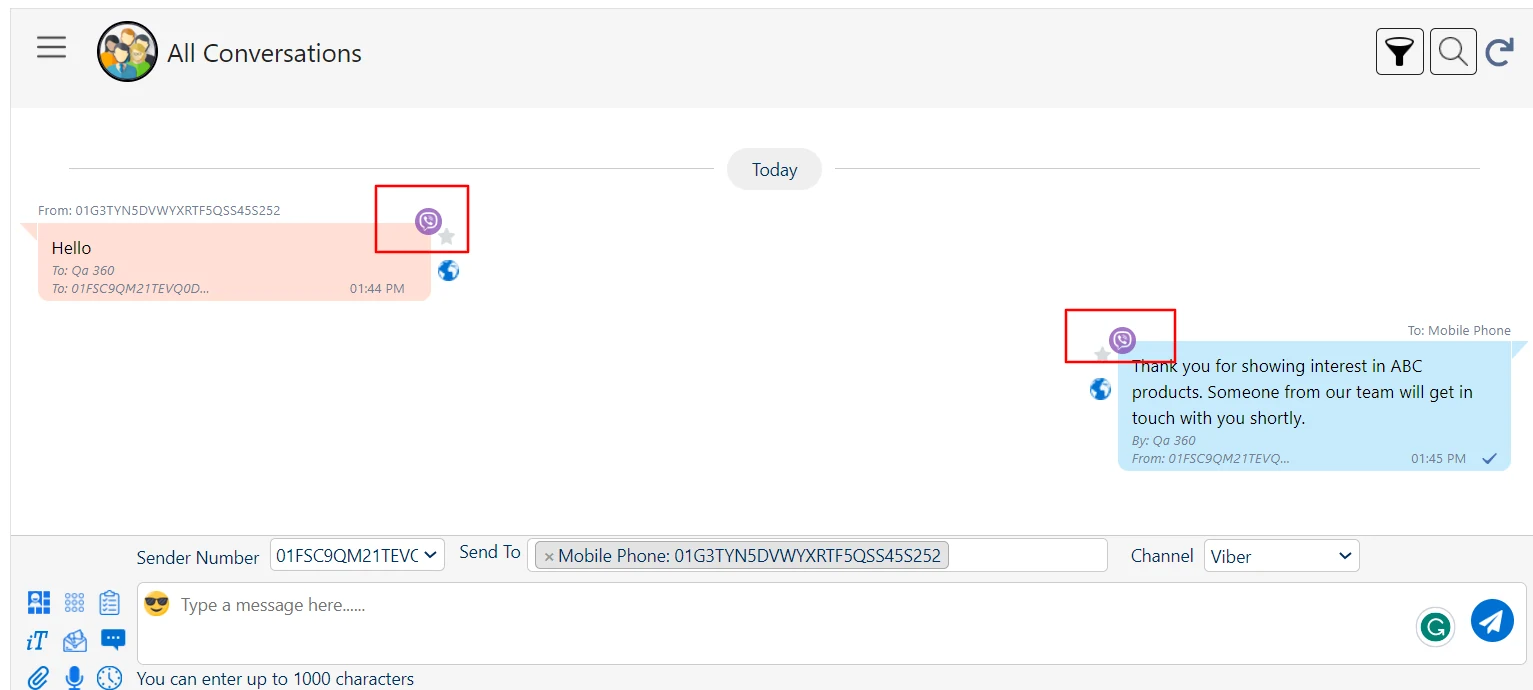
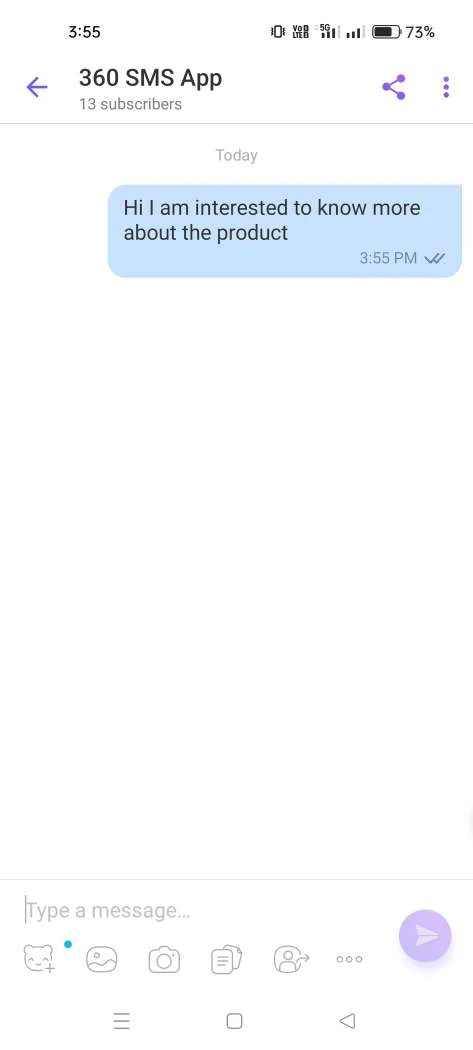
Points to Remember:
- Please note that Viber is not responsible for promoting your bot and that, by default, your bot will not have an active landing page under Viber.com after creation.
- Enabling this URI (Viber bot name) is part of Viber’s paid services to official partners. Likewise, after creating your bot, it will not appear in search results in Viber, and enabling this is also part of the paid services Viber offers to official partners.
- Interested in discussing a partnership agreement or learning more about the paid channels to promote your bot on Viber? Feel free to email devsupport@viber.com, and remember to include your company details, including your company’s country.
Contact Us
For more information or assistance, please contact 360 SMS experts at
Email: care@360smsapp.com
Phone number: +1 323 641 4417 (USA); +44 740 327 9473 (UK); +61 48885 3632 (AUS)
Website: https://360smsapp.com/