Despite all the prep-work text marketers put in, and for all the brevity and planning in your SMS messages, you could still see text messages unexpectedly split up into multiple messages. And as many can testify, this could easily double, triple, or quadruple your text campaigning and bulk messaging costs.
For this feature, we’ll look behind the curtain to understand how encoding standards and segments can sharply increase your messaging bill. Read up.
Table of Contents
What even is a segment?
A segment is a measure of SMS length that refers to the number of characters you can squeeze into a message without spilling over into another message.
The number of segments you had, was the number of messages you paid for.
Blast from the past: What you can learn from old flip-phones and candy-bars
Older phones counted down message segments used along with characters because messaging costs were still high. 360 SMS also sends messages one segment at a time through its carriers.
Character Encoding
A character encoding standard tells you how characters are stored and represented over a fixed matrix of pixels represented. Each code point or character space in modern computers is represented by one of 3 Unicode standards, UTF-8 (1 byte), UTF-16 (2 bytes), and UTF-32 (4 bytes).
Similarly, GSM carriers use a 7-bit default alphabet called GSM-7 or GSM 03.38 to represent English, a number of European languages, and even a number of Indian languages or Brahmic Scripts using a National Language Shift Table. A 16-bit UCS-2 encoding to send messages in languages like Chinese, Japanese, and Korean.
Why 7-bit encoding?
Because you can send only so many bytes in a message.
If your carrier caps message is at 140 bytes or 1120 bits (140 bytes into 8 bits), then the number of characters you can send in 1120 bits would depend on the character encoding used. So, for a 7-bit encoding standard like GSM 03.38, you can only send 160 characters.
So while typical message sending rates hover at around 1 message segment per second, a complete message with more message segments could take longer to get through.
SMS Data Headers: An extra penalty on multi-segment messages
As if falling back to UCS-2 wasn’t enough, even if your message limits itself to GSM-7 recognized characters and doesn’t change the encoding, you could still fall short of characters.
A message that runs into multiple segments will take up an extra 6 bytes (48 bits) to accommodate a User Data Header that contains instructions for the carrier and message destination on how to assemble the segments into a complete message.
This leaves you with an even lower 153 characters per segment for GSM-7 encoded messages if the messages use multiple segments.
“I tallied the character count for my segment, but I’m still getting an extra SMS segment…”
Most often, this means you need to go back and look at the encoding and characters users. When you use non-GSM characters like emojis or Question marks, the encoding used automatically fall back more complex one like UCS-2, which also reduces the number of characters in that segment and splits up the GSM-7 message into multiple UCS-2 messages.
What characters do you need to be wary of?
Non-GSM characters like emojis and certain accented non-English characters can cause the encoding to change to UCS-2 and throttle character limits per segment, whereas certain characters such as braces ‘{‘ and squares brackets ‘]’ are represented by escape sequences in GSM-7 which take up 2 characters.
Non-GSM white spaces and quotes can also be leftover when copied and pasted, and you will need to format these to GSM-compliant spaces and quotes.
“How do I get around encoding errors? Can 360 SMS help do this faster?”
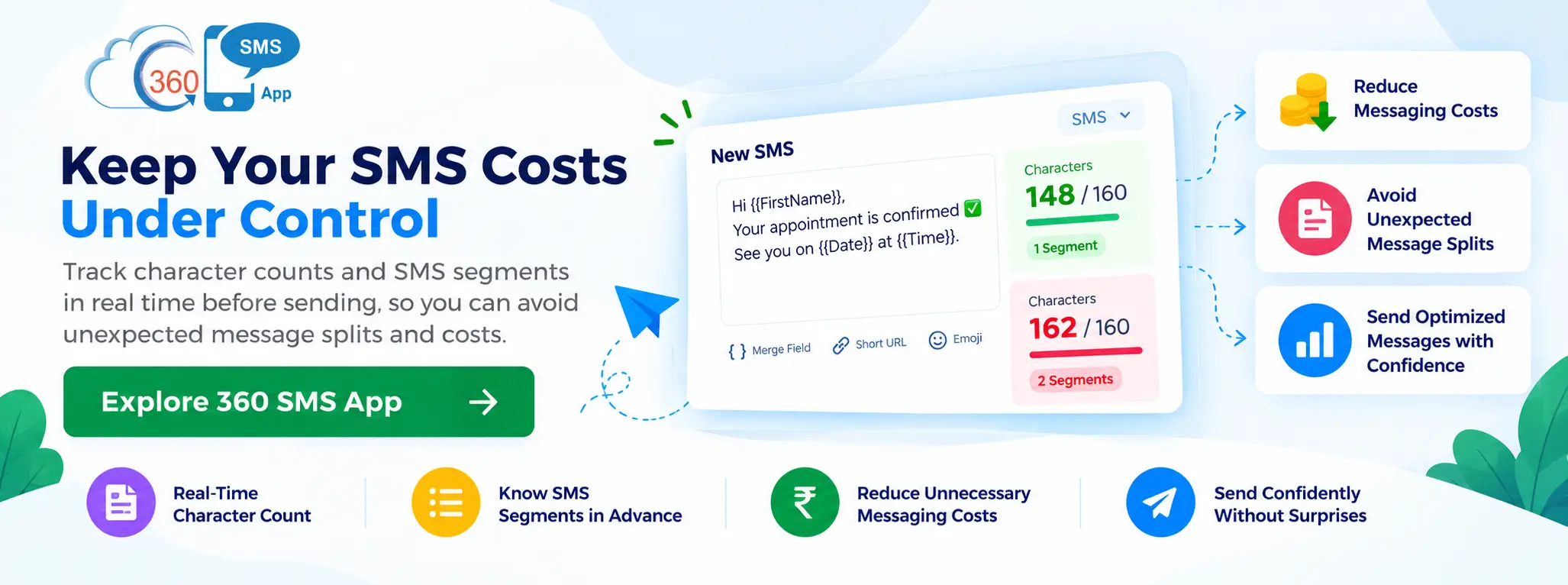
As a rule of thumb, we suggest paying attention to your character set, spaces, quotes, emojis, accents, and copy-pasted text before you run a campaign and during the dry-run. 360 SMS gives you a real-time count of characters available and segments so you’ll always know what you’ll be charged for ahead of time.
For more questions about encoding subtleties and best-practices, dial us up or book a meeting with a texting-expert to know if your SMS campaigns can do more to control SMS costs aggressively. You can also write to us at sales@360smsapp.com.