


THE SUCCESS OF ANY BUSINESS DEPENDS ON HOW YOU SERVE, CONNECT, AND MARKET YOUR PRODUCTS OR SERVICES. IN FACT, GOING BY HELP SCOUT’S STATISTICS, AFTER ONE NEGATIVE EXPERIENCE WITH A COMPANY, 51% OF CUSTOMERS WILL NEVER DO BUSINESS WITH IT AGAIN.
Source: Help Scout’s Statistics
With stellar open rates and response-times, texting automation beats all competition when it comes to driving customer-centricity. It’s enabled industries to redefine their existing customer engagement strategies and improve user experience, eliciting responses while recipients of an SMS are still willing to engage.
According to research, customers respond extremely fast to text messages, and it takes the average person only 90 seconds to respond to a text message.
The introduction of a Salesforce-native texting app like 360 SMS takes this further, letting companies reach out to more people effortlessly in a single go.
Source: GSMA- RCS
Table of Contents
The 360 SMS Feature Set
Though the app’s core features are completely structured and well-thought-out with innumerable features to accommodate messaging needs, 360 SMS lays claim to a few more extraordinary capabilities that make it the ultimate choice for enterprise texting.
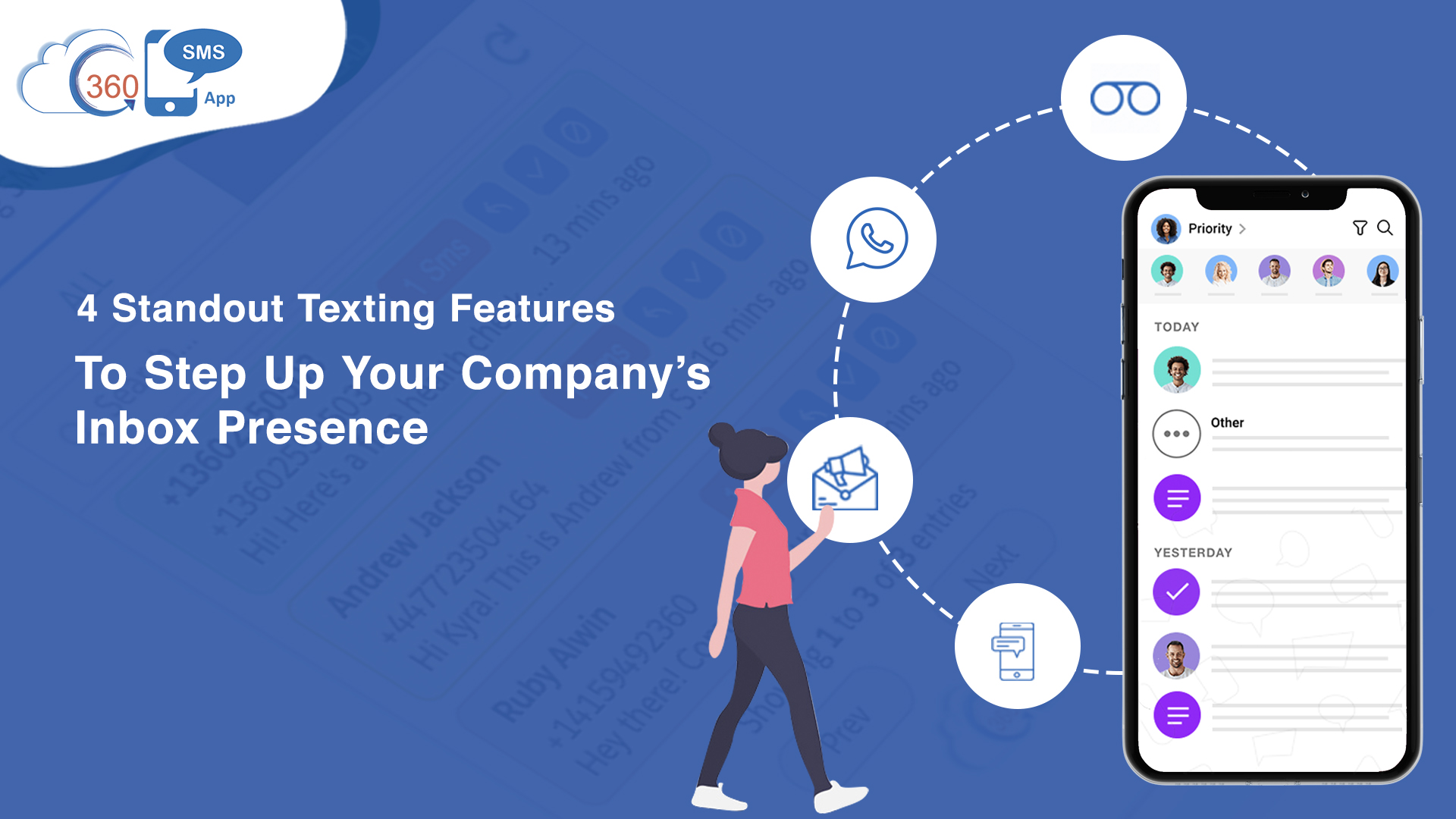
Here’re 4 of them that help your enterprise whip up a delightful SMS inbox presence.
1. DRIP CAMPAIGNS
These are essentially pre-scheduled, templatized messages you’d send to select audiences, similar to an email campaign, only more potent.
With its extended features, 360’s Drip Campaigns let you automate payment follow-ups. Further, you can serve customers, students, vendors, partners, etc. with on-boarding messages in the initial phase of their journey.
Cutting down the sales rep’s time, it works well to educate prospects, generate inquiry, and keep leads responsive.
It’s also worth mentioning that the feature enables marketers to steer clear of users’ blocklist, and save other SMS campaigns from getting affected.
2. CONVERSATION MANAGER
As the name suggests, it’s a one-stop feature that fulfills almost every requirement to manage messages effortlessly.
Whether you’re dealing with a single message or bulk of SMS/MMS, using conversation manager, you can simply send, receive, and filter messages as per your requirement.
The feature provides different functionalities and allows you to squeeze desired information using a filtered view.
Thus, you can simply single out records and send custom messages to users.
With this feature, you can simply distill SMS conversation for designated services and trigger appropriate next-steps.
3. RINGLESS VOICEMAIL
This feature has completely redefined the texting landscape and has introduced users with a new experience.
Ringless Voicemail feature has enabled agents to cut down typing time and send voice messages to their prospects within seconds.
Despite the different geographical locations of the users, the feature equips you to send voice text across the world.
The best part is, even for voice messages, the sender’s phone number remains the same at recipients’ end.
And despite the audio text length, the cost per drop is invariable. You may notice a slight change with prices hovering over $0.075 – $0.125 per voice message across service providers with a change in volume.
4. WHATSAPP MESSAGING
360 SMS App’s WhatsApp messaging feature empowers you to send 1-to-1 as well as bulk Whatsapp messages to users.
Direct promotional messages usually frustrate users and decrease the likelihood of reading text, but with WhatsApp, the absence of direct promotions leads to a higher chance of getting messages read by users.
The idea is to send non-promotional requests to reply through SMS with auto-response keywords and from WhatsApp into an SMS conversation where promotions are allowed.
Also, to automate the process, you can simply trigger WhatsApp messages from the Process Builder, Campaigns, Reports, and Flows.
Moreover, you can preview sent messages from SMS and WhatsApp trail in the same pane under Conversation View, before proceeding with the conversation any further.
CONCLUSION
The above-mentioned specific features have answered some perennial business problems, unraveling even more latent potential in texting for business ventures. They open up businesses to new combinations and possibilities of engagement, all while building on the proven advantages of the texting medium.