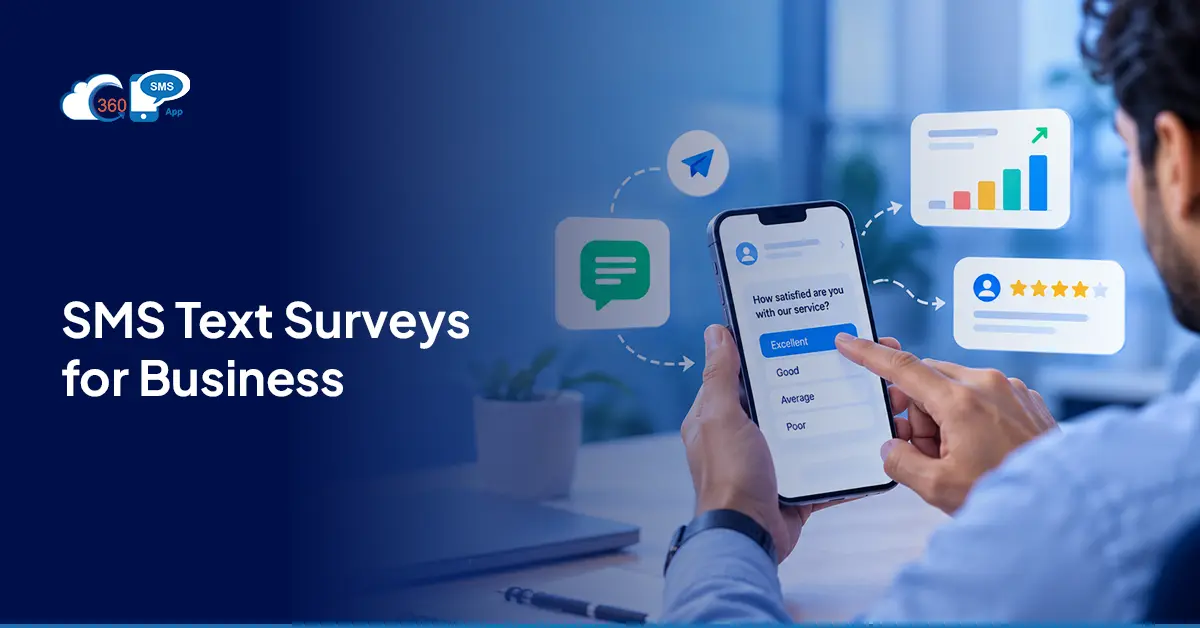
98% open rates. Responses in under 90 seconds. And yet most teams are still emailing surveys out and calling it a feedback strategy.
Email open rates sit below 20%. Survey completion rates drop even further from there. So if people aren’t opening the message, they’re not filling out anything inside it. That math doesn’t change no matter how good the questions are.
Running a survey via Salesforce texting is a different setup entirely. Replies land on Salesforce records the moment they come in, which means the gap between customer feedback and your CRM data closes without anyone exporting, importing, or manually entering a thing. That’s what 360 SMS App’s built-in SMS survey tool for Salesforce handles, from trigger to captured response, without leaving Salesforce.
Table of Contents
How Does a Text Survey Actually Work in Salesforce?
Not the way most people picture it.
No portal to log into. No third-party form builder. No link the customer has to click and then abandon halfway through because they’re on a bus.
A text survey is a Q&A flow, triggered from Salesforce, completed when the customer replies to an SMS. One message, one reply, data on the record. That’s the whole mechanism.
Knowing how to text a survey effectively starts with picking the right format. Single-question surveys are fast: a rating, a yes/no, a 0-to-10 score. The customer replies once and it’s done in under 30 seconds.
Multi-step branching surveys go further. The customer’s first reply shapes what comes next, so the follow-up question stays relevant to what they said. That’s the thing about branching logic: a low satisfaction score doesn’t just get logged. It fires a question asking what went wrong. The conversation adjusts itself. Which is a very different experience than a generic five-question form.
4 Business Use Cases for Text Surveys via Salesforce
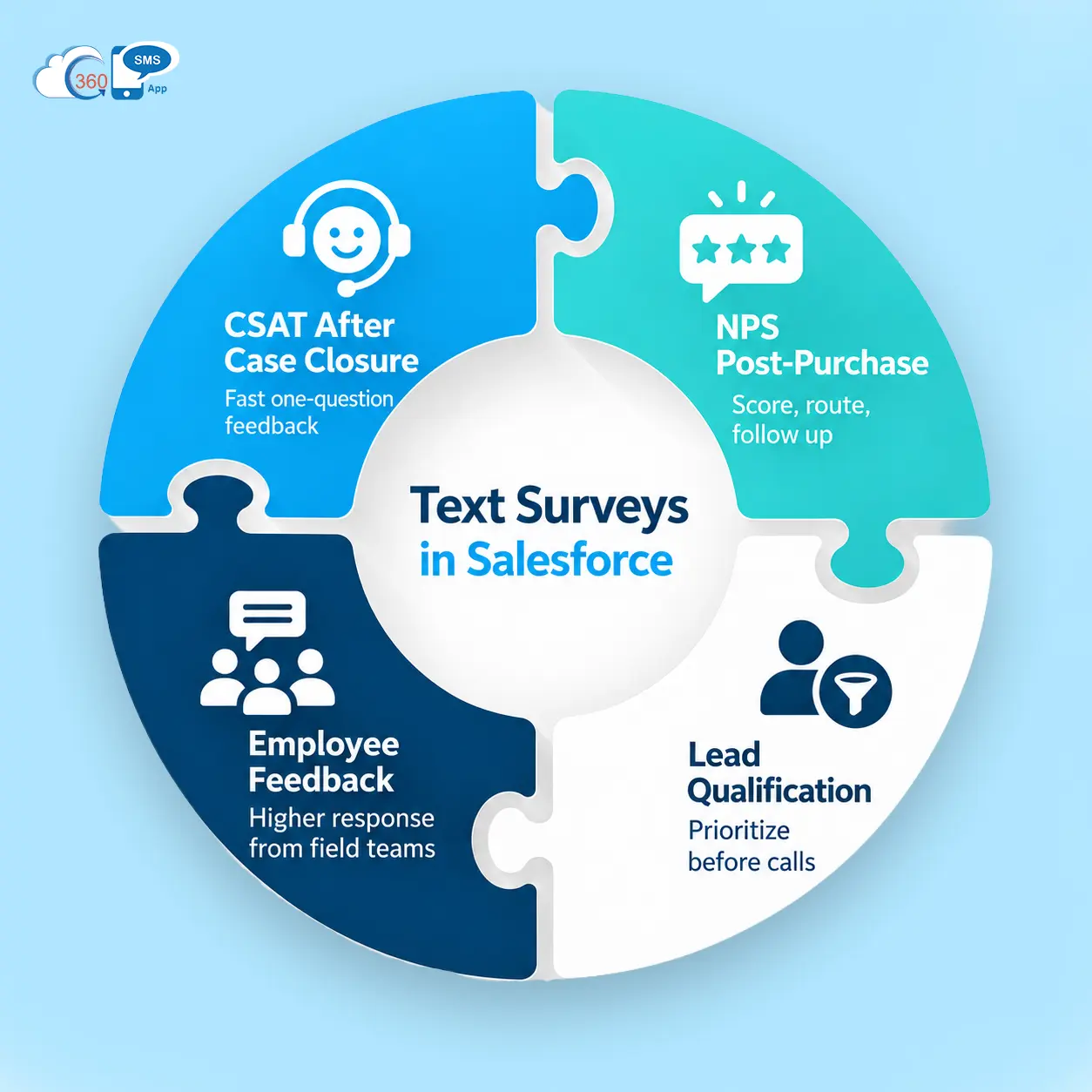
CSAT After Case Closure
One question. One reply. In practice, this is the use case that produces the cleanest data, because the experience is fresh and the ask takes 15 seconds. Send it the moment the case closes.
NPS Post-Purchase
Send a 0-to-10 likelihood-to-recommend question 24 to 48 hours after a transaction. Score the response in Salesforce. Route detractors into a follow-up flow automatically. No manual hand-off.
Lead Qualification Survey
Not every new lead belongs at the top of the call list. A short text message survey with timeline questions- this month, next quarter, just browsing- lets sales prioritize before picking up the phone. Replies update lead fields in Salesforce directly, no data entry required.
Employee Feedback
Worth saying: SMS-based surveys for retail employee feedback are one of the quietly stronger use cases here. Employees won’t open a survey email sent to a work inbox. They do reply to a text. Response rates for internal pulse checks are meaningfully higher, especially for shift workers or field teams who don’t sit at a desk all day, and who aren’t checking email between tasks.
Text Survey Examples: What Good SMS Surveys Look Like
Look, most text survey examples you’ll find online are clinical and awkward. Nobody replies to “Please rate your experience on a scale of 1 to 10, where 1 is very dissatisfied.” Here’s what actually gets responses:
CSAT:
“Hi [Name], how was your support experience today? Reply 1 (Poor) to 5 (Excellent).”
NPS:
“Hi [Name], how likely are you to recommend us to a colleague? Reply 0 to 10.”
Lead Qualification:
“Hi [Name], what’s your timeline? Reply A (This month), B (Next quarter), or C (Just browsing).”
Short. One ask per message. Conversational enough to feel like a text from an actual person. Surveys that feel like surveys don’t get completed. That’s just true.

How to Send a Text Survey via Salesforce (Step-by-Step)
No third-party tools. No data exports. Here’s the process inside the 360 SMS App:
- Open the iText builder inside Salesforce. Drag-and-drop setup. No code, no developer, no ticket raised to IT.
- Add your question and response options. One question per step. Three or four choices at most.
- Build branching paths. Define what fires after each possible reply.
- Set up response-triggered Salesforce actions. Low NPS score auto-creates a follow-up task. Qualified reply updates an opportunity stage.
- Connect to a Salesforce Flow trigger. Fires the survey when a case closes, a lead gets created, or an opportunity stage changes.
- Watch replies land on records in real time. Nothing to retrieve. Nothing to paste. It’s already there when your team opens the record.
Automating Surveys from Salesforce Flows
Once the survey’s built, Salesforce Flow handles the triggering.
Case status changes to Closed, opportunity moves to Closed Won, new lead record created. Pick the event. Set a 15 to 30-minute delay after it fires. In practice, that gap lifts response rates, because the customer’s had a moment rather than getting a survey the same second their case was marked resolved.
The most reliable SMS message survey from Salesforce setups do two things automatically: they write the reply back to a Salesforce field, and they branch into the next question or action based on what came in. Your team opens the record. The data’s already there. Most teams don’t realize how much manual work that removes until they’ve actually seen it run for a week.
Compliance: The Part You Can’t Skip
TCPA rules apply to text surveys the same way they apply to any commercial SMS. Prior express written consent is required before sending. Every survey message needs a clear opt-out instruction: “Reply STOP to opt out.” Quiet hours restrict sending to 8 AM to 9 PM in the recipient’s local time zone.
360 SMS App manages consent capture and opt-out removal inside Salesforce automatically. If someone replies STOP, they’re off the list before anyone on your team has had a chance to manually remove them.
And the best part: AI even understands the customer message intent and handles opt-out requests automatically, even if the keyword is not present.
To be fair, this is the piece most organizations underestimate until they’re managing volume at scale and realize they’ve been relying on a manual process that doesn’t hold up.
What Actually Lifts Response Rates
Honestly, timing matters more than most people expect.
Surveys sent within two hours of the triggering event pull around 32% more completions than those sent the next morning. One metric question followed by one optional open-text field beats longer formats consistently. Personalize with Salesforce merge fields: “Hi Sarah” lands differently than a generic opener. Keep the format conversational. It should feel like a text from someone who genuinely wants to know the answer, not a form wearing a text message costume.
Final Thoughts
Running a survey via Salesforce texting isn’t really a channel decision. It’s a data quality decision. When a reply lands on a Salesforce record and fires the next action without anyone touching it, the survey stops being a separate feedback exercise and becomes part of how the team actually operates. 360 SMS App makes that setup possible without adding another platform to manage. The feedback gets captured, the record gets updated, and the follow-up action fires. It either works that way or it doesn’t, and most teams find out which once they’ve set up the first automation.