SMS gateway provides the most convenient and quick means for organizations to convey vital information effectively at scale. Texts foster two-way communication which makes it easier for agents to interact, engage, build, and nurture relationships with customers. But unfortunately, there’s no default functionality to send a text message from Salesforce.
This is where the Salesforce text messaging app and mass texting app on AppExchange come into the picture.
By installing a business texting app in Salesforce from AppExchange, users can extend the capability of their Salesforce org and send and receive text messages.
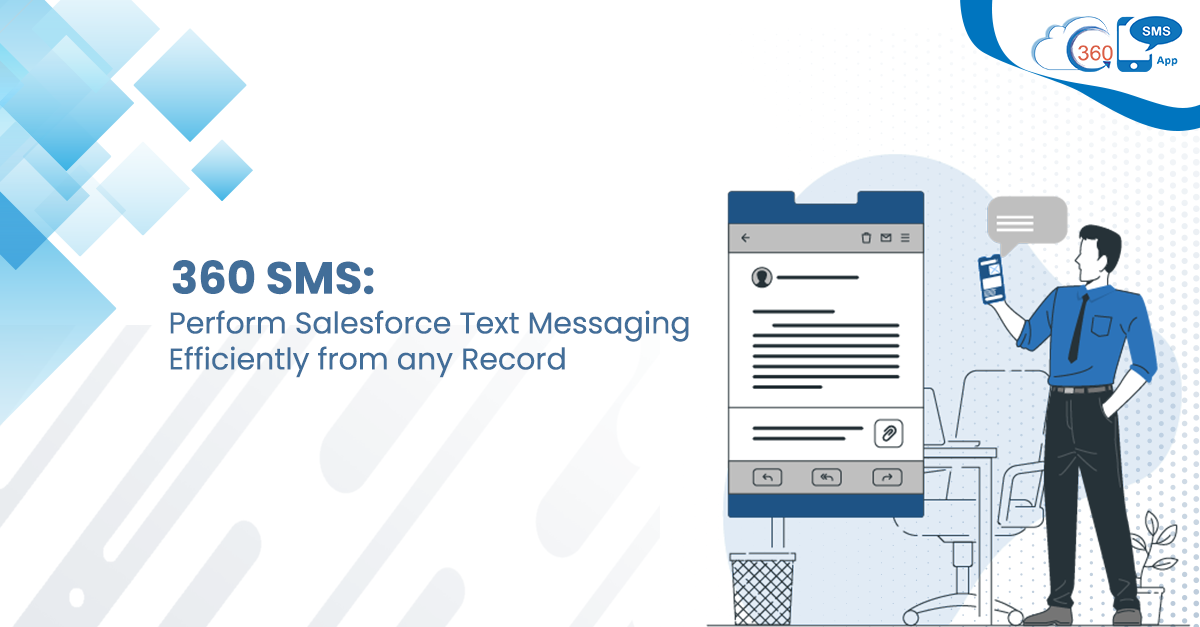
Also, you can perform Salesforce text messaging from any record.
Table of Contents
360 SMS for Convenient Texting
360 SMS is a Salesforce texting solution that’s native to it and eliminates the need for a separate mass text message app from Salesforce.
It’s because it provides out-of-the-box capabilities to users and allows them to perform scalable texting without any threshold on the recipient selection.
So, whether it is about sending a Salesforce single text message or in bulk, 360 SMS allows you to perform texting operations much more conveniently, either navigating to the record page or through a custom list.
Salesforce Text Messaging from Records
Making it more convenient for users, 360 SMS makes it feasible to send messages from records. More importantly, 360 SMS message sending capability is not only limited to SMS only.
In fact, it extends to WhatsApp messages as well. Let’s have a look at how you can send text from Salesforce from any record page.
-Navigate to and Lead or Contact record page to whom you want to send the text.
-Click on the ‘Send SMS’ tab, and you’ll get a window where you can create a text message and add attachments.
In this window, you can select the:
- Sender’s phone number
- ‘Device’ to which you want to send a text
- Pre-built ‘Folder’ from the drop-down for quick accessibility
- ‘SMS template’ and ‘Channel’ from which you want a text message to go out, i.e., SMS or WhatsApp
-Lastly, you can click on the ‘Send’ button.
This way, you can send SMS or a WhatsApp message from any record, improving Salesforce text message efficiency.
To view the SMS history of a particular record and pick up the conversation from where you left, you can use the right windowpane called ‘Conversation View’.
Using the Conversation View, you can conversate 1-on-1 with that particular record and provide the required assistance.
Salesforce Text Messaging from Records through Conversation Manager
360 SMS, a texting app from Salesforce, provides you the feasibility to send SMS from records using Conversation Manager. Conversation Manager is a single-window console that lets you perform most of the MessagingOps. So, using this feature, you can conveniently perform text messaging on Salesforce and send single or bulk messages. Here’s how you can do it.
As you open Conversation Manager, you can select and open Lead, Contact, or Account List Views in the left window pane. From here, you can select the record to whom you want to send a text. Also, you can choose multiple Salesforce records if you wish to send messages in bulk.
In the case of single SMS, as you select the record, you can view record details using the ‘Detail’ tab in the right window pane or send an SMS using the ‘SMS’ tab.
Batch Texting from 360 SMS App
Being the best texting app on Salesforce for bulk texting, 360 SMS lets you perform scalable texting effortlessly and time-efficiently. You can customize and use List Views, reuse your existing campaigns or use ‘SMS from Reports’ to send messages at scale.
Apart from targeting smaller segments, you could conveniently target millions of prospects and customers in one go without any governor limit on audience size. This no-code text messaging app in Salesforce saves much of your time and effort. This prevents you from selecting recipients one by one for sending bulk messages.
Keep Complex Navigation at Bay, Send Texts Directly from the Record Page
Intricate and time-consuming processes to send a text can hamper the user’s experience. Besides, it could affect their efficiency and productivity too. But that’s not the case with 360SMS. It lets you perform Salesforce text messaging from any record with a zero learning curve and use a familiar interface. As a result, whether you’re sending a single text or in bulk, 360 SMS cuts back on effort and time investment and allows you to connect with audiences on the fly.
To know more about the out-of-the-box capabilities of 360 SMS, get in touch with our experts at care@360smsapp.com or contact us here.