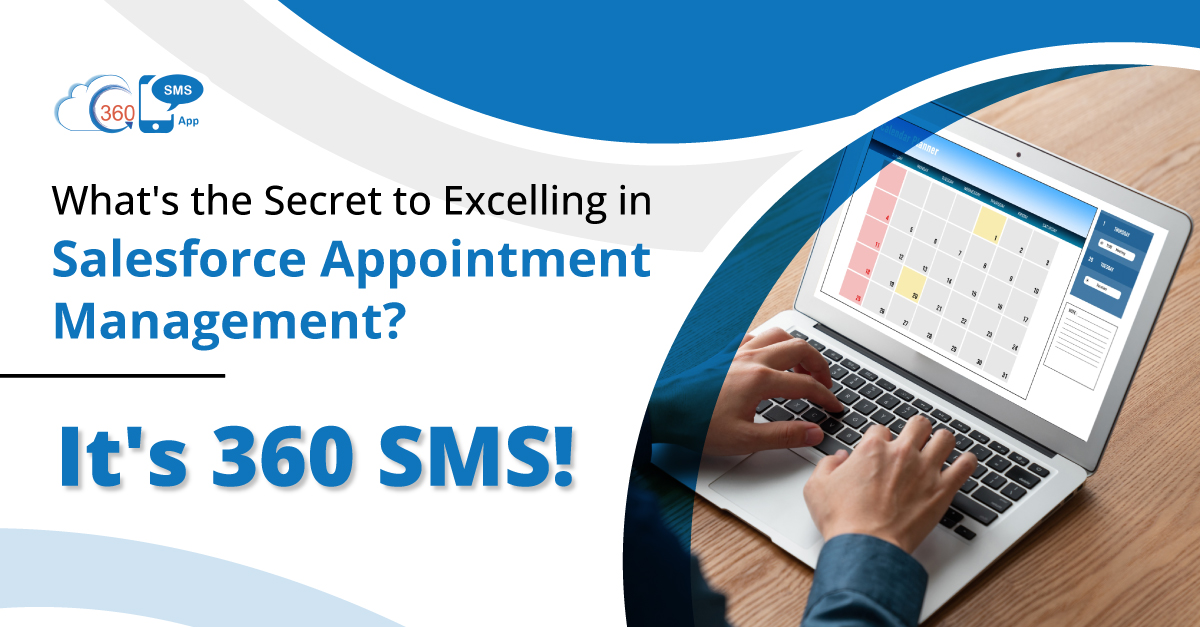
No matter your business vertical, meetings and appointments have always been an integral part of business operations to take them forward. During the sales cycle, Salesforce appointment bookings are often made during the initial phase, while sometimes, they are scheduled before a deal closure.
But undoubtedly, they play a vital role in closing deals smoothly. This makes it critical for businesses to manage appointments and meetings in the best possible manner.
When users manage Salesforce appointments and meetings appropriately, it helps to ensure no-shows at the time of appointment and also adds convenience to prospects and customers. And that’s where texting shines, and people opt for Salesforce SMS API or a texting app to manage appointments.
According to the National Library of Medicine, the lowest no-show rate of 1.90% is recorded when SMS reminders are sent.
Here, 360 SMS can be your perfect pick to book and manage Salesforce appointments in meetings.
In this blog, we will discuss different ways to manage meetings and appointments most effectively and conveniently with the help of 360 SMS and SMS automation for Salesforce.
We will also discuss what kind of concerns of prospects and customers you can resolve while managing Salesforce appointment bookings.
Table of Contents
Managing Salesforce Appointment Bookings with 360 SMS Capabilities
 Send a Calendly Link to Allow Prospects and Customers to Book an Appointment:
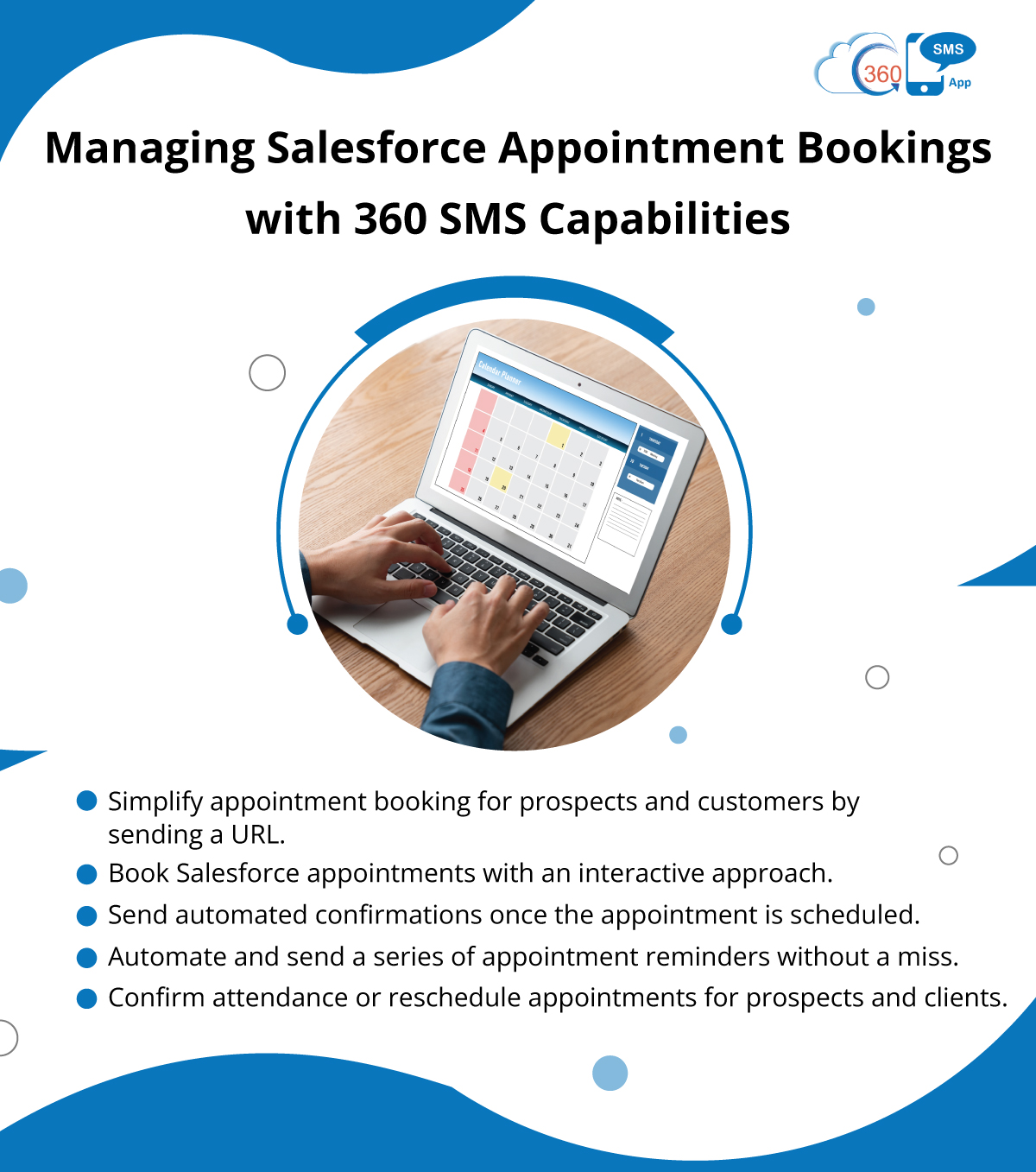
The 360 SMS application as a use case for appointments involves sending prospects and customers a Calendly link through SMS to book an appointment. Originally, forcing URLs into text messages had its challenges because the links were lengthy and took up a lot of character space.
Moreover, some countries prohibit the use of public URL shorteners, which makes them impossible to use.
In response to this issue, users can use the native 360 SMS link shortener. This native link shortener can shorten any link, including Calendly links, making it more convenient for the recipient. This native link shortener guarantees that users will be able to send shortened URLs successfully without character restraints or having to use additional services.
However, they have the option of applying on-brand URLs, which encourages their brand image and professionalism in communication. With this feature incorporated, companies can make appointment booking a much smoother process and offer an improved experience for prospects and customers.
Make Salesforce Appointment Bookings with an Interactive Approach
A good use case for Salesforce SMS API or 360 SMS is when you want to interact one-on-one with prospects and customers regarding available appointment dates; you can avoid sending a Calendly link. This approach is more flexible and engaging, enabling businesses to make an appointment by contacting the concerned persons and choosing a convenient option for both parties.
Conversations: In the process of scheduling appointments, various questions or concerns may need to be discussed directly with the prospect or customer, which allows the business to minimize misunderstandings or issues regarding the appointment. Furthermore, this method is effective in helping businesses foster better rapport with their contacts by offering them a helpful hand, which will, in the long run, help customer satisfaction. In conclusion, it is possible to suggest that the use of 360 SMS for one-on-one appointment scheduling conversations can lead to an increase in efficiency and improved customer convenience.
Send automated confirmations once the appointment is scheduled
360 SMS automation for Salesforce also enables the sending of automatic confirmation with the date, time, and venue upon appointment booking. It also guarantees that both individuals involved receive an instant confirmation of the set appointment, thus reducing any form of confusion. This way, businesses can provide an efficient and reliable way of managing appointments while also delivering a positive customer or prospect experience.
The automated reminder is also useful for the parties as it minimizes the chances of them forgetting the appointment dates and times.
Moreover, the confirmation of the appointment details as soon as possible will leave the clients or prospects with confidence since they will be assured that they are working with a reputable business entity. In general, the feature of sending automated confirmations is useful and has a positive influence on the efficiency of appointment management and scheduling.
Automate and Send Appointment Reminders Without a Miss
A confirmation message close to the booked appointment is very helpful in discouraging no-shows and early arrivals. According to Phreesia, 42% of men and 51% of women mentioned that they would prefer receiving SMS reminders on the next appointment.
Since 360 SMS has the potential to automate the sending of messages directly from Salesforce, businesses can take advantage of the drip campaign option to program a sequence of reminders that are sent at close intervals to the appointment time. This 360 SMS automation for Salesforce can come in handy because it means that the business can set reminders of when to notify the client or prospect so that the latter will be ready for the appointment at the given time.
To avoid high no-show rates, businesses must send reminder notifications at least 24 hours before the appointment, before the appointment time, and even a few minutes before the appointment time. Businesses can automate these reminders to save time and effort. Besides, businesses do not have to focus their attention on the need to remind their clients of their due dates constantly. In summary, the activation of 360 SMS drip campaign capabilities for appointment reminders improves appointment management and has a positive impact on the overall experience of clients.
Confirm Prospects and Customers Presence at the Time of Appointment
When sending the final reminder of an appointment through 360 SMS, the business can include the word or phrase and instruction when the recipient needs to indicate whether he/she will attend or needs to reschedule. To ensure these appointments are confirmed or rescheduled, there should be a specific reminder wording with an invitation to text back these keywords. Such an approach allows businesses to receive instant feedback from clients or potential customers, whereby they can effectively schedule and coordinate their appointments and make the relevant changes if necessary.
Furthermore, using keywords for confirmation makes communication more engaging and interactive, thus augmenting the level of customer satisfaction and making appointment management more responsive and effective. In conclusion, the inclusion of keywords in appointment reminders with 360 SMS is effective because it fosters efficient relations and excellent attendance and scheduling performance for business appointments.
Conclusion
If you are in search of a Salesforce SMS API or an App on AppExchange, you can rely on 360 SMS. In terms of an application, it provides a sophisticated approach for managing Salesforce appointment booking effectively. With its flexibility and various features, businesses can improve their appointment scheduling and increase customer experience with the tool, including the use of the Calendly link, a one-to-one messaging system, automatic confirmation, and reminders.
As a result, by using 360 SMS, one can guarantee optimal communication with clients and prospects, avoid cases when people fail to show up for an appointment and increase appointment attendance rates to the maximum level. Some of the notable benefits of this platform include its great compatibility with saleforce as well as its easy and intuitive interface, making appointment booking a breeze. As to the current situation, 360 SMS provides businesses with an opportunity to enhance their approaches to appointment management and promote themselves as involved and proactive market players across different industries.
Ready to streamline your Salesforce appointment bookings? Reach out to us at care@360smsapp.com or click here to contact us.
CEO Siddharth Sehgal is CEO & Salesforce Communication Guru. He helps businesses grow exponentially by putting their Salesforce CRM on steroids with his unique techniques. He is on a mission to help businesses build deeper relationships with their customers.

Siddharth Sehgal