













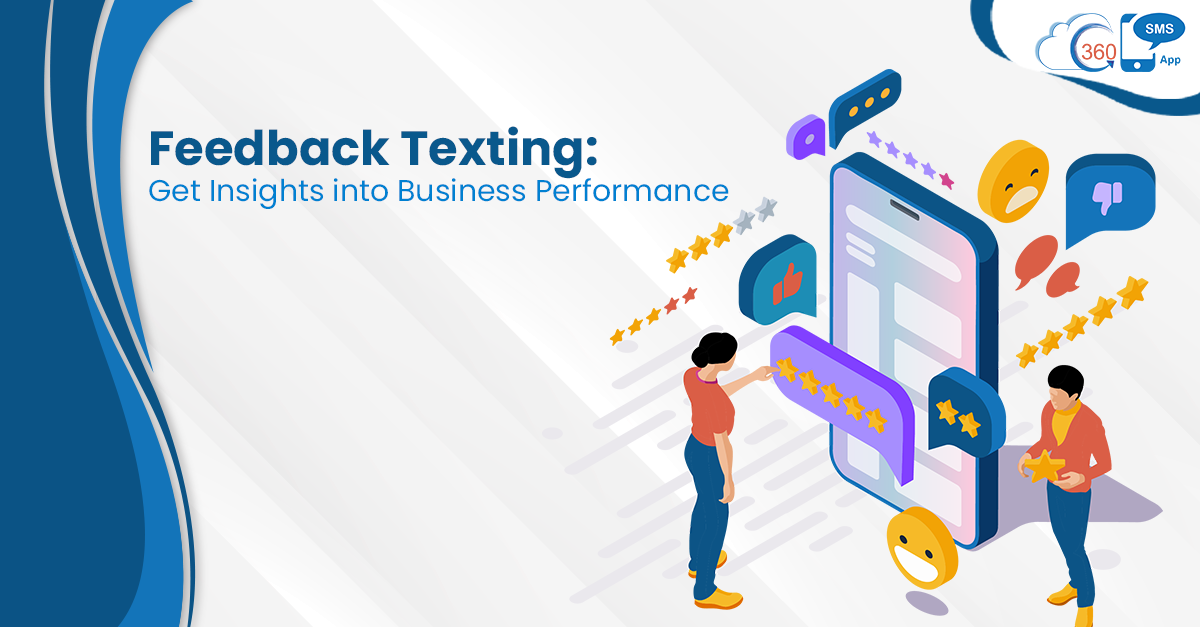
QUICK ANSWER
Feedback SMS is a structured approach to collecting customer responses via text — using automated triggers, two-way messaging, and CRM-native reply logging to capture feedback at the right moment in the customer journey. With 360 SMS App, the full loop — send, reply, log, act — runs inside Salesforce without manual intervention.
Most customer feedback programs share the same quiet failure: the ask lands too late, through the wrong channel, at a moment when the customer has already moved on. A survey email sent 72 hours after a support ticket closes doesn’t capture what the customer felt — it captures a fading memory of it.
Feedback via text message solves the timing problem almost by default. SMS open rates sit above 90%, and most messages get read within three minutes of delivery — which means a feedback SMS sent immediately after a transaction or interaction reaches the customer when the experience is still fresh. That’s the window that matters. Once it closes, the data you collect is useful for trend analysis at best, and noise at worst.
Table of Contents
The Four Moments Where Text Feedback Actually Works
Timing isn’t just a nice-to-have — it’s most of what makes the difference between a 3% response rate and a 35% one. There are four specific moments in the customer journey where a feedback text message lands with enough context to get a real reply. Without whatsapp salesforce integration, those real replies can still end up disconnected from Salesforce, making it harder for teams to act on feedback while the customer context is fresh.
Post-interaction: Right after a support case closes or a service call ends — within ten minutes, ideally. The customer has an opinion and it’s fully formed. A single-question text (“Was your issue resolved? Reply 1 for yes, 2 for no”) gets an answer before the customer closes the app and forgets you exist.
Post-purchase: Triggered by an order fulfillment or delivery event in Salesforce. Not a survey — one question, plain text, sent at the moment the product arrives. “How’s the delivery experience treating you?” hits differently than a feedback form sent a week later.
Renewal and retention windows: Thirty days before a contract renewal, 360 SMS App can trigger an automated SMS asking whether the customer has what they need. The intent isn’t data collection — it’s a signal. A negative reply triggers an alert to the account manager before it becomes a cancellation.
Re-engagement: Customers who’ve gone quiet for 60–90 days. A simple text — “Haven’t heard from you — anything we can help with?” — gets replies that a re-engagement email campaign never would. People ignore emails. They answer texts.
A B2B SaaS team running 360 SMS App added a post-onboarding feedback text fired at day 14 — triggered automatically when a contact’s onboarding stage updated in Salesforce. Reply rate was 41%. Their previous email survey averaged 8%. Same question, different channel, different timing.
Where Most Feedback SMS Programs Break Down
The mistake most teams make is treating SMS as a one-way broadcast channel — send the ask, collect the number, report the average. That’s not texting for feedback. That’s just emailing with a higher open rate.
The actual value is in the reply loop. When a customer texts back “actually, the delivery was wrong” or “nobody followed up on my ticket,” that reply is a service alert — not just a data point. The problem is that most SMS tools aren’t built to catch those replies intelligently. They receive inbound texts, but nobody’s watching, nobody routes them, and they don’t log to the CRM record where the service team can act. When feedback starts coming through SMS, WhatsApp, and social channels, Salesforce Digital Engagement can give service teams a more connected way to manage those conversations inside Salesforce instead of chasing replies across separate inboxes.
Feedback text message programs that can’t handle inbound replies aren’t feedback programs — they’re surveys with better open rates.
360 SMS App’s two-way messaging changes that calculus. Every reply from a customer lands on their Salesforce record automatically — no manual logging, no separate inbox. If the reply triggers a condition (say, a score below 3 or the word “unhappy”), a Flow can fire an alert to the account owner. The feedback becomes an action, not an archive.
Want to Set Up Customer Feedback SMS in Salesforce?
Automated triggers, two-way reply logging, NPS and CSAT scoring — all inside your CRM.
SALESFORCE NATIVE · TWO-WAY MESSAGING
How 360 SMS App Handles Feedback Collection Inside Salesforce
The architecture is simpler than most teams expect. No separate feedback platform, no Zapier integration, no spreadsheet dump. It works like this.
A Salesforce Flow triggers an outbound text message — keyed off a field update, a case closure, a date-based condition, whatever makes sense for the feedback moment. The message uses merge fields from the CRM record so it reads like a personal text, not a mass campaign: “Hi [First Name], [Agent Name] here — just checking in after your call today. How’d we do? Reply 1-5.” That personalization alone increases response rates meaningfully. A generic “Please rate your experience” gets ignored. A message with the customer’s name and the agent they just spoke with gets answered.
When the reply comes back, 360 SMS App logs it directly on the contact or case record. If you’re using automated messaging workflows with keyword detection, specific replies — a score of 1 or 2, a word like “disappointed” — can trigger a follow-up action automatically. Route to a supervisor queue. Fire a re-engagement drip. Update a sentiment field on the account. The feedback doesn’t just get collected; it gets acted on while it’s still relevant.
For teams running SMS analytics and reporting, every text conversation — outbound ask, inbound reply — is logged and query able from inside Salesforce. You can run a report on average satisfaction scores by product line, by agent, by region, by quarter. You couldn’t do that with a feedback form that lives in a separate tool.
Text Messaging for Customer Feedback vs. Other Channels
Worth being direct about this: SMS isn’t always the right feedback channel. Long-form satisfaction surveys, detailed NPS comments, or complex product evaluations don’t fit well in a text message. But for transactional feedback — “was this interaction good or not?” — it’s hard to beat.
| Channel | Avg. Open Rate | Best For | Limitation |
|---|---|---|---|
| SMS / Text | 90%+ | Transactional feedback, NPS, post-interaction scores | Not suited to long-form surveys |
| 20–25% | Detailed surveys, product evaluation | Low response rate, timing delay | |
| In-app | Varies widely | SaaS product feedback | Only reaches active users |
| Phone call | — | High-value accounts, relationship-driven | Doesn’t scale, resource-intensive |
Most teams that do this well combine channels strategically rather than choosing one. A feedback text collects the quick transactional signal immediately after an interaction. If the score is low, an account manager follows up by phone. If the customer indicates interest in leaving a more detailed review, the follow-up SMS sends a link. The CSAT improvement loop works because text feedback catches problems that email feedback never would have surfaced.
Setting Up an NPS or CSAT Program with 360 SMS App
You don’t need a survey platform for this. The setup lives entirely inside Salesforce.
Create a custom field on your Contact or Case object — “NPS Score” or “CSAT Rating” works fine. Build a Salesforce Flow that fires when the relevant trigger condition is met (case closed, order fulfilled, onboarding stage updated). The Flow sends an outbound SMS through 360 SMS App asking for the rating. When the reply comes back, a second Flow step reads the inbound message and updates the custom field automatically. From there, your existing Salesforce reporting infrastructure can slice that data however you need it.
The piece that trips teams up is the conditional logic on replies. A reply of “9” and a reply of “2” need to trigger different follow-up actions — and getting that routing right is where 360 SMS App’s keyword and reply detection earns its place. Set a threshold in the Flow: scores under 7 trigger an internal Chatter notification to the account owner. Scores of 9 or 10 trigger a follow-up message asking for a public review. The Salesforce survey and feedback setup runs fully automated once configured — no one manually reading replies and updating records.
Build Your NPS or CSAT Feedback Loop in Salesforce
Tell us your use case — post-interaction, post-purchase, retention — and we’ll map the setup live on a demo call.
AUTOMATED TRIGGERS · REPLY LOGGING · CRM-NATIVE
FINAL THOUGHTS
The teams getting the most out of feedback SMS aren’t necessarily collecting more data — they’re acting on it faster. When a negative score triggers an immediate alert to the account manager, the customer who was about to churn quietly gets a call. That’s not a reporting exercise. It’s a retention mechanism. And the only reason it works is because the reply loop is closed inside the CRM, not dumped into a spreadsheet three days later.
Questions? We’ve Got Answers
Recent Blogs
WhatsApp Templates in Zoho CRM: Approval Guide
One message. Sent. Rejected. And now you’re staring at a status that just says “Rejected,” with basically zero explanation of…


360 SMS App vs SMS-Magic: Which Zoho CRM Texting App Is Right for You?
Two names keep coming up when Zoho CRM admins go looking for a texting solution. SMS-Magic’s been on the Marketplace…
Zoho CRM WhatsApp Use Cases: What Sales, Support, and Ops Should Actually Send
You’ve got WhatsApp connected to Zoho CRM. Now what? That’s usually where the excitement stalls. Setup felt like progress. Then…